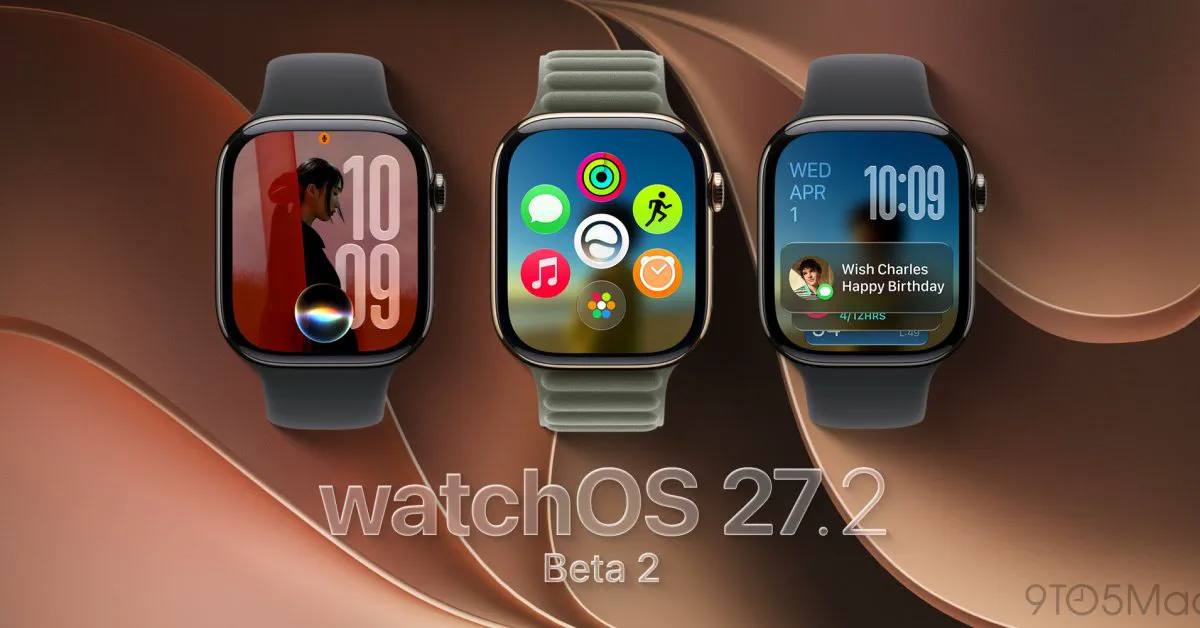
Apple has reinstated the Apple Watch App Switcher in the newly seeded watchOS 27.2 beta 2, addressing intense user frustration following the software’s autumn overhaul. Instead of reviving the legacy hardware shortcut, the second developer beta introduces a brand-new touch gesture that allows wearers to flip between recently used applications and dismiss unresponsive tasks directly from the display.
The unexpected removal of the App Switcher in watchOS 27 generated immediate backlash among long-time smartwatch owners. For years, double-pressing the Digital Crown had been the primary mechanism for toggling between active tools or jumping back to a previous workout. By engineering an alternative touch mechanic, Apple appears to be seeking middle ground between supporting its latest hardware features and preserving fundamental usability.
What Apple Changed in watchOS 27.2 Beta 2
Apple seeded the second beta builds of watchOS 27.2, iOS 27.2, tvOS 27.2, and visionOS 27.2 to registered developers on September 21, 2026. While minor bug fixes dominated the release notes, testers quickly noticed an unannounced reversal in watch navigation. First identified by community members on the Apple Den Discord server and shared by tester Bones on X, the update officially re-activates the stacked card carousel of running applications.
The revived view is not tied to the Digital Crown's physical clicks. Instead, Apple has built a software trigger directly into the watchOS interface. When opened, the view brings back the familiar card-based layout where each recent application is presented as an interactive snapshot of its last known state.
Testers report that the interface looks and feels nearly identical to the switcher found in watchOS 26, maintaining smooth animations and responsive haptics when scrolling through previous sessions.
How the New App Switcher Gesture Works
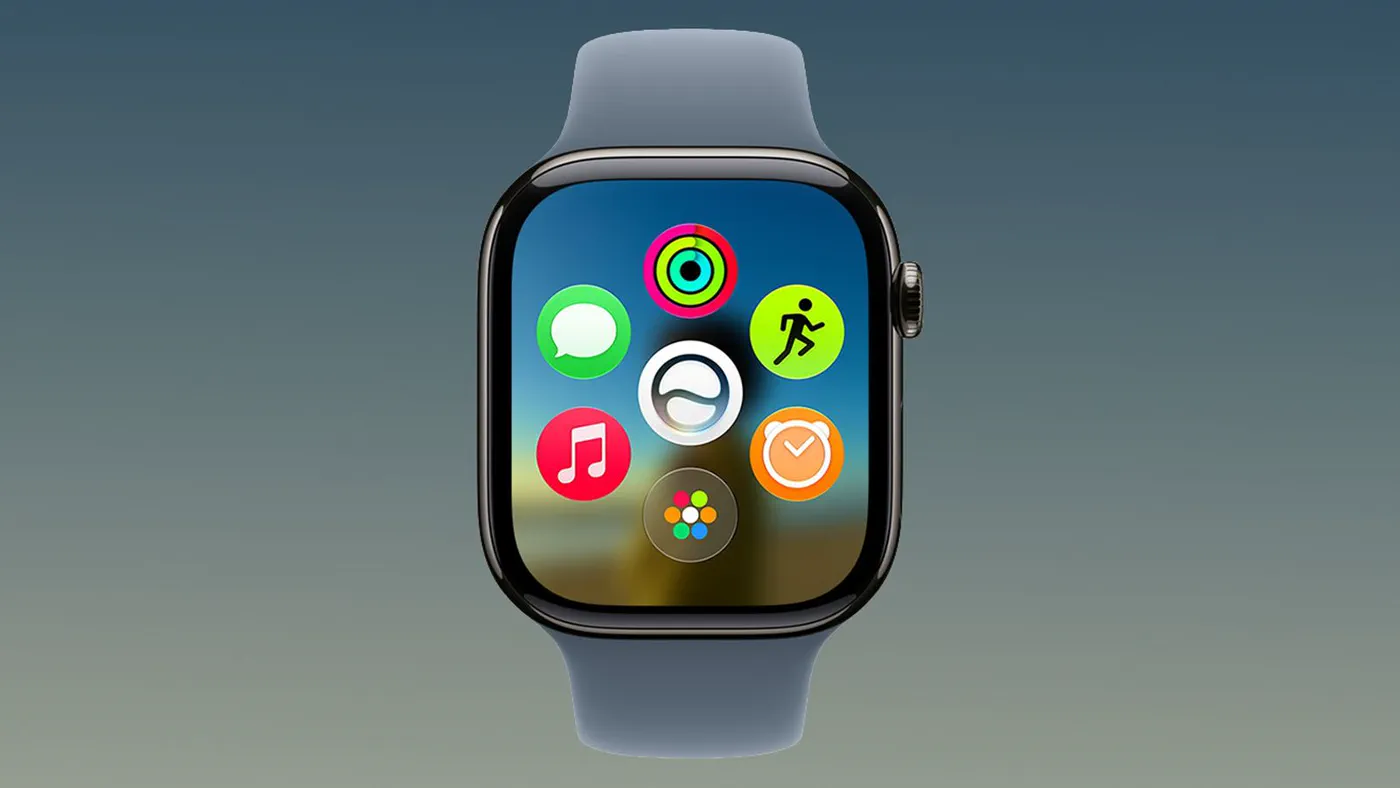 Photo: macrumors.com (source)
Activating the App Switcher in watchOS 27.2 beta 2 requires a specific interaction pattern while an application is actively displayed on screen. Users can no longer summon the menu while resting on the watch face; instead, the gesture is context-sensitive to active software.
To access recent apps using the new system, users follow these steps:
- Initiate the Hold: While inside any open watch app, press and hold your finger near the bottom bezel of the display.
- Engage the Carousel: After a brief haptic pulse, slide upward or release to reveal the stacked, card-style App Switcher.
- Navigate Recent Tasks: Turn the Digital Crown or flick a finger vertically across the screen to scroll through recently accessed applications.
- Switch Apps: Tap any application card in the stack to bring it immediately to full screen.
- Force Quit: Swipe an app card to the left and tap the red "X" icon to kill a frozen or unresponsive process.
| Input Action | watchOS 26 | watchOS 27.0 | watchOS 27.2 Beta 2 |
|---|---|---|---|
| Single Click Crown | Home Screen / App Grid | Dynamic App Grid Launcher | Dynamic App Grid Launcher |
| Double Click Crown | Open App Switcher / Swap Recent | Live Rewind (Series 12/Ultra 4) / App Grid (Older) | Live Rewind (Series 12/Ultra 4) / App Grid (Older) |
| Press & Hold Bottom Edge | Unassigned / Complication Edit | Unassigned | Opens App Switcher |
| Card Swipe Left + Tap 'X' | Force quit application | Feature unavailable (Switcher removed) | Force quit application |
The Controversy: Why Apple Axed the Double-Click Shortcut
The sudden disappearance of the App Switcher when watchOS 27 launched on September 14, 2026, caught regular users off guard. Apple needed a universal hardware trigger for one of its marquee Audio Intelligence capabilities: Live Rewind.
Powered by the new S11 chip on the Apple Watch Series 12 and Apple Watch Ultra 4, Live Rewind functions as an ambient conversational safety net. When a user double-clicks the Digital Crown on those devices, the watch instantly pulls up a text transcription of the previous 15 seconds of spoken audio picked up by the microphone array. Apple processes this audio locally using an on-chip Secure Exclave, chiming audibly and flashing an on-screen recording ring to alert surrounding parties before deleting temporary audio buffers.
Because Apple assigned this double-click action exclusively to Live Rewind, the existing multitasking navigation had to be displaced. However, Apple also removed the shortcut on older hardware that completely lacked support for Live Rewind.
The Hardware Gap Across Older Apple Watches
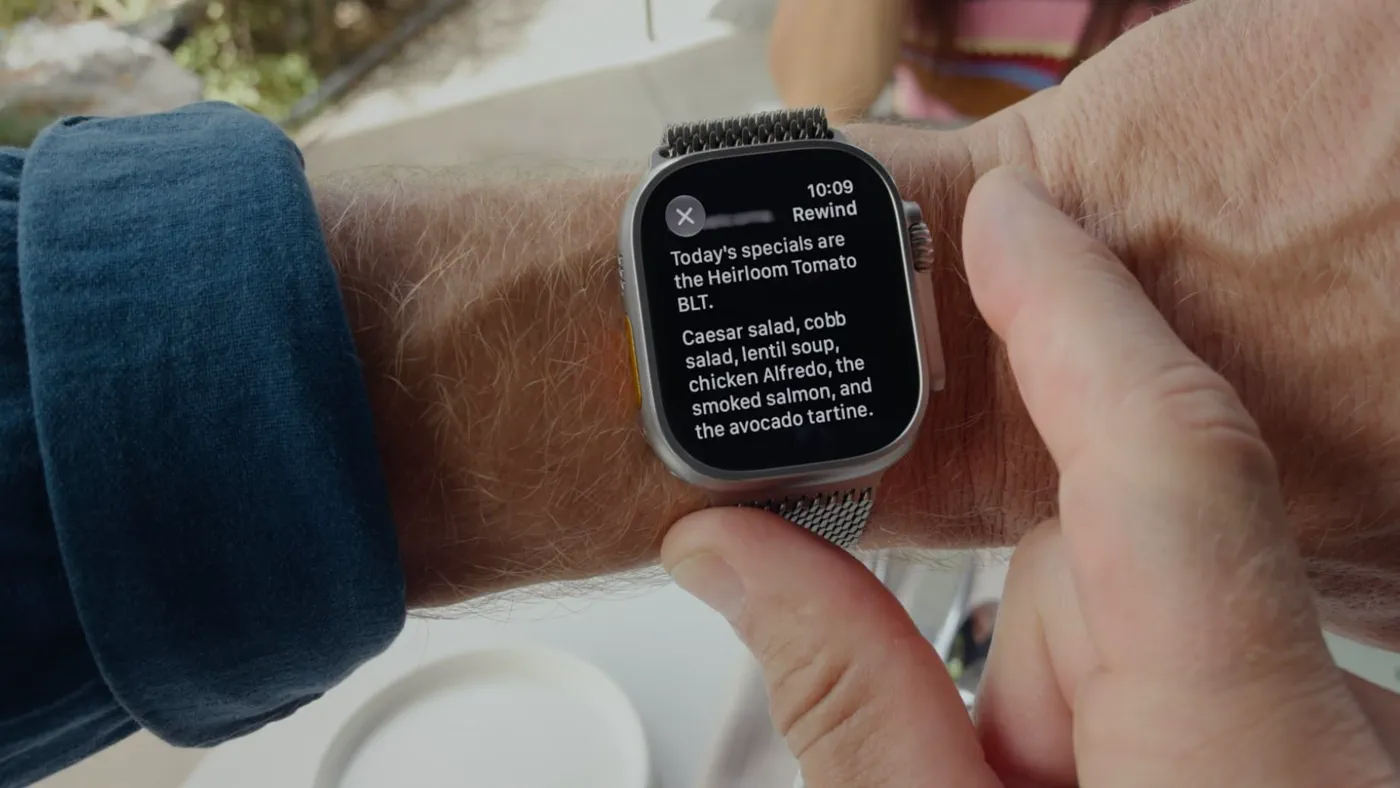 Photo: macrumors.com (source)
The decision sparked particular outrage among owners of older devices, including the Apple Watch Series 11, Ultra 3, and SE 3. Because Live Rewind requires the S11 system-in-package and its specialized Neural Engine architecture, older models cannot run the feature. Yet, when these devices upgraded to watchOS 27, double-clicking the Digital Crown was reprogrammed to open the Dynamic App Grid—the identical action executed by a single press.
This created a frustrating redundancy: an essential navigation button performed the exact same task whether clicked once or twice. Apple did not include a toggle in the Settings menu to revert the double-click behavior, stranding millions of users without quick app jumping or a straightforward method to terminate frozen apps.
Long-standing routines—such as double-clicking the Crown to toggle between the native Workout tracker and Spotify or Apple Music during a run—were suddenly impossible.
Community Feedback and Tester Reactions
Following the public launch of watchOS 27, discussion boards on Reddit, MacRumors, and the official Apple Support Communities filled with thousands of complaints. Many users described their watches as feeling "broken" or hobbled by change purely made for artificial intelligence features.
"The app switcher was a core part of how I used the watch. Bring it back right now," wrote one verified member on MacRumors forums shortly after the operating system shipped.
Testers running watchOS 27.2 beta 2 have welcomed the reappearance of the carousel, noting that being able to clear crashed apps without restarting the hardware resolves one of the release's biggest oversights. However, some community members on X have voiced reservations about the new gesture mechanics, observing that pressing and holding the screen edge requires two-handed interaction, whereas the classic Crown double-click was an effortless physical tap.
Practical Advice for Everyday Users
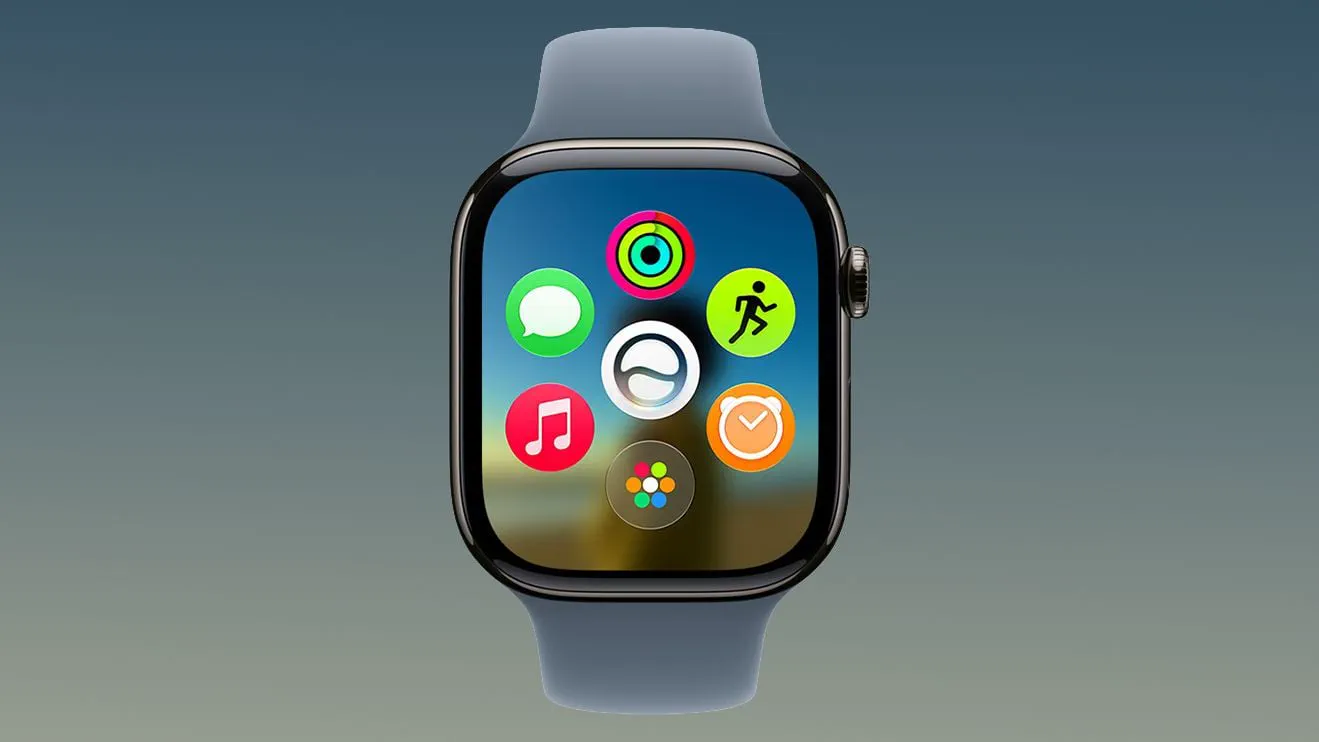 Photo: macrumors.com (source)
For Apple Watch wearers navigating the current software landscape, practical options depend on whether devices are registered in developer testing:
- If Running Stable watchOS 27.0: Double-clicking the Digital Crown cannot be remapped through system preferences. To jump between common tools like Audio and Workouts, users must rely on Smart Stack widgets or navigate back to the main dynamic launcher.
- If Handling Frozen Apps in watchOS 27.0: Without the switcher screen, users facing an unresponsive app must hold the Side Button until the power menu appears, then press and hold the Digital Crown to force-quit the foreground application.
- If Running the watchOS 27.2 Beta: Testers should ensure their device is updated to build 27.2 beta 2 via the paired iPhone's Watch app under General > Software Update > Beta Updates. Practice the long-press at the very lower margin of the active screen to become accustomed to the new activation area.
What Happens Next and Unanswered Questions
Because watchOS 27.2 is only on its second beta build, user interface behaviors could still evolve before reaching consumer wrists. Apple typically runs through four or five beta iterations over six to eight weeks before distributing a final Release Candidate. This places the likely public release of watchOS 27.2 toward late autumn 2026.
Several open questions remain for future software builds:
- Will Apple introduce a software toggle allowing older Apple Watch owners—who cannot use Live Rewind—to restore the classic Digital Crown double-click behavior?
- Will third-party apps with controls positioned near the bottom edge suffer from accidental activations during normal taps?
- Does Apple plan to expose customizable gestures within watchOS Accessibility settings for users who find edge pressing difficult on smaller 41mm or 42mm casings?
As developer evaluation continues over the coming weeks, beta testers will be watching closely to see if Apple refines the sensitivity of the gesture or broadens configuration options across device families.
FAQ
How do you open the App Switcher in watchOS 27.2 beta 2?
While inside any open watch app, press and hold the lower edge of the display until the card-style App Switcher appears, then navigate your recent apps with the Digital Crown or touch.
Why was the App Switcher removed in watchOS 27?
Apple repurposed the Digital Crown double-click shortcut to launch Live Rewind, an Audio Intelligence feature that reads back the previous 15 seconds of conversations on newer watch models.
Does the new gesture work from the watch face?
No, the press-and-hold gesture is designed to work while viewing an active application rather than resting on the primary watch face.
Can you change the double-click shortcut back on older watches?
Not currently; in both watchOS 27 and watchOS 27.2 beta 2, there is no setting to re-assign the Digital Crown double-click action to the App Switcher.
When will watchOS 27.2 launch for all Apple Watch users?
Following developer and public testing cycles, watchOS 27.2 is broadly expected to see a public rollout in late autumn 2026.