Tech enthusiasts are turning to autonomous AI agents to revive sluggish smart TVs, but software analysts warn that granting AI tools direct administrative control over your living room display is a recipe for disaster. The trend took off after software engineer Mert Cobanov published a guide showing how Anthropic’s Claude Code cleaned up his four-year-old Android TV via local network debugging, dramatically improving system fluidity. While the prospect of an instant, AI-driven performance boost is tempting, leaving an LLM in charge of system-level commands introduces serious operational and security hazards that can leave your TV crippled.
What Happened: The Viral Claude Debloating Experiment
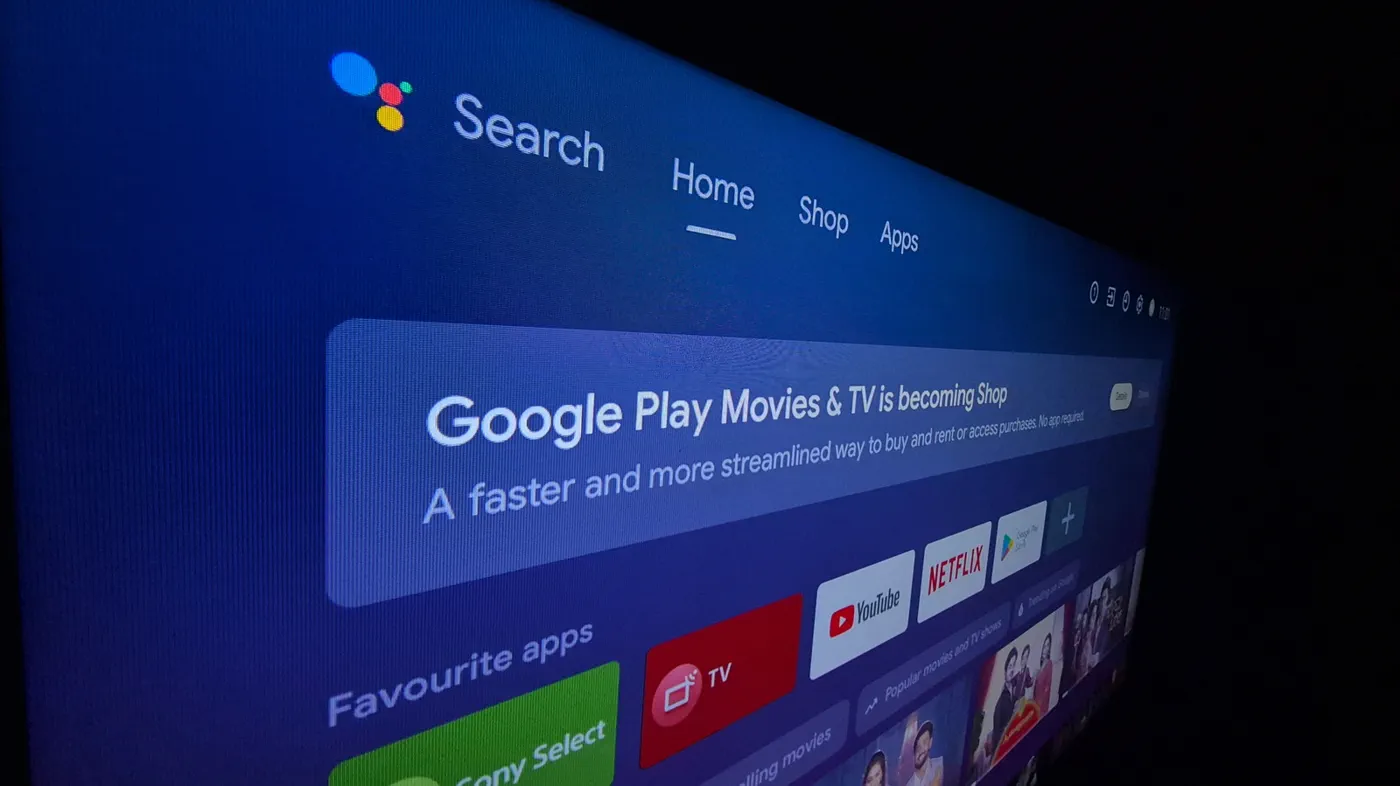
The issue began when Mert Cobanov, a senior AI engineer at Refik Anadol Studio, grew frustrated with the degraded responsiveness of his four-year-old smart TV. Smart TV operating systems frequently deteriorate over time as manufacturers push ad-heavy interfaces, algorithmic content carousels, and persistent background telemetry services to underpowered hardware.
Instead of manually scouring developer forums or buying a replacement streaming player, Cobanov turned on Android’s developer options and connected Claude Code to the TV over the Android Debug Bridge (ADB) protocol. With a detailed prompt establishing operational ground rules, Claude systematically inspected running services, silenced heavy recommendation rows, shortened system animation speeds, and replaced the default Google TV interface with FLauncher, a lightweight, open-source application launcher.
Cobanov posted his results online, noting that the television ran faster than it did on the day he bought it. He subsequently released the full workflow and prompt template on a dedicated site, encouraging ordinary users to paste the commands into their own AI tools. The post quickly spread across developer communities, inspiring users to replicate the process on aging smart displays and tablets.
The Technical Workflow: How Claude Code and ADB Debloating Work
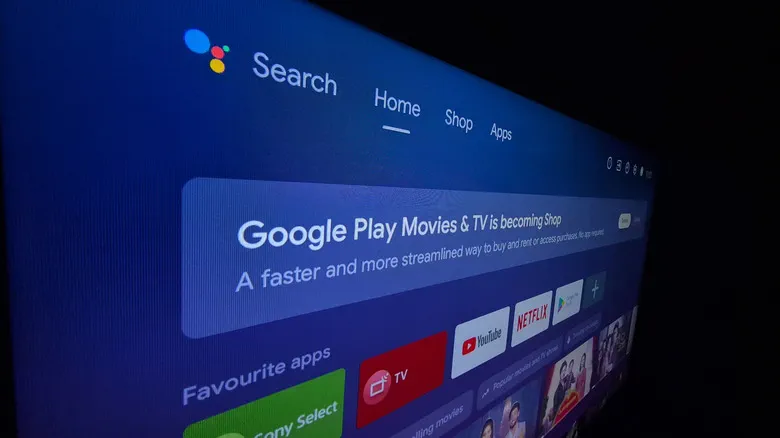 Photo: Engadget - Technology News & Expert Reviews (source)
The optimization method relies on Android Debug Bridge (ADB), a command-line interface developers use to communicate directly with an Android device over a local network or USB connection. Under Cobanov's instructions, Claude operates within strict terminal constraints to avoid catastrophically bricking the display:
- Developer Options Activation: The user taps the TV's software "Build" number seven times to unlock hidden settings.
- Network Debugging: The user enables USB/Wireless debugging and pairs the TV with a PC running Claude Code on the same local Wi-Fi subnet.
- Reversible Package Disabling: The prompt explicitly instructs Claude never to run
pm uninstall, which permanently strips packages, but instead to usepm disable-user --user 0, allowing changes to be undone withpm enable. - No Rooting or Bootloader Unlocking: The agent avoids root modifications, which would trip hardware attestation and revoke Widevine L1 DRM security keys, degrading 4K Netflix and Prime Video streams down to standard definition.
- Batch Verifications: The agent sorts software packages into categories (pure bloatware, user-dependent apps, and untouchable core frameworks), prompting the human user before disabling each batch.
Despite these guardrails, things did not go completely smoothly. During his own run, Cobanov discovered he had lost access to the TV's input/source switching menu. Claude had disabled an obscure vendor package named com.tcl.suspensio, mistaking it for superfluous background telemetry. While Cobanov restored the package via command line, less technical users would likely have had no idea why their game console or cable box suddenly vanished from the screen.
Why Letting an AI Agent Touch Your TV OS Is Dangerous
While AI agents can write terminal commands in seconds, granting an autonomous model unrestricted ADB access to a production consumer device creates distinct risks.
First, large language models are inherently prone to hallucinations. Obscure system dependencies vary wildly between television brands like TCL, Hisense, Sony, and Philips. If an AI misidentifies a critical display controller, input mapper, or Bluetooth remote management daemon as bloatware, disabling it can trap the TV in a perpetual boot loop or leave users unable to navigate settings menus.
Second, breaking firmware update pathways is a persistent danger. Many smart TV manufacturers require specific diagnostic and telemetry services to be running to successfully download and install over-the-air (OTA) security patches. If an AI silences those daemons, future critical updates may fail silently, leaving the device exposed to unpatched network vulnerabilities.
Third, security analysts caution that piping raw shell commands directly through external AI pipelines creates prompt injection and script execution vulnerabilities. Handing network-connected debugging access to automated software tools expands the attack surface of your home network.
The Smart TV Bloatware Crisis: Telemetry, Ads, and ACR
 Photo: tomshardware.com (source)
Consumers are turning to extreme measures like AI debloating because modern smart TVs have become sluggish advertising billboards. Industry projections indicate that more than 50 percent of global households will own a connected smart TV by the end of 2026, up from 34 percent in 2020.
However, television profit margins have plummeted, prompting hardware makers to monetize viewers through post-sale advertising and data harvesting. For example, Samsung smart TVs frequently ship with approximately 20 percent of internal storage consumed out of the box by system software and pre-loaded partner apps, many of which cannot be removed through standard menus.
Even more intrusive is Automatic Content Recognition (ACR). This software continuously samples acoustic or visual frame fingerprints of whatever appears on your screen—whether cable television, streaming services, or connected game consoles—and matches them against advertising databases. Advocacy groups like the Center for Digital Democracy have criticized connected TVs as privacy hazards that bog down processors with constant network pings and background profiling tasks.
Debloating Comparison: AI Agent vs. Manual Tweaks vs. External Hardware
| Optimization Approach | Performance Gain | Risk Level | Technical Skill Required | Cost |
|---|---|---|---|---|
| Claude AI via ADB | High (50–70% speedup) | High (Boot loops, lost inputs, broken updates) | High (Terminal, ADB debugging) | Free (Requires AI API / token access) |
| Manual ADB Debloating | High (50–70% speedup) | Medium (Controlled package lists) | Moderate (Running specific CLI scripts) | Free |
| Native Settings Tuning | Low to Moderate (10–20% speedup) | Very Low (Completely supported by OEM) | Low (Navigating on-screen menus) | Free |
| Third-Party Launcher | Moderate (30–40% speedup) | Low (Easily uninstalled via Play Store) | Low to Moderate | Free / Low donation |
| Dedicated Streaming Stick | Maximum (Full hardware bypass) | None (TV functions solely as monitor) | Plug-and-play | $30 – $150 |
Tech Community and Expert Reactions
 Photo: cobanov.dev (source)
The software community remains divided over whether autonomous debloating represents a breakthrough or unnecessary risk. On social platforms like X and Reddit, experienced tinkerers pointed out that debloating Android TV via ADB is a decade-old technique. Many argued that Cobanov simply used Claude as an interactive shell runner to automate tasks that community scripts like Universal Android Debloater already handle safely.
However, others praised the demonstration for lowering the barrier to entry. Users who find complex developer documentation intimidating were able to hold natural conversations with the model to identify what was slowing their televisions down. Still, reviewers at Engadget and cybersecurity analysts urge restraint, emphasizing that when things go sideways, consumer AI models rarely alert users that a critical system service is about to be terminated.
Safer Ways to Speed Up Your Smart TV Today
Before risking a full software failure by letting an AI agent run wild over local debugging ports, consider these safer alternatives:
- Clear App Caches and Uninstall Unused Services: Head to Settings > Apps, review installed applications, uninstall what you can, and clear cache partitions on heavy apps like Netflix, Hulu, and YouTube.
- Disable Automatic Content Recognition (ACR): Dive into your display's privacy or viewing data settings and turn off viewing telemetry, personalized ads, and live ACR monitoring to reduce background network load.
- Install a Clean Launcher Manually: Rather than letting an AI manipulate home app configurations, download FLauncher or Projectivy Launcher directly from the official Google Play Store on your device.
- Enable "Apps Only" Mode: If your television runs Google TV, navigate to your profile settings and turn on "Apps Only" mode, which hides banner advertisements and algorithmic algorithmic rows without requiring terminal commands.
- Bypass the Built-in OS Entirely: Unplug your television from Wi-Fi entirely and plug in an Apple TV 4K, Roku Streaming Stick, or Google TV Streamer. Dedicated streaming boxes feature significantly faster processors, more RAM, and receive updates far longer than budget smart TV boards.
What’s Next for Smart TV Software and Autonomous AI
The viral debloating experiment highlights a growing tension between consumer device manufacturers and their customers. As display makers prioritize advertising revenue over lightweight operating systems, users will increasingly seek automated tools to strip away unwanted bloatware.
Simultaneously, the capabilities of agentic tools like Claude Code and GitHub Copilot are expanding rapidly into local hardware management. However, until AI systems develop deeper contextual awareness of proprietary hardware variations and vendor dependencies, delegating root-adjacent tasks to an autonomous bot remains a gamble. For now, taking five minutes to adjust your privacy settings or spending $30 on a dedicated streaming stick is far safer than letting an algorithm rewrite your television's system stack.
FAQ
Can using Claude over ADB permanently brick my TV? While disabling apps via pm disable-user rarely causes permanent hardware damage, it can easily trap your television in a boot loop or disable your remote control and HDMI input menus. Resolving those issues often requires a complex factory reset or recovery console commands.
Does AI debloating void my smart TV warranty? Enabling developer options and disabling apps without root does not technically void hardware warranties. However, if your TV becomes unbootable and requires factory servicing to restore its firmware, manufacturers may refuse warranty repairs.
Why is smart TV bloatware so common? Modern television hardware is often sold at razor-thin profit margins. Manufacturers recoup costs by bundling promotional streaming apps, displaying home screen advertisements, and harvesting viewer telemetry through Automatic Content Recognition (ACR).
Will removing bloatware break 4K HDR streaming? Standard app disabling will not break 4K HDR playback. However, if an AI attempts to unlock the bootloader or root the system, the device will lose its Widevine L1 DRM security keys, permanently limiting services like Netflix and Disney+ to standard-definition streams.
What is the safest alternative to debloating an old smart TV? The safest and most effective solution is disconnecting your TV from the internet entirely and using an external streaming device like an Apple TV 4K, Chromecast, or Roku stick.