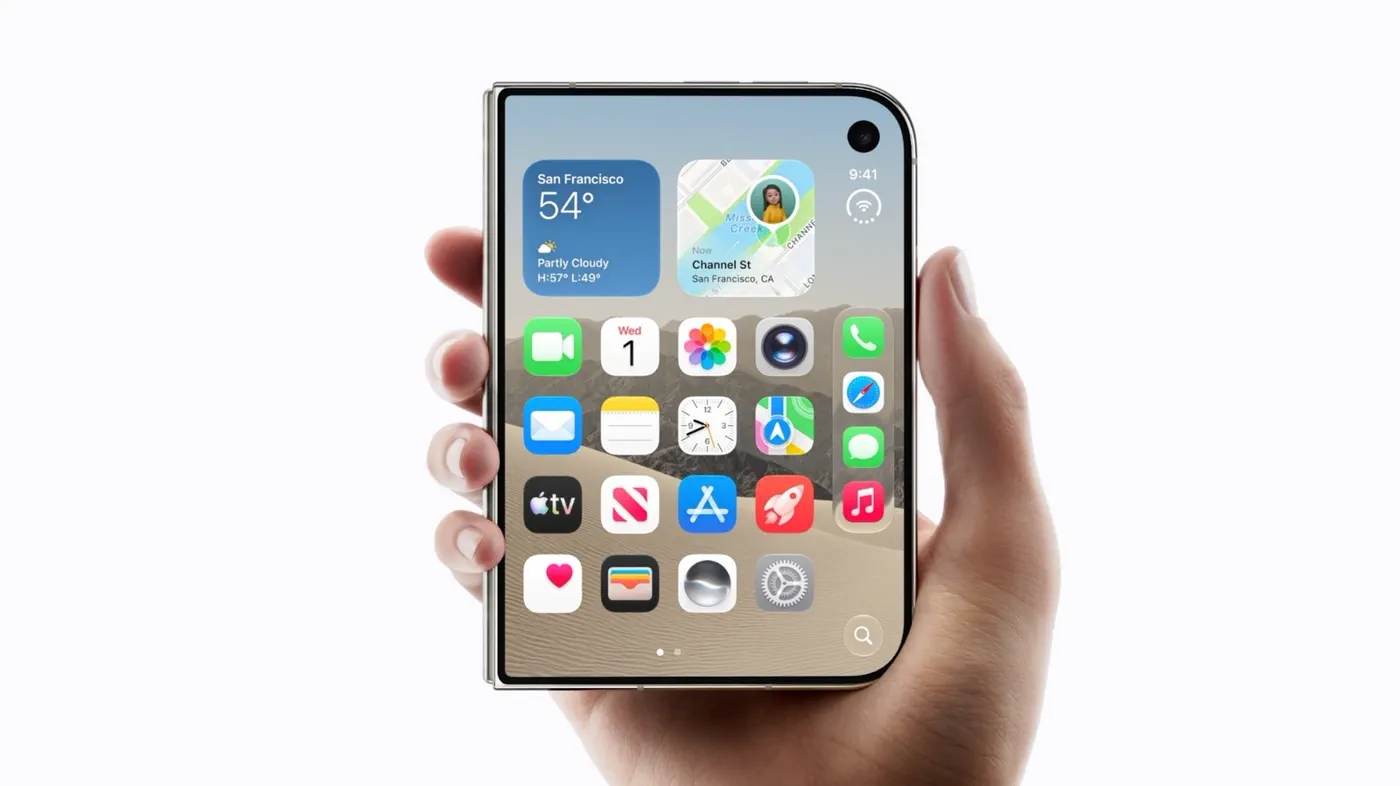
Apple officially unveiled its first foldable smartphone, the iPhone Duo, alongside the iPhone 18 Pro lineup on September 9, 2026, marking the company's biggest hardware and software departure in nearly a decade. While the physical hardware—a passport-sized titanium chassis that unfolds from a 5.4-inch cover screen to an expansive 7.6-inch inner panel—grabbed initial headlines, the software running under the hood makes the device truly tick.
Rather than treating the foldable like an oversized iPhone or an awkward miniature iPad, Apple built iOS 27.1 to handle dual-screen transitions, responsive multitasking, and specialized half-folded camera tricks. Here is an in-depth breakdown of how the software experience on the iPhone Duo differs from every standard iPhone that came before it.
Unfolding iOS: The Shift to Side Docks and Seamless Continuity
Standard iPhones have featured a fixed horizontal Dock pinned to the bottom of the home screen since Steve Jobs introduced the original handset in 2007. On the iPhone Duo, iOS 27.1 throws that classic convention out the window when the phone is opened.
Because the Duo's unfolded 7.6-inch display adopts a squarer aspect ratio, vertical screen real estate is at a premium. To maximize available reading and scrolling space, Apple shifted the App Dock to the right or left edge of the display, turning it into a vertical sidebar. System menus, toolbars, and navigation headers in native apps like Safari, Mail, and Files similarly migrate to side columns.
When opening the phone, the Duo does not merely scale up an app. Instead, iOS 27.1 utilizes a new fluid continuity system:
- Smooth Screen Handoff: Content on the 5.4-inch cover display dynamically expands across the fold using a depth-of-field transition animation that keeps interactive controls at thumb level.
- Orientation Independence: Whether held vertically like an open book or rotated horizontally, iOS automatically refits toolbars without jarring flashes or app reloads.
- Unplugged StandBy Mode: On traditional iPhones, StandBy mode requires the device to be docked on MagSafe or plugged into power in landscape orientation. On the iPhone Duo, the exterior cover screen can trigger StandBy mode automatically whenever set down folded on a desk or nightstand, showing custom widgets, clocks, and calendar agendas even on battery power.
Watch: iPhone Duo Hands-On - What You NEED to Know!

Video: The Tech Chap on YouTube
Split View and App Pairs: Multitasking Finally Lands on iPhone
 Photo: Engadget - Technology News & Expert Reviews (source)
For years, Apple resisted bringing split-screen multitasking to the iPhone, reserving Split View strictly for iPadOS. The iPhone Duo breaks that barrier, making it the first iPhone natively capable of running two applications simultaneously side by side.
Multitasking on the Duo is designed for speed rather than window clutter. Users can initiate Split View in two straightforward ways:
- Long-press any app icon on the home screen or side Dock and tap the "Split View" action menu.
- Swipe up from the bottom navigation bar into the app switcher and drag an application thumbnail to either the left or right half of the canvas.
In addition to cross-app multitasking (such as checking Messages while reading a Safari webpage), the software supports dual instances of the same application. Users can compare two Safari tabs side by side, review two Notes documents, or drag photos directly from the Photos app into an email draft.
To save time, iOS 27.1 introduces App Pairs. Much like a feature long requested by power users, you can combine two frequently paired apps into a single icon on your home screen or Dock. Tapping the pair launches both apps in your preferred split-screen layout instantly.
'Seated View' and Laptop-Style Controls
Unlike traditional slab iPhones that must lie flat or rest on an accessory stand, the iPhone Duo's hinge is engineered with variable torque, allowing the screen to hold angles between roughly 45 and 135 degrees. The software recognizes these physical angles through internal hinge sensors, triggering specialized half-folded interfaces that Apple calls Seated View.
- Media Playback with Interactive Trackpad: In supported apps such as Apple TV+ and Netflix, folding the Duo halfway and setting it on a table shifts the video to the upright top half of the screen. The bottom half transforms into a media control console and virtual trackpad, complete with dynamic light reflections bouncing softly across the interface to match the video colors playing above.
- Desk FaceTime Calls: Placing the phone in a semi-folded stance props the internal Center Stage camera up naturally. The caller appears on the top panel, leaving chat controls, screen-sharing settings, and notes accessible on the lower surface without requiring a kickstand.
- Virtual Laptop Mode: In apps like Notes, Mail, or Pages, the bottom panel converts into a full-sized touch keyboard, turning the phone into an ultra-compact digital notebook.
Camera Software Overhaul: Dual Preview, Smart Take, and Kid Cue
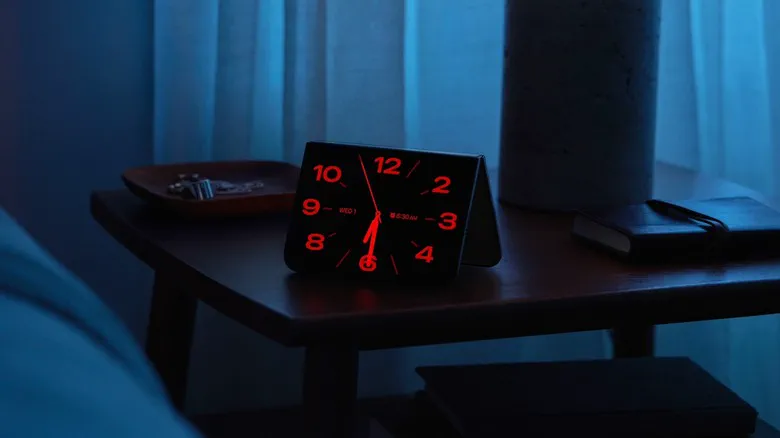 Photo: Engadget - Technology News & Expert Reviews (source)
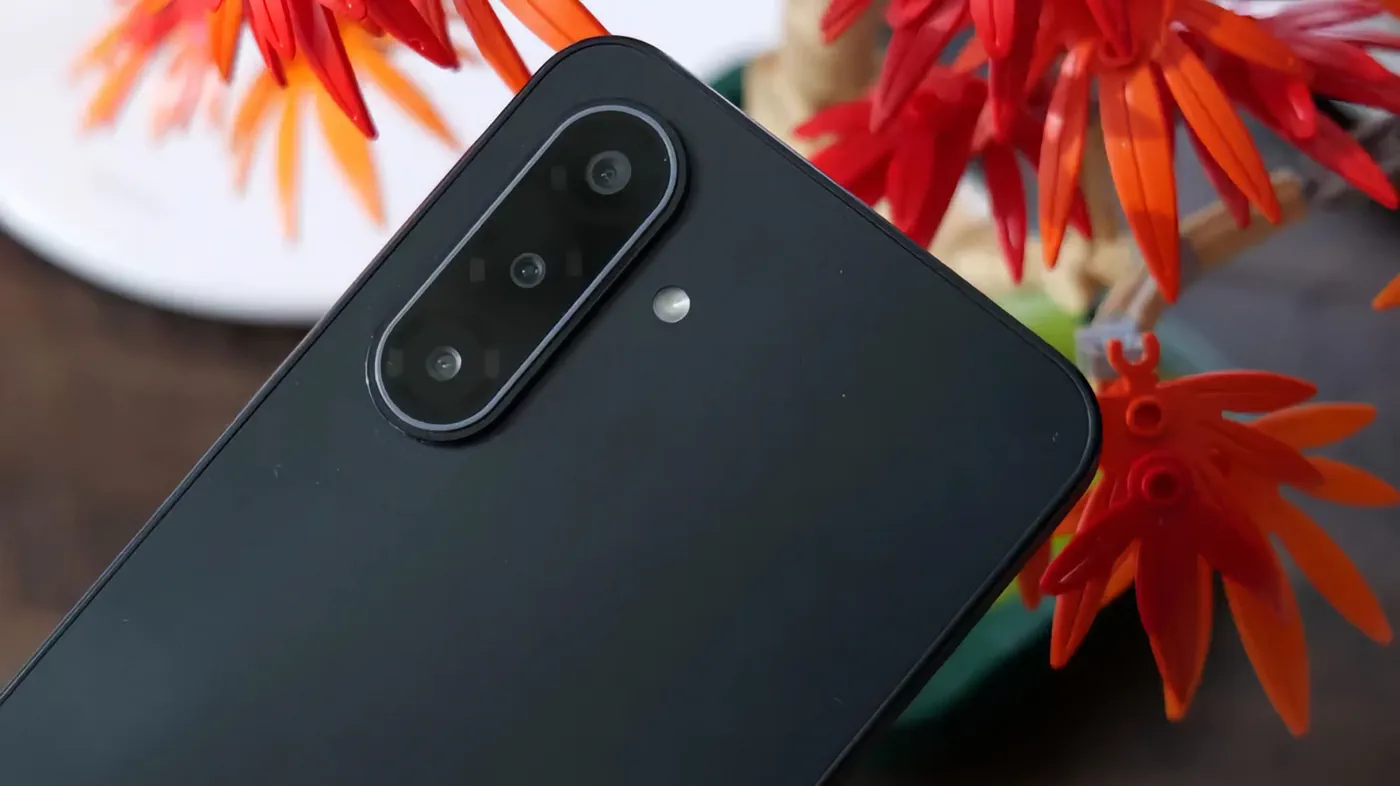
Because the iPhone Duo features both an exterior and interior display alongside its dual 48MP Fusion cameras, Apple restructured the Camera app to exploit both panels simultaneously.
On standard iPhones, taking a portrait requires you to guess whether your subject likes their expression. On the iPhone Duo, Cover Screen Preview (or Dual Preview) projects a live, high-resolution preview onto the outer 5.4-inch screen while the photographer frames the shot on the inner display, allowing the person in front of the lens to adjust their pose in real time. Folded shut, the exterior display serves as a high-end mirror for capturing ultra-crisp selfies using the primary 48MP lenses.
Apple has also layered two exclusive computational intelligence features into the Duo's camera software:
- Smart Take: Driven by the A20 Pro chip's Neural Engine, Smart Take tracks posture, blinking, and smiles. Instead of relying purely on a manual shutter tap, it automatically snaps the photo the exact fraction of a second everyone in the frame is poised and smiling.
- Kid Cue: Photographing restless toddlers has historically been difficult on smartphones. Enabling Kid Cue plays colorful animations and cheerful prompts on the exterior display facing the child, keeping their gaze directed straight toward the camera sensors.
Apple Pencil Support and Hardware Architecture
Another historic first for the iPhone lineup is stylus integration. Steve Jobs famously questioned "Who wants a stylus?" at the original iPhone launch, but iOS on the iPhone Duo officially supports the Apple Pencil (USB-C).
Both the 5.4-inch cover screen and the 7.6-inch interior panel register stylus input, enabling quick handwritten memos in the Notes app, precision photo masking, and PDF markups. The inner screen features an anti-reflective nano-texture finish that gives the display a paper-like resistance under the Pencil nib. Note that pairing and charging must occur via USB-C cable, as the phone's thin titanium edges do not house magnetic induction charging coils.
| Feature / Specification | iPhone Duo | Standard iPhone (e.g., iPhone 18 Pro) |
|---|---|---|
| Form Factor | Book-style foldable | Traditional glass/titanium slab |
| Displays | 5.4-inch cover / 7.6-inch folding inner | Single 6.3-inch or 6.9-inch panel |
| Display Finish | Exterior Ceramic Shield 2 / Interior Nano-texture | Textured matte glass / Ceramic Shield |
| Multitasking | Split View (two apps) & App Pairs | Fullscreen single app (Slide Over / PiP only) |
| Dock Placement | Vertical side dock (unfolded) | Fixed bottom dock |
| Stylus Support | Apple Pencil (USB-C) compatible | None |
| Camera Novelties | Dual Preview, Kid Cue, Seated View | Standard single-screen Camera UI |
| Biometrics | Side-button Touch ID | TrueDepth Face ID |
| Base Storage / Price | 256GB at $1,999 | 128GB/256GB starting from $1,199 |
The Competitive Landscape: iOS 27.1 vs. Samsung One UI
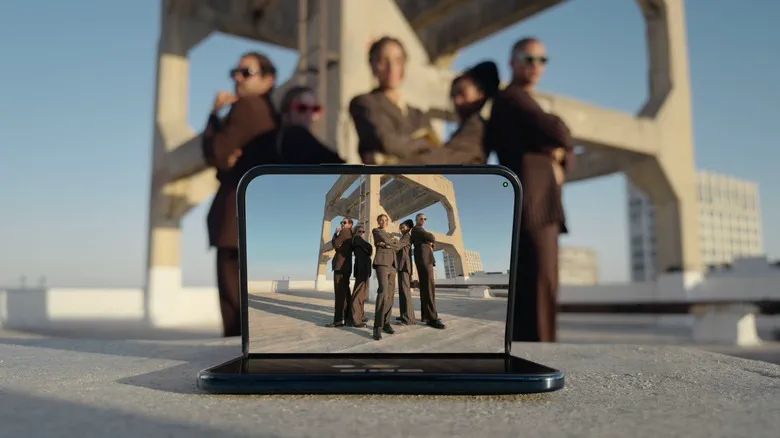 Photo: Engadget - Technology News & Expert Reviews (source)
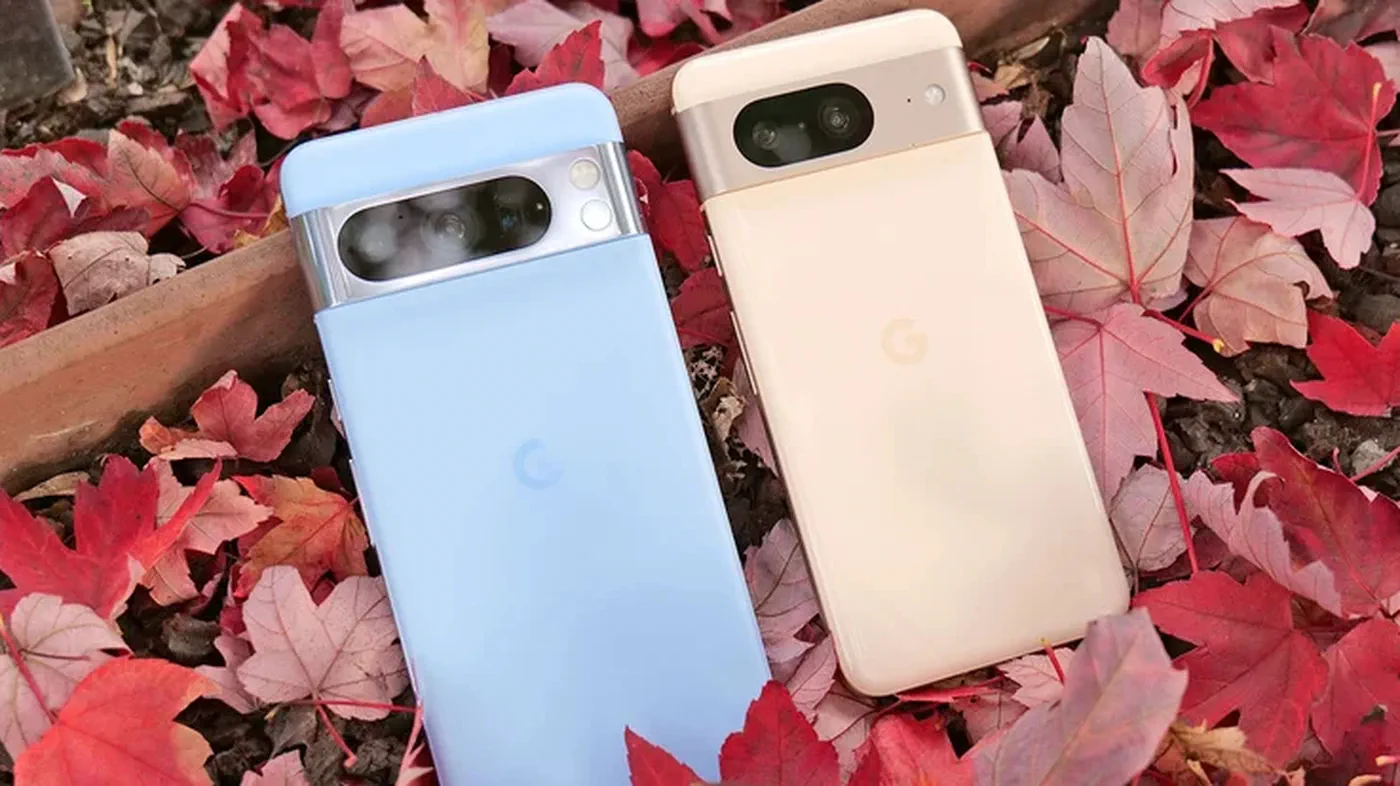
Apple's entrance into the foldable market comes several years after Samsung pioneered the commercial book-style foldable with its Galaxy Z Fold series (now in its eighth generation). When comparing software implementations, Apple and Samsung take divergent paths.
Samsung's One UI on the Galaxy Z Fold 8 embraces desktop-style power: it supports up to three active split-screen windows, floating pop-up windows, and full Samsung DeX desktop output. By contrast, Apple chose intentional restraint with iOS 27.1. The iPhone Duo caps multitasking at two side-by-side apps, omitting floating windows and Mac-style Stage Manager environments entirely.
Where Apple pulls ahead is app layout consistency and graphic fluidity. By giving both the inner and outer screens proportional aspect ratios, iOS avoids the awkward letterboxing and stretched mobile layouts that still affect various Android foldable apps. Transitions when opening and closing the hinge feel natural and seamless, avoiding visual stutter.
What It Means for Buyers and Upgraders
For existing iPhone users debating whether to upgrade to the Duo or stick with a conventional flagship like the iPhone 18 Pro, the software workflow represents a massive lifestyle change.
- Who It Is For: Mobile professionals, avid e-book readers, frequent video callers, and travelers who want iPad-level multitasking and reading real estate without carrying two independent devices in their bags.
- Who Should Wait: Action and sports photographers will miss the dedicated 5x telephoto zoom lenses found on Pro models. Furthermore, buyers who prefer Face ID over side-mounted Touch ID should consider whether the ergonomic shift to fingerprint scanning matches their daily routines.
Unanswered Questions and What Comes Next
While Apple revealed the foundational features during its keynote, several software questions linger ahead of customer delivery. The iPhone Duo opens for pre-orders on October 16, 2026, before hitting retail shelves on October 23 across more than 70 countries.
First, third-party app optimization remains a wild card. While Apple worked closely with major platforms like Zoom, Slack, and Netflix ahead of launch, thousands of independent iOS apps must adopt the new responsive layout APIs in the iOS 27.1 SDK to prevent basic letterboxing on the squarer inner display.
Second, full Apple Pencil compatibility is slated to roll out in a software update later this fall (widely expected with iOS 27.2 in November). Tech enthusiasts will be watching closely to see whether future updates introduce more flexible multi-window options or if Apple maintains its strictly curated two-app limit.
FAQ
Can the iPhone Duo run three or four apps on screen at the same time? No, Apple deliberately limited iOS 27.1 multitasking to two active side-by-side apps or two windows of the same app. This prevents UI clutter and maintains consistent battery performance.
Does the iPhone Duo have Face ID? No. Due to space constraints and thin screen bezels around the folding panel, Apple replaced Face ID with a capacitive Touch ID sensor built directly into the side power button, supported by automatic unlocking via an Apple Watch.
Which Apple Pencil works with the iPhone Duo? Only the Apple Pencil (USB-C) is compatible with the iPhone Duo. The Apple Pencil 2 and Apple Pencil Pro are not supported because the phone lacks magnetic side-charging hardware.
Will standard iPhones get the side dock or Split View features? No, Split View, App Pairs, and the adaptive vertical side dock are exclusive to the iPhone Duo in iOS 27.1 to account for its foldable form factor and wide aspect ratio.
Can I use the camera on the cover screen while the phone is unfolded? Yes. In Dual Preview mode, both the inner screen and the cover screen stay active simultaneously, letting the person being photographed preview their own framing.