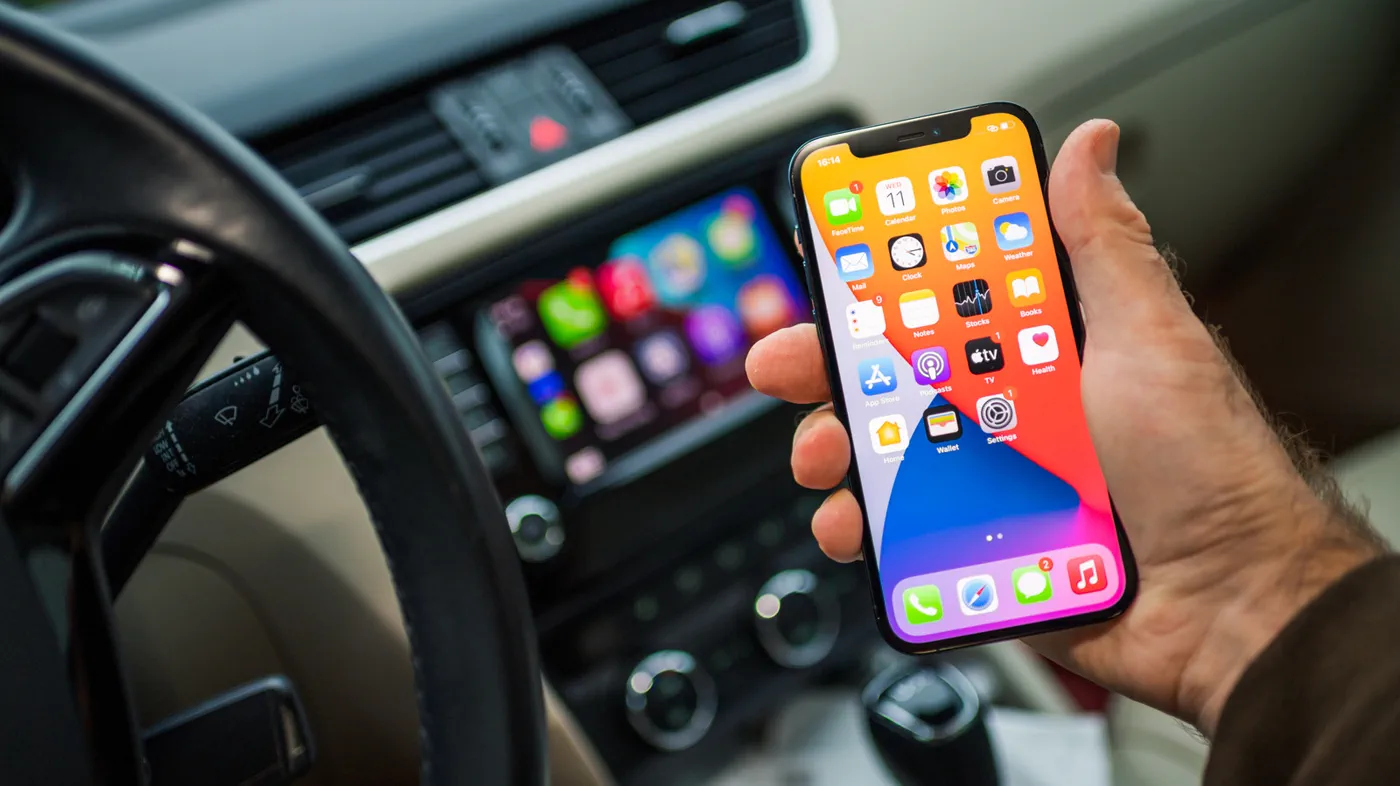
Apple has officially rolled out iOS 27.2 to iPhone users worldwide, delivering notable functional upgrades to vehicles running Apple CarPlay. Because CarPlay functions as an external display protocol rendered directly from the connected iPhone, major iOS point releases frequently bring meaningful improvements to the dashboard without requiring a visit to the car dealership or a firmware update from the vehicle manufacturer.
With iOS 27.2, Apple focuses its in-car efforts on two distinct areas: navigational and conversational voice assistance powered by Siri AI, and daily media organization inside the native Apple Podcasts application. The release also delivers subtle visual polish to Apple Music, continues groundwork for CarPlay Ultra themes, and quietly closes loopholes used by third-party sideloaded video players.
Two Headline Updates: Podcasts and Smarter Siri AI
For drivers who rely on CarPlay during daily commutes, the most noticeable functional upgrades in iOS 27.2 center around audio handling and hands-free voice assistance. Rather than overhauling the underlying dashboard grid, Apple refined the applications drivers interact with most while keeping their eyes focused on the road.
Apple Podcasts and Siri AI receive the bulk of the attention in this release. The Podcasts app tackles a long-standing queue management complaint, while Siri AI gains situational awareness that mirrors the conversational upgrades introduced to the iPhone.
- Structured Podcast Playback: The Home tab separates brand-new show releases from unfinished listening sessions.
- Conversational Memory: Siri AI can recall earlier prompts and contextual answers previously given during earlier drives or on the phone.
- Expanded Data Retrieval: Siri AI draws information from a significantly wider net of personal iOS apps to answer complex questions.
- Aesthetic Tweaks: The native Apple Music icon trades its vibrant crimson palette for a minimalist black-and-white treatment.
A Smarter Co-Pilot: Memory and Deeper iOS Search
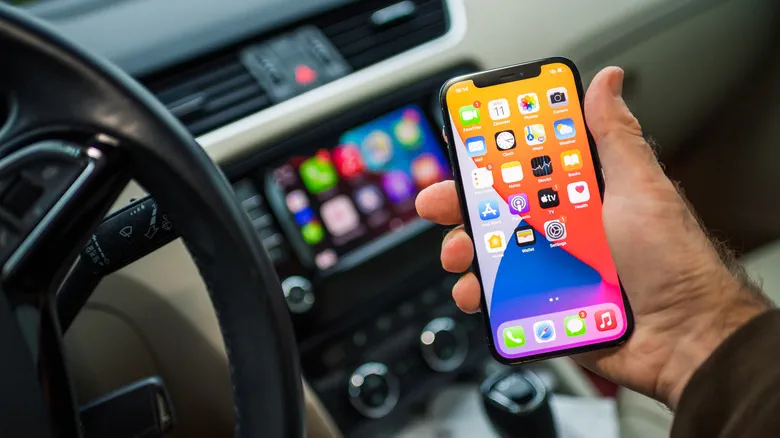 Photo: Engadget - Technology News & Expert Reviews (source)
The introduction of Siri AI to vehicles initially brought natural language processing to the driver's seat, but iOS 27.2 expands how the voice assistant retains context. In previous software revisions, every Siri invocation in the vehicle existed in isolation; asking a follow-up question hours or days later required starting the prompt from scratch. Under iOS 27.2, Siri AI features conversation recall. Drivers can ask the system to reference prior recommendations—such as, "Can you give me the address of that cafe you recommended last week?"—and the assistant can parse the historical context to locate the destination.
Beyond conversational memory, Siri AI on CarPlay can synthesize data from more personal iPhone sources than before. During hands-free driving sessions, Siri can now scan and retrieve details from:
- Voicemails: Checking caller details or audio transcripts for contact info or addresses.
- Calendar Events: Identifying specific meeting attendees to dictate messages or calculate arrival times.
- Safari History and Reading List: Recalling articles or website references saved earlier on a Mac or iPhone.
- Messages Attachments: Referencing image files and attachments shared in conversations without forcing the driver to open the Messages app.
These queries function entirely hands-free, allowing drivers to cross-reference their schedule and personal correspondence while navigating heavy traffic.
Reorganizing Audio: The Podcasts Home Tab Overhaul
In addition to the AI enhancements, Apple redesigned the core layout of Apple Podcasts on the CarPlay display. For several software generations, the platform utilized a unified "Up Next" queue on the Home tab. While functional, that single stream frequently intermingled freshly released episodes with partially played files, causing unfinished shows to get lost in the shuffle.
In iOS 27.2, Apple removed the legacy Up Next container from the Home tab and split it into two dedicated tiers:
- New Episodes: Positioned prominently at the top of the Home interface, this row populates exclusively with the most recent releases from followed shows.
- Continue Playing: Placed immediately beneath, this section functions as a dedicated resume drawer for any episode that was previously started but not finished.
This separation mirrors the updated experience on iOS 27.2 for iPhone, ensuring that drivers do not have to tap through multi-level submenus or take their attention away from the road to resume an interrupted program.
Music Redesign and What Changed Under the Hood
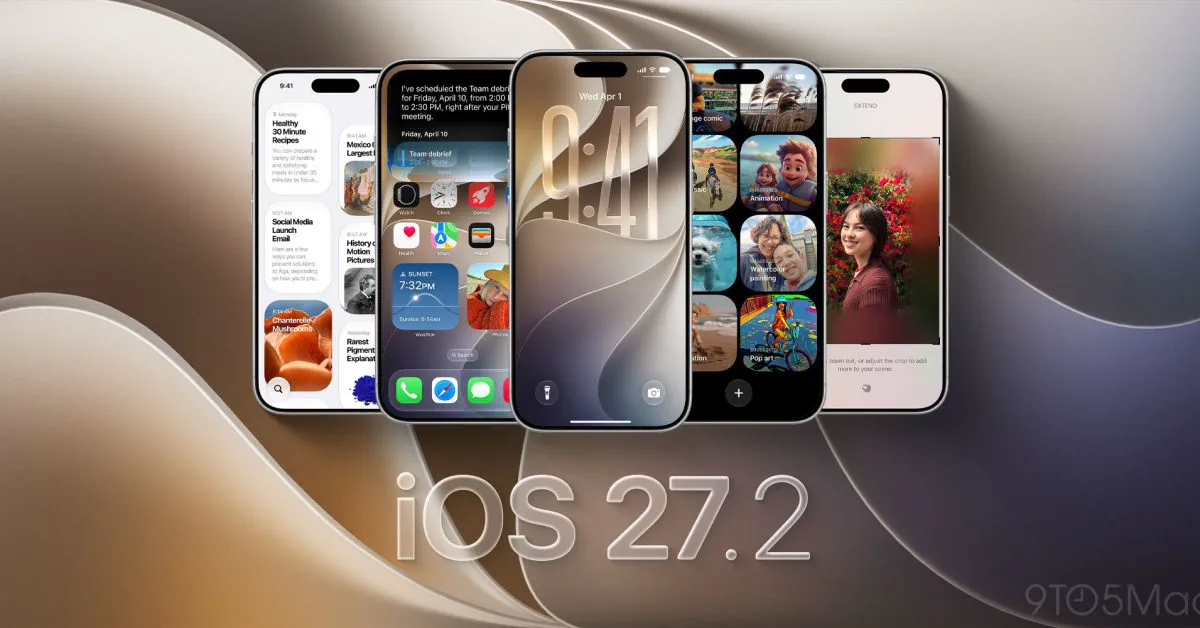 Photo: 9to5mac.com (source)
Visual refinements accompany the organizational changes. Following Apple Music's recent brand update, the streaming service's app icon in CarPlay has abandoned its iconic red backdrop. The new icon is monochromatic: a stark white background with a black musical note in standard light mode, automatically converting to an all-black tile with a white note when dark mode engages.
Under the hood, iOS 27.2 also includes backend references for CarPlay Ultra, the automaker-integrated version of CarPlay that powers multi-screen digital cockpits. In developer betas, Apple laid code groundwork for vehicle theme customization—allowing drivers in supported cars to tweak digital gauge clusters, layout accent colors, and coordinate ambient interior cabin lighting.
| Feature Area | iOS 27 Baseline | iOS 27.2 Update |
|---|---|---|
| Apple Podcasts Home | Single "Up Next" combined queue | Split into "New Episodes" and "Continue Playing" |
| Siri AI Interaction | Single-session voice queries | Conversational recall across past sessions |
| Siri Context Sources | Core apps (Maps, Notes, Basic Messages) | Adds voicemails, Safari history, Calendar attendees, Message photos |
| Apple Music Icon | Solid red icon with white note | Monochromatic (White/Black light mode, Black/White dark mode) |
| CarPlay Ultra Prep | Standardized gauge cluster layouts | Expanded theme controls and ambient lighting hooks in code |
| Unofficial Video Apps | Bypasses like APTV partially functional | Workarounds patched; unauthorized browser video blocked |
The Video Crackdown: Why APTV and Workarounds Broke
While iOS 27 originally introduced official developer frameworks for video playback in vehicles, Apple deliberately constrained the capability to safety-verified scenarios: video apps can only operate when the transmission is in Park, switching strictly to audio if the vehicle begins moving.
That strict gatekeeping pushed some users toward unofficial dashboard apps and browser bridges like APTV and rPlayFling, which utilized CarPlay display workarounds to stream YouTube or other media directly on the vehicle screen. Following the installation of iOS 27.2, members of the CarPlay community reported that APTV stopped functioning entirely. Apple tightened its runtime sandbox restrictions, disabling the unofficial browser container and causing the app to lose dashboard projection privileges. Apple also removed offending applications from the App Store for violating driver safety and CarPlay developer guidelines.
The Road to iOS 27: Background on Apple’s In-Car Platform
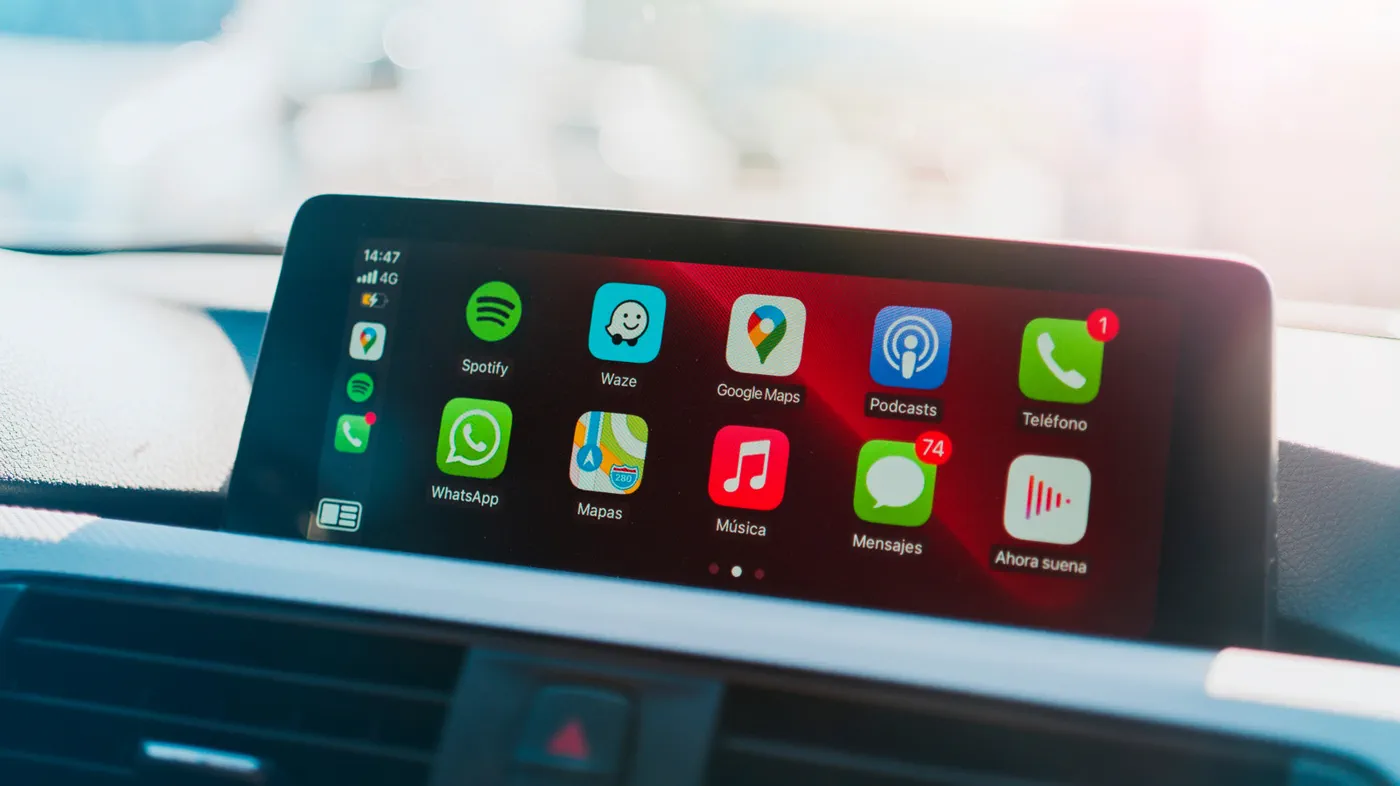 Photo: engadget.com (source)
CarPlay has transitioned from a basic phone-mirroring utility into the primary user interface for millions of motorists. Over the past two software cycles, Apple steadily transformed the platform with widget layouts, expanded third-party voice AI integration, and audio scrub bars.
At the same time, the automotive landscape has become more contentious. While automakers like Aston Martin adopted CarPlay Ultra to handle every instrument panel and gauge cluster screen, others—notably General Motors, Tesla, and Rivian—have opted for closed, proprietary software ecosystems. By enhancing Siri AI and streamlining core audio services like Podcasts and Music in maintenance releases like 27.2, Apple continues to reinforce consumer loyalty to CarPlay so drivers demand it when purchasing new vehicles.
What Drivers Need to Know: Compatibility and Setup
Because CarPlay relies on the connected device for compute and logic, receiving the updates in iOS 27.2 requires updating the iPhone rather than updating the automobile:
- Updating: Go to Settings > General > Software Update on your iPhone to install iOS 27.2.
- CarPlay Connection: Once installed, plug your phone into your vehicle's USB port or connect via wireless CarPlay; the new Podcasts layout and Music icon will appear immediately.
- Hardware Limitations for Siri AI: While the Podcasts interface and icon updates apply across all CarPlay-compatible iPhones running iOS 27.2, Apple's advanced Siri AI features require an Apple Intelligence-capable device (iPhone 15 Pro or newer). Older devices will receive standard voice commands without conversational memory or multi-source personal context retrieval.
What’s Next for CarPlay and CarPlay Ultra
Looking beyond the 27.2 release, Apple's automotive roadmap remains heavily tied to deeper vehicle integration. While point updates continue to refine media playback and voice interactions for the standard dashboard interface, industry attention remains focused on the rollout speed of CarPlay Ultra.
Code references uncovered during the iOS 27.2 beta cycle indicate that Apple is actively preparing dynamic vehicle lighting synchronization and customizable gauge skins for automaker partners. However, vehicle manufacturers must individually validate and activate these multi-screen platforms, meaning the broader rollout of full-cabin CarPlay will unfold on an automaker-by-automaker basis over future production cycles.
FAQ
Do I need to take my car to a dealership to get the iOS 27.2 CarPlay updates? No. Apple CarPlay runs off your iPhone's operating system, so the new features activate automatically on your vehicle display once your iPhone finishes updating to iOS 27.2.
Does Siri AI memory in CarPlay work on all iPhone models? No. While basic Siri controls remain standard across all supported models, advanced Siri AI conversational memory and multi-app data extraction require an Apple Intelligence-compatible iPhone, such as the iPhone 15 Pro or later.
What happened to the Up Next section in Apple Podcasts on CarPlay? Apple split Up Next into two distinct shelves on the Home tab: "New Episodes" for recent releases from followed shows, and "Continue Playing" for episodes you have started but not finished.
Why did video apps like APTV stop working after updating to iOS 27.2? Apple patched unauthorized browser rendering methods and closed loopholes that allowed sideloaded video streaming on CarPlay, disabling APTV to comply with in-car safety regulations.
Can I switch the Apple Music app icon back to the classic red version? No. The monochromatic black-and-white icon design is a permanent system-level brand refresh introduced in iOS 27.2 that automatically adjusts between light and dark modes.