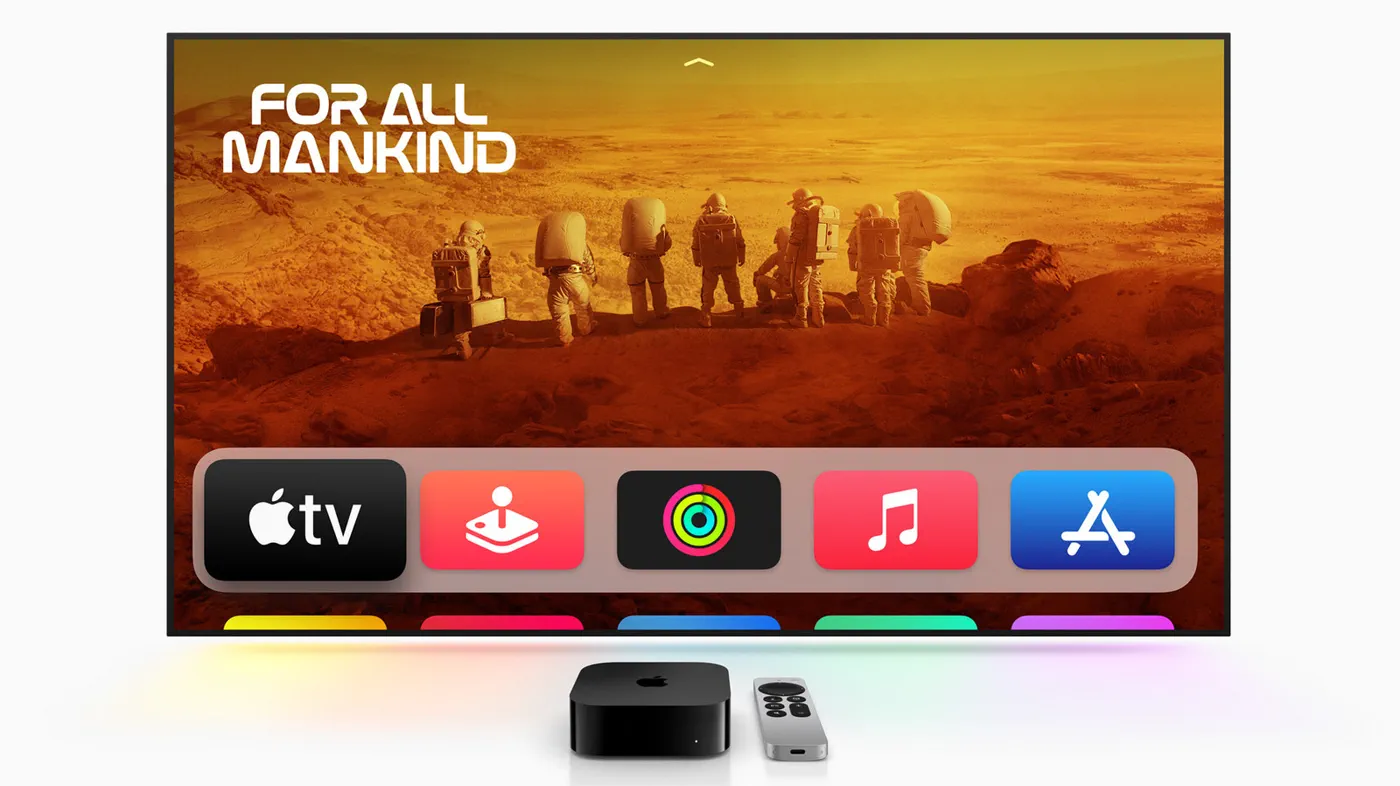
On the afternoon of September 30, a widespread service disruption struck Apple’s online ecosystem, knocking multiple flagship platforms offline before leaving Apple TV as the sole high-profile casualty. While companion platforms like the App Store, Apple Music, and Fitness+ recovered within hours, the Apple TV streaming app remained stubbornly inaccessible for viewers across multiple platforms.
The unexpected downtime triggered frustration for subscribers eager to stream movies, original series, and live sporting events. Apple officially attributed the disruptions to routine scheduled maintenance, but accompanying interface errors and extended downtime suggest backend complications that went beyond standard server tuning.
The Outage: What Happened on September 30
The trouble began in the mid-afternoon on Wednesday, September 30. According to outage monitoring platform Downdetector and incident loggers, user reports of connection failures across Apple’s media infrastructure surged sharply around 4:30 p.m. ET (1:30 p.m. PT / 9:30 p.m. BST). Viewers opening the Apple TV app were met with infinite spinning loading wheels, blank navigation tabs, or generic server connection error notices.
Apple updated its public-facing System Status dashboard shortly thereafter. The tracker flagged an active incident logged at 4:43 p.m. ET, officially confirming that Apple TV was experiencing an outage. The accompanying status message cautioned users that "Apple TV may be unavailable due to scheduled maintenance" and noted that "some users are affected". However, reports quickly poured in from across North America and Europe indicating that the problem was far more widespread than an isolated group of users.
Unlike localized home-network glitches, this failure resided entirely in Apple’s cloud environment. The issue halted video library access, disrupted ongoing streams, and blocked subscribers from launching content across the company's streaming network.
Scope and Timeline: Which Apple Services Were Hit
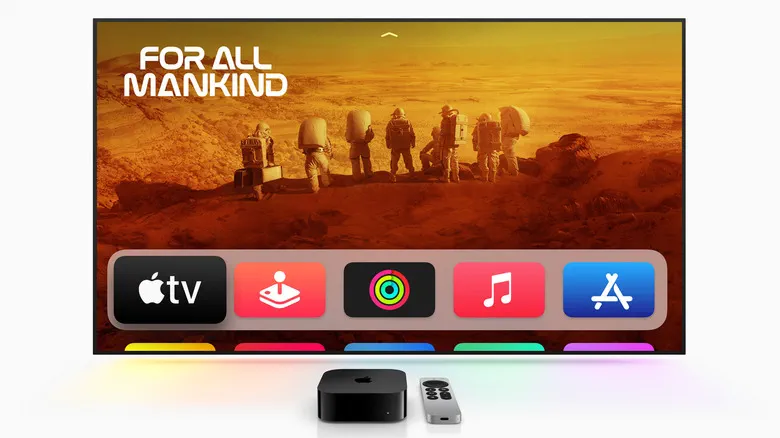 Photo: Engadget - Technology News & Expert Reviews (source)
Apple TV was not the only service impacted during the initial wave of disruptions. In total, Apple's official System Status dashboard reported at least 8 active issues starting around 4:22 p.m. ET. The incident swept across key digital storefronts, media streaming libraries, and subscription verification pathways.
While several service cards displayed warnings of "routine maintenance, with no expected user impact," the actual consumer experience contradicted that claim. In-app purchasing broke down, workout sessions on Fitness+ refused to stream, and music catalogs intermittently failed to play.
| Service / Component | Incident Start Time (ET) | Status / Tag | Resolution Time (ET) |
|---|---|---|---|
| App Store (iOS) | 4:22 p.m. | Routine Maintenance / Outage | 7:37 p.m. (Resolved) |
| Mac App Store | 4:22 p.m. | Routine Maintenance / Outage | 7:37 p.m. (Resolved) |
| Apple Music | 4:22 p.m. | Routine Maintenance / Outage | 7:37 p.m. (Resolved) |
| Apple Music Subscriptions | 4:22 p.m. | Service Issue / Outage | 7:37 p.m. (Resolved) |
| Apple Fitness+ | 4:22 p.m. | Outage | 7:37 p.m. (Resolved) |
| Subscription Purchase | 4:22 p.m. | Outage / Slowdown | 7:37 p.m. (Resolved) |
| AppleCare+ on Device | 4:46 p.m. | Service Issue | 5:26 p.m. (Resolved) |
| Apple TV | 4:43 p.m. | Scheduled Maintenance / Outage | Ongoing / Unresolved |
By approximately 7:37 p.m. ET, Apple cleared the alerts for seven of the eight affected systems. The App Store, Apple Music, and billing gateways returned to normal operations. Apple TV, however, remained marked with an active amber alert, stretching the outage well into the evening hours and into Thursday morning.
Developer Strings and Glitches: The Anatomy of the Bug
Behind the scenes, signs of a deeper software or deployment mishap appeared immediately prior to the platform collapse. Multiple users and developers noticed strange anomalies appearing inside production iOS interfaces.
Apps including TestFlight, the App Store, and Fitness+ suddenly stopped displaying rendered consumer copy. Instead, interface elements were replaced by raw internal localization keys—developer placeholders that software engineers use before regional translations are pulled from database clusters. For example, instead of clear labels for age restrictions, user agreements, or app category tags, menus displayed strings such as developer bracket variables.
While Apple did not publicly state whether these visual bugs were directly linked to the streaming server failure, the synchronization of the two events suggests an errant configuration push. In modern distributed systems, pushing corrupted configuration manifests or unindexed localization databases can prevent client apps from parsing server payloads, causing client applications to hang or crash upon initialization.
Impact Across Devices: iOS, Apple TV Hardware, and Smart TVs
 Photo: 9to5mac.com (source)
The outage hit users differently depending on how they accessed Apple TV content:
- iOS and iPadOS App: The Apple TV app on iPhone and iPad suffered the most severe visual breakdown. In testing across multiple devices, the native interface failed to render completely, hanging on blank screens or refusing to fetch user libraries.
- Apple TV 4K & HD Hardware: Physical Apple TV set-top boxes retained local navigation and third-party app access (such as Netflix, Max, and YouTube), but launching the native Apple TV or Apple TV+ app produced continuous buffering or authentication error prompts.
- Smart TVs & Third-Party Streaming Sticks: Those using smart TVs from Samsung, LG, Sony, or devices like Roku and Amazon Fire TV experienced widespread loading timeouts when attempting to launch channels or stream original programming.
- Web Browsers: Accessing Apple TV via web browsers yielded intermittent session disconnects and failed token renewals.
Because authentication tokens and catalog indexing are tightly paired with Apple's commerce servers, viewers who were already in the middle of a continuous stream occasionally maintained their feed until pausing or switching episodes, at which point the playback engine failed to re-authenticate.
Scheduled Maintenance or Backend Failure? The Cloud Reality
Apple's characterization of the event as "scheduled maintenance" raised eyebrows throughout the tech industry. Major cloud services rarely conduct destructive scheduled maintenance during peak viewing hours—late afternoon across US time zones and prime evening hours across Europe. Routine updates in modern resilient architectures are designed to roll out in canary deployments or rolling server shifts with zero downtime for consumers.
Apple's services infrastructure relies on a combination of proprietary data centers and public cloud capacity contracted from major hyperscalers, including Amazon Web Services (AWS) and Google Cloud. When core routing tables, identity providers, or microservices encounter severe data mismatch or corruption, isolating the faulty nodes can require long-lasting manual interventions.
Historically, Apple’s System Status dashboard uses "scheduled maintenance" as a default administrative catch-all category when engineering teams take services partially offline to quarantine a rollout bug or roll back a corrupted release. The fact that payment processing and storefront services recovered in roughly three hours while video streaming remained disabled points to a complex, catalog-specific dependency that required extensive database rebuilding.
What Subscribers and Viewers Can Do Right Now
 Photo: grants.gov (source)
For subscribers stuck with an unresponsive Apple TV app, performing typical consumer troubleshooting steps will not fix the problem. Because this disruption is entirely server-side, repeatedly reinstalling the app or resetting home networking equipment is unnecessary.
Here is how users should navigate the downtime:
- Do not reset hardware: Reinstalling the Apple TV app or performing factory resets on an Apple TV box will not bypass a centralized server outage.
- Check offline downloads: If you previously downloaded movies, purchased television episodes, or Apple Originals to an iPhone, iPad, or Mac, you can still view them locally by putting your device in Airplane Mode or opening the "Downloaded" tab in your local library.
- Verify service status: Monitor the official Apple System Status page (
apple.com/support/systemstatus) rather than cycling your home Wi-Fi router. - Use third-party connected channels: If you subscribe to content networks (such as Paramount+ or MLB) through Apple TV Channels, try accessing those providers directly through their standalone third-party apps using connected sign-in credentials where available.
Unanswered Questions and What Happens Next
As Apple works to bring Apple TV back to full operational health, several critical questions remain unanswered:
First, Apple has not confirmed the exact root cause behind the cascade that caused internal code strings to bleed into consumer views across the App Store and TestFlight right as services collapsed. Second, the company has not stated whether the incident caused any data sync corruption in user watchlists, Up Next queues, or rented movie expirations.
For digital movie renters caught in the middle of a 24-hour or 48-hour viewing window when the service crashed, Apple will likely need to issue automatic credit refunds or rental window extensions through customer support. As Apple continues to push deeper into live sports—including Major League Soccer and Major League Baseball broadcasts—extended prime-time downtime highlights the operational risks inherent to centralized streaming architectures.
Frequently Asked Questions
Why is Apple TV not working?
Apple TV is experiencing an ongoing service outage that began on September 30, which Apple officially categorized on its System Status page as scheduled maintenance. The disruption prevents the app from loading catalogs, verifying subscriptions, and streaming video.
Were other Apple services affected by the outage?
Yes. The App Store, Apple Music, Apple Fitness+, and subscription purchase systems all experienced outages on the afternoon of September 30. However, Apple restored those services within approximately three hours, leaving Apple TV as the only unresolved platform.
Will resetting my Wi-Fi router or Apple TV box fix the issue?
No. The issue originates from Apple's central backend servers and content delivery networks, not your local network equipment. Restarting your hardware or reinstalling the app will not restore access until Apple resolves the server issue.
Can I still watch movies I downloaded previously?
Yes. Titles downloaded directly to local storage on an iPhone, iPad, or Mac can still be played offline without connecting to Apple's streaming servers.
How can I check when Apple TV is back online?
You can track real-time recovery progress directly on Apple's official System Status webpage or via third-party incident tracking platforms like Downdetector.