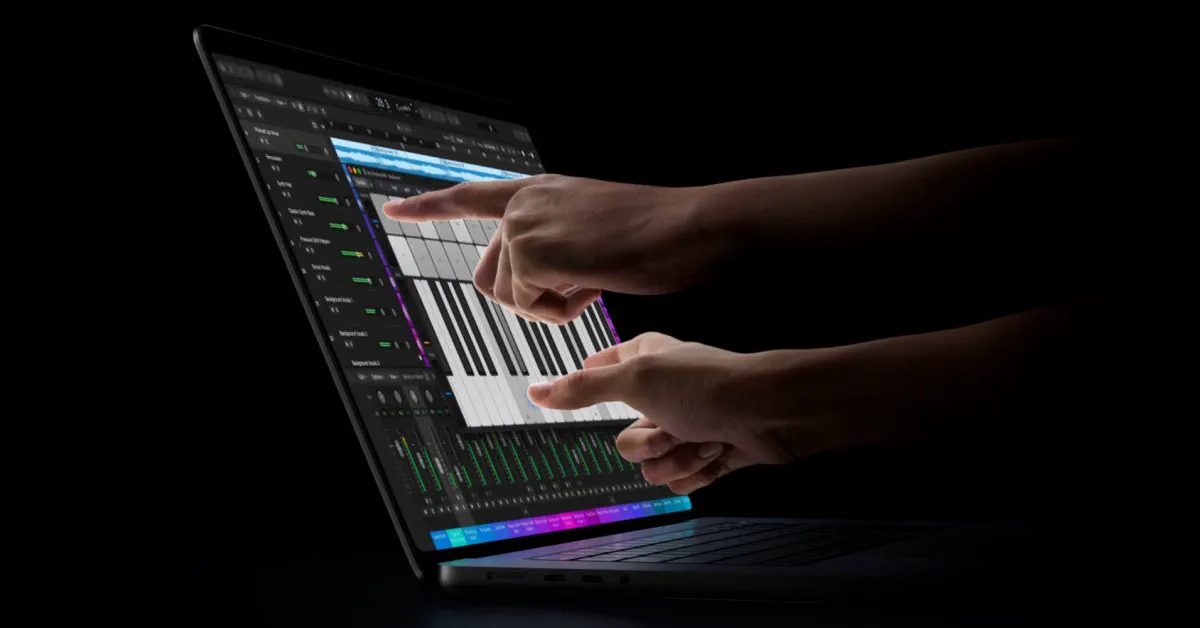
Apple has finally embraced the touchscreen laptop with its all-new MacBook Pro with PROLED XDR Display, marking an epochal reversal in Mac design philosophy. While the hardware introduces an integrated touch sensor and dynamic user interface adjustments, company representatives confirmed to reporters following the announcement that Apple is "only getting started" adapting macOS for touch input. The admission signals that the subtle interface tweaks shipping at launch are merely the opening phase of a multi-year software overhaul intended to make Apple’s desktop operating system feel as responsive to fingertips as it is to pointers.
The Announcement: Touch Finally Comes to the Mac
At its "Pro and Tell" media event in Los Angeles, Apple took the wraps off the MacBook Pro with PROLED XDR Display. Available in 14-inch and 16-inch models, the flagship workstation represents the very first time macOS has officially supported direct on-screen touch manipulation.
Addressing attendees, Apple CEO John Ternus framed the milestone succinctly: "Yes, for the very first time, we are bringing touch to the Mac." Rather than positioning the notebook as a tablet replacement or an iPad hybrid, Apple is pitching touch as an intuitive, secondary layer of input that operates alongside the physical keyboard and Force Touch trackpad. Users can pinch to zoom across documents, swipe through long timelines or web pages, drag files directly across application windows, and flick windows to snap them into tiled arrangements.
Watch: New MacBook Pro with PROLED XDR Display: The first-ever Mac with Touch

Video: Apple on YouTube
Hardware Breakdown: PROLED XDR, Tandem OLED, and Stiffened Hinges
 Photo: cnn.com (source)
To prevent the bouncy screen wobble that plagued early Windows touchscreen portables, Apple re-engineered the MacBook Pro’s physical enclosure from the ground up. The chassis incorporates a newly designed, high-rigidity hinge calibrated specifically to absorb the kinetic force of repeated finger presses. Additionally, Apple baked advanced video stabilization into macOS to automatically steady the 12MP Center Stage camera feed in real time if a user interacts with the display during video calls.
The marquee feature is the PROLED XDR screen, built around tandem OLED architecture that stacks two emissive organic layers to achieve an eye-watering 10,000,000:1 contrast ratio. Unlike traditional add-on digitizer foils, Apple integrated the touch sensors directly into the OLED panel itself. This on-cell architecture eliminates an entire glass layer, reducing optical glare, shaving off system latency, and trimming overall chassis weight. The 14-inch version sheds half a pound to hit exactly 3.0 pounds, while the 16-inch configuration weighs just 4.0 pounds.
| Specification | 14-inch MacBook Pro (PROLED XDR) | 16-inch MacBook Pro (PROLED XDR) |
|---|---|---|
| Display Size & Type | 14.2-inch Tandem OLED (PROLED XDR) | 16.3-inch Tandem OLED (PROLED XDR) |
| Resolution | 3024 x 1986 (254 ppi) | 3472 x 2266 (254 ppi) |
| Refresh Rate | ProMotion (10Hz–120Hz) | ProMotion (10Hz–120Hz) |
| Brightness | 1,000 nits full SDR/HDR; 2,000 nits peak | 1,000 nits full SDR/HDR; 2,000 nits peak |
| Color Support | P3 Wide Color + Adobe RGB | P3 Wide Color + Adobe RGB |
| Silicon | Apple M5 Pro or M5 Max | Apple M5 Pro or M5 Max |
| Base Memory / Max | 24GB unified / Up to 128GB | 24GB unified / Up to 128GB |
| Base Storage / Max | 1TB SSD / Up to 16TB | 1TB SSD / Up to 16TB |
| Weight | 3.0 pounds (1.36 kg) | 4.0 pounds (1.81 kg) |
| Battery Life | Up to 22–24 hours | Up to 24 hours |
| Starting Price | $2,899 | $3,399 |
| Availability | Pre-orders open now; ships November 6 | Pre-orders open now; ships November 6 |
Both models ship in Silver and Space Black, featuring three Thunderbolt 5 ports, an HDMI out, an SDXC slot, MagSafe 3, and the nostalgic return of Apple's glowing lid logo.
The Long Road Here: Overcoming Decades of Dogma
Apple's pivot to touchscreens represents one of the starkest philosophical reversals in modern tech history. In 2010, Steve Jobs famously condemned the very premise of touchscreen laptops, declaring that "touch surfaces don't want to be vertical" and warning that reaching out repeatedly makes a user's "arm want to fall off." Two years later, former CEO Tim Cook dismissed the convergence of tablets and notebooks by arguing that "you can converge a toaster and refrigerator, but these things are probably not going to be pleasing to the user."
For over a decade, Apple defended that dividing line, funneling touch-first productivity toward iPadOS while keeping macOS tethered strictly to mice and trackpads. An intermediate experiment—the keyboard-mounted Touch Bar introduced in 2016—was intended to bring contextual touch strips without requiring users to lift their hands, but professional backlash eventually forced Apple to retire it in favor of physical function keys.
However, market dynamics shifted. Younger consumers raised on iPads and touch-enabled Chromebooks naturally expect every vertical screen to respond to a finger press. With John Ternus taking the helm as CEO, Apple cleared away lingering executive hesitation, greenlighting the hardware while ensuring macOS would not simply morph into an iPad clone.
How macOS Adapts to Fingers Right Now
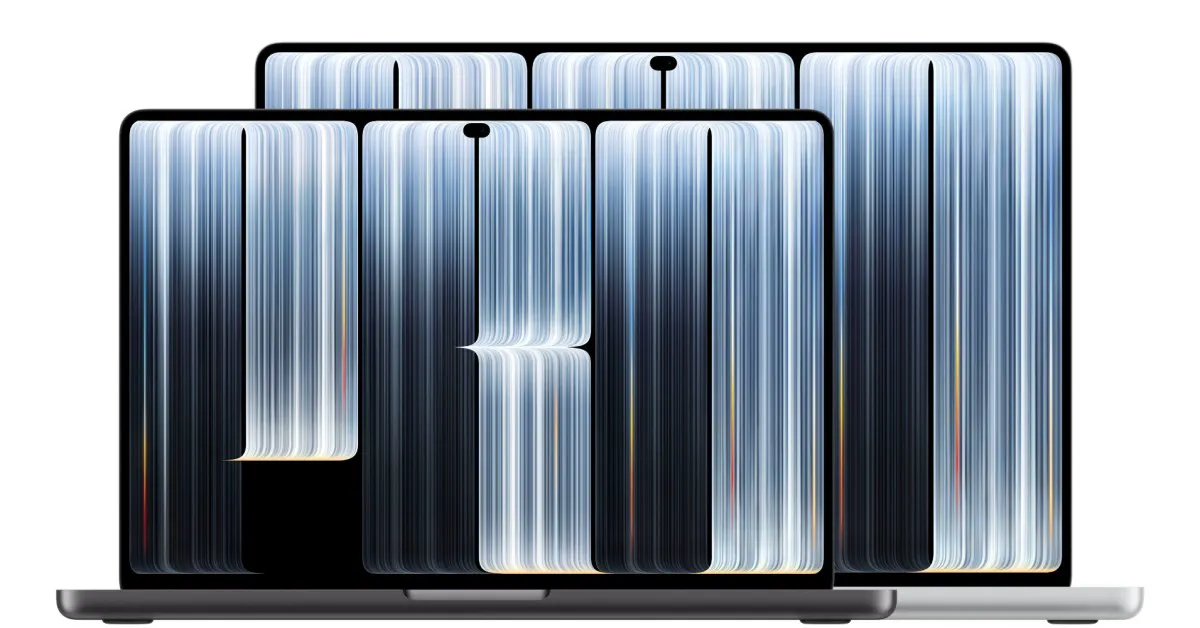 Photo: 9to5mac.com (source)
Rather than forcing macOS 27 Golden Gate through an aggressive, alienating tablet-style redesign, Apple took a measured approach to software implementation. Taps on the screen are translated at the system level into mouse clicks, providing out-of-the-box compatibility with the vast majority of existing desktop software.
Beyond basic translation, Apple built intelligent hitbox scaling into system controls:
- Dynamic Window Controls: The classic red, yellow, and green window management buttons at the top-left corner dynamically expand in size when touched, making them easy to target without misclicks.
- Expanded Spacing: Menus and menu bar drop-downs automatically display with wider margins and padding when summoned by touch.
- Interactive Dynamic Island: Replacing the camera notch, the Mac's new Dynamic Island expands under touch, offering tactile access to Live Activities, media playback, AirDrop transfers, and beta Siri AI tools.
- Touch-Friendly Dock: Swiping gestures allow users to tuck away or call up the Dock with a single fluid motion.
- Creative Suite Optimization: In Apple Creator Studio, Pixelmator Pro lets users draw directly on the canvas, Logic Pro provides on-screen polyphonic touch keyboards and drum pads, and Final Cut Pro enables finger-based timeline scrubbing and clip docking.
What Apple Means by ‘Only Getting Started’
While early impressions praise the fluid 120Hz scrolling and rapid response times, early testers also noted interface friction points. The Verge and Bloomberg both observed that while macOS handles large gestures effortlessly, intricate desktop menus, dense third-party dropdowns, and tiny UI checkboxes remain awkward to hit accurately with human fingers.
That disparity explains why Apple personnel explicitly informed reporters that the engineering team is "only getting started" tuning macOS for touch. According to developer notes and code strings unearthed in macOS 27.2 betas, Apple is developing deeper, context-aware interaction layers. Future iterations are expected to introduce proximity detection that dynamically enlarges clickable touch targets as a finger approaches the glass, intelligent radial action menus that blossom directly beneath a resting finger, and wider gesture recognizer APIs for third parties. Updates planned for late 2026 will bring specialized touch modes to major desktop staples, including Microsoft Office, DaVinci Resolve, Adobe Lightroom, and Blender.
Hardware & Market Comparisons
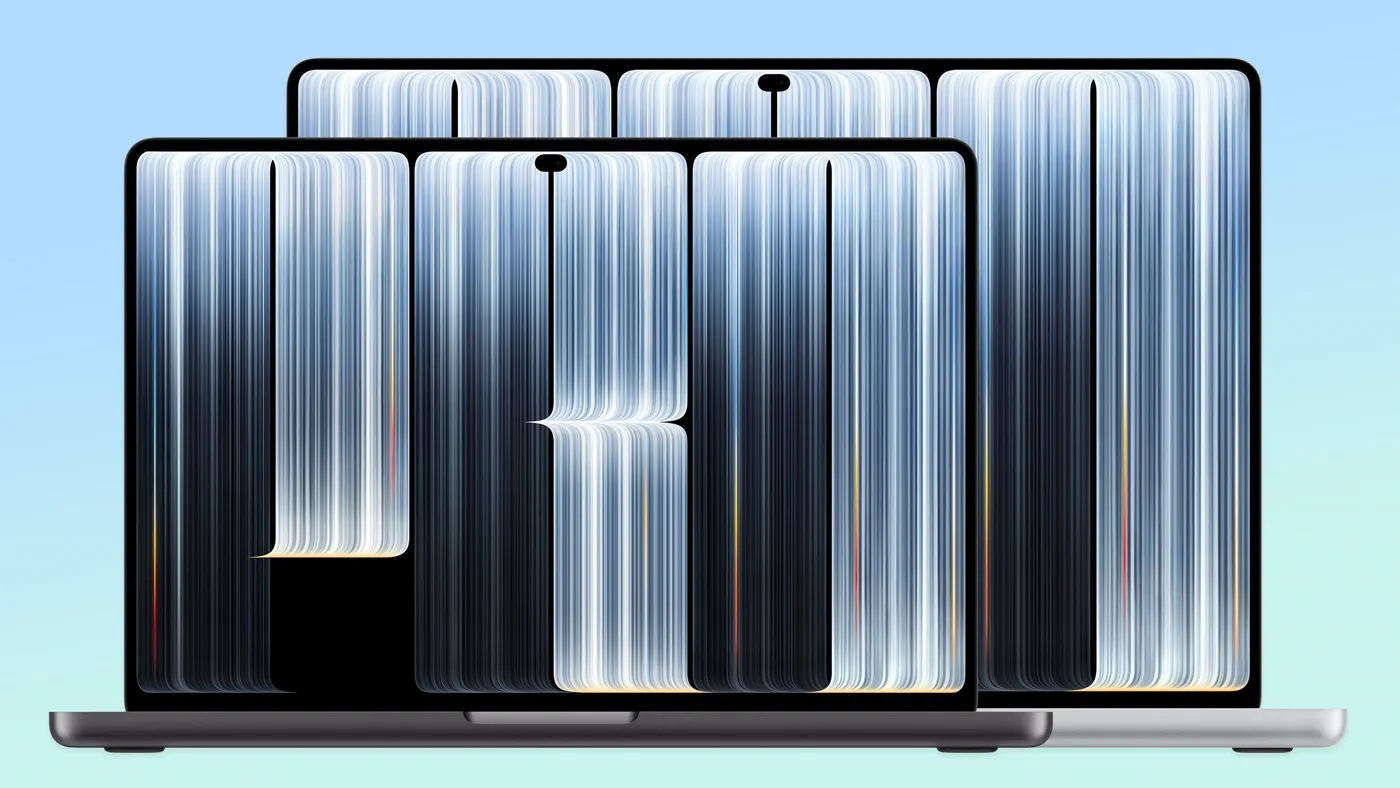 Photo: tomsguide.com (source)
Apple is not substituting standard laptops with touch models; it is creating an ultra-premium hardware tier. Alongside the touch-enabled MacBook Pro, Apple also introduced an M6-powered entry MacBook Pro starting at $1,999, retaining traditional Liquid Retina XDR mini-LED displays without touch.
Against PC competitors, Apple’s execution stands apart primarily through its display integration. While machines like the Dell XPS 13, HP OmniBook, and Lenovo Yoga have featured capacitive touch for years, many rely on separate digitizer layers that increase panel thickness and internal glare. Apple's tandem OLED integrates touch directly at the substrate level while reaching 2,000 nits peak outdoor brightness—unmatched in conventional touch laptops. However, unlike Microsoft Surface laptops or 2-in-1 convertibles, Apple's display does not fold back 360 degrees, nor does it lay flat for drafting table workflows.
Buyer Advice and Practical Limitations
For pro consumers weighing an upgrade, several distinct limitations must be kept in mind:
- No Apple Pencil Support: Despite the touch screen, Apple confirmed the display uses capacitive finger sensors and does not support the Apple Pencil or active digitizers. Illustrators needing precision stylus input must stick to the iPad Pro.
- Traditional Clamshell Form Factor: The hinge stops at standard laptop viewing angles; it does not convert into a tablet.
- No Cellular Connectivity: Despite its ultra-portable 3.0-pound frame, Apple continues to exclude 5G cellular modem options.
- Steep Early Adopter Tax: With starting tags of $2,899 and $3,399, buyers are paying a substantial premium over non-touch M6 machines.
Users who spend most of their working day anchored to an external desktop monitor with the laptop lid closed will see minimal utility from the touchscreen. However, traveling creatives, music producers, presentation designers, and developers testing mobile apps directly on the desktop gain a fast, engaging new input vector.
What Happens Next
Pre-orders for both MacBook Pro with PROLED XDR Display configurations are currently live, with retail store availability and initial customer shipments launching on Friday, November 6.
Looking further out, the biggest unanswered question is whether Apple will eventually cascade touchscreens down into mainstream consumer hardware like the MacBook Air or the budget MacBook Neo. For now, Apple's software roadmap will be heavily scrutinized: developers will watch the rollout of macOS 27.2 and next year's major OS release to see how rapidly Apple transforms macOS from a mouse-first environment into an interface where fingers are treated as first-class citizens.
FAQ
Does the new touchscreen MacBook Pro work with the Apple Pencil? No. Apple has confirmed that the MacBook Pro uses standard capacitive multi-touch optimized for fingers and does not support the Apple Pencil or active stylus protocols.
Can the screen fold completely backwards into a tablet? No. The laptop features a traditional clamshell notebook design with a newly stiffened hinge, but it does not fold 360 degrees or detach from the keyboard.
When will the touchscreen MacBook Pro be available, and what does it cost? Pre-orders opened on October 28, with deliveries and store availability beginning on November 6. The 14-inch model starts at $2,899, while the 16-inch model begins at $3,399.
Will third-party Mac apps work with the touchscreen immediately? Yes, macOS automatically maps touch inputs to mouse clicks across existing software, while optimized gestures and enlarged controls will roll out to apps like Microsoft 365, Adobe Lightroom, and DaVinci Resolve in late 2026.