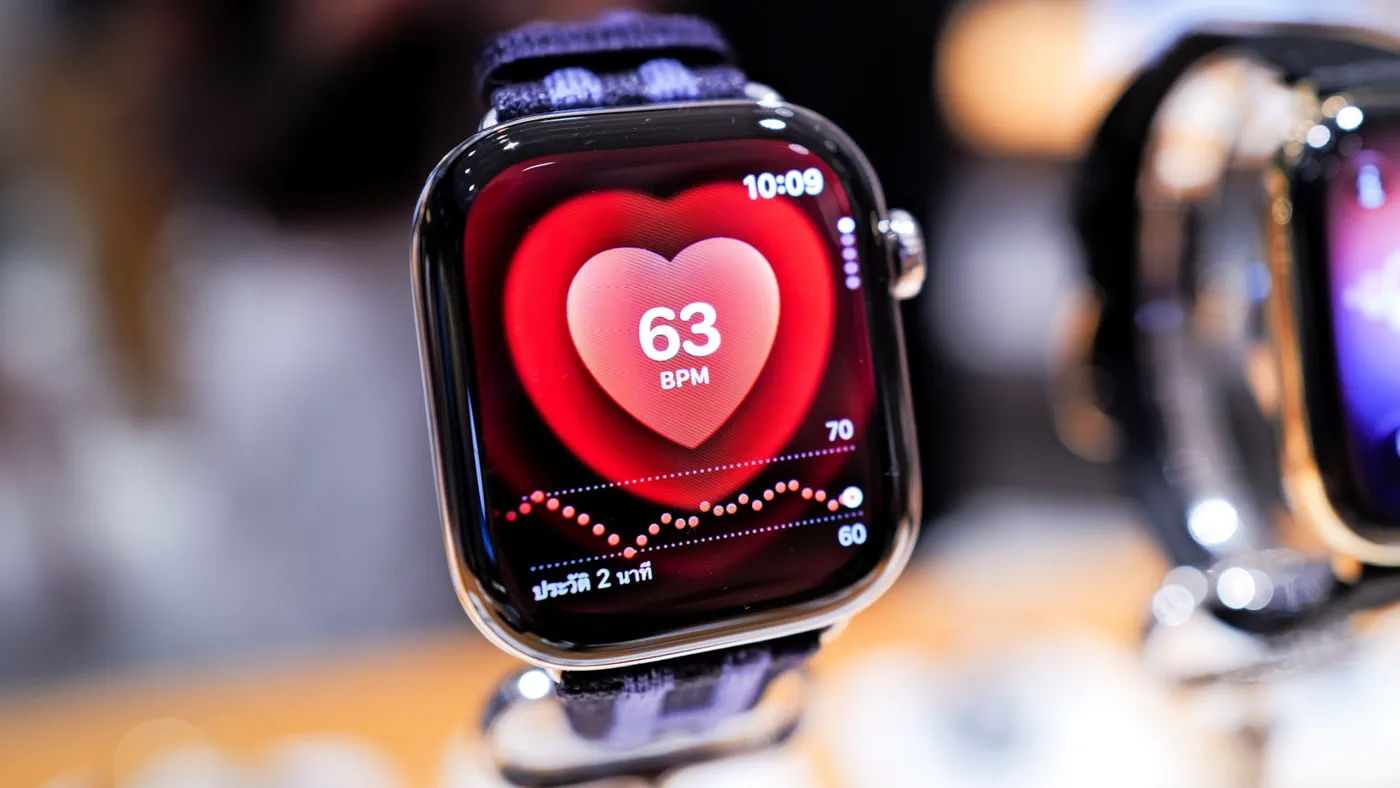
Millions of older adults wear an Apple Watch every day, yet many fail to benefit from its most critical capabilities simply because key safety features remain disabled by default. As wearable technology increasingly takes on the role of personal safety equipment, properly configuring these built-in tools can provide crucial protection for seniors and invaluable peace of mind for their families.
Unlike traditional medical call pendants, which carry a social stigma that often leads older adults to leave them on a nightstand, the Apple Watch blends into everyday life as an ordinary timepiece. According to data from the U.S. Centers for Disease Control and Prevention (CDC), more than one in four Americans aged 65 and older falls each year, resulting in roughly 319,000 hospitalizations for hip fractures. With approximately 26% of older Americans living alone, according to Pew Research, automating health monitoring and emergency contact flows is essential. Here are the five essential health alerts every senior should configure on their Apple Watch.
1. Fall Detection and Crash Detection
Fall Detection is arguably the Apple Watch's most celebrated emergency feature. Using built-in accelerometers and gyroscopes, the watch detects the distinct impact dynamics of a hard fall. If it senses that the user has taken a fall and remains immobile for approximately 60 seconds, it sounds an audible chime, taps the wearer's wrist, and displays an on-screen prompt. If the user does not dismiss the prompt or remain upright, the device automatically dials local emergency services (such as 911), delivers an automated audio message detailing coordinates, and texts designated emergency contacts with a map link.
While Apple automatically enables Fall Detection for accounts where the user's recorded age in Apple Health is 55 or older, caregivers and wearers should manually verify that the setting is configured correctly:
- Open the Watch app on the paired iPhone.
- Tap Emergency SOS.
- Select Fall Detection and toggle it to On.
- Choose Always On rather than "Only During Workouts" to ensure full-time home protection.
On newer models (Apple Watch Series 8, SE 2nd Gen, Ultra, and later), users should also confirm Crash Detection is enabled under the same menu to automatically dial emergency services if involved in a severe vehicular collision.
Watch: 6 Apple Watch Tips for Seniors & Caregivers

Video: The Senior List on YouTube
2. Emergency SOS and Medical ID
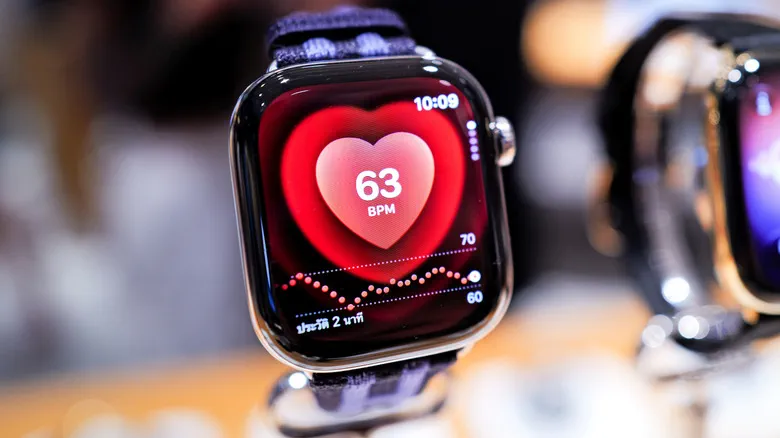 Photo: Engadget - Technology News & Expert Reviews (source)
In acute distress—such as severe dizziness, chest pain, or an intruder concern—a senior might not have time or manual dexterity to unlock a smartphone. Emergency SOS lets the wearer quickly summon help by pressing and holding the watch's elongated side button. After holding it, a slider appears; continuing to hold the button triggers a countdown alarm before dialing emergency dispatchers and sharing live location updates.
Crucially, this setup links directly to Medical ID, which first responders can access directly from the watch display without needing a passcode.
- Set up Medical ID: In the Health app on iPhone, tap your profile avatar, tap Medical ID, and select Edit.
- List Critical Details: Enter existing conditions, blood type, medications, and severe allergies (such as penicillin or latex).
- Add Emergency Contacts: Designate immediate family members or caregivers who should receive automated text notifications if 911 is summoned.
- Enable Lock Screen Sharing: Ensure Show When Locked and Share During Emergency Call are toggled on so emergency medical technicians (EMTs) receive this information immediately upon arrival.
3. High, Low, and Irregular Heart Rate Notifications
Cardiovascular conditions represent one of the primary health risks facing seniors, with CDC metrics showing a cardiovascular death every 34 seconds in the United States. While the Apple Watch is not a substitute for clinical diagnostics and cannot detect heart attacks, its optical and electrical heart sensors provide robust passive monitoring.
The Apple Watch can continuously analyze pulse data in the background and trigger alerts if the heart remains unusually high or low while the user is at rest. Users can also check for signs of atrial fibrillation (AFib)—a major contributor to stroke—and take on-demand electrocardiograms (ECGs) on Series 4 and newer models (excluding SE models).
- Open the Watch app on iPhone and tap Heart.
- Set High Heart Rate notifications to a clinical threshold (commonly 120 bpm or higher when resting).
- Set Low Heart Rate notifications (commonly below 40 bpm or 50 bpm, depending on a physician's guidance).
- Toggle on Irregular Rhythm Notifications to receive passive alerts if repetitive irregular rhythms consistent with AFib are observed.
- Take a manual ECG by opening the ECG app on the watch and holding a fingertip against the Digital Crown for 30 seconds.
4. Scheduled Medication Reminders
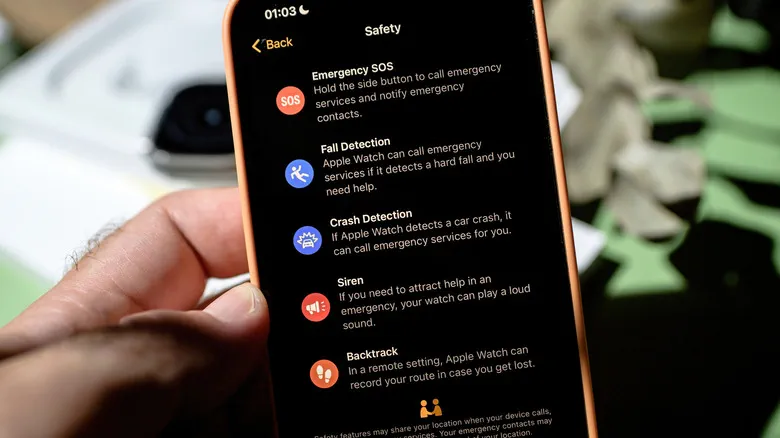 Photo: Engadget - Technology News & Expert Reviews (source)
Managing complex drug regimens is a common challenge for aging adults, frequently leading to missed doses or accidental double-dosing. Apple's Medication feature directly tackles this by delivering gentle haptic taps to the wrist alongside persistent visual cues.
Unlike an easily dismissed phone alarm across the room, the wrist reminder keeps track of adherence in real time:
- In the iPhone Health app, go to Browse > Medications.
- Tap Add Medication, search for the prescription name, and set the dose, schedule, and time of day.
- Turn on Dose Reminders and toggle on Follow-Up Reminders to receive a secondary nudge if a dose has not been logged within 30 minutes.
- Wearers can tap "Log as Taken" directly from their wrist, building an audit log that doctors and family members can review in the Health app.
5. Sleep Apnea Detection and Sound Recognition
For seniors coping with secondary age-related changes such as hearing decline or restless sleep, Apple offers assistive alerts that require little active intervention.
Sleep Apnea Notifications: On compatible hardware (Apple Watch Series 9, Series 10, and Ultra 2), the watch uses its accelerometer to track "Breathing Disturbances" during overnight sleep. If the algorithm notices elevated breathing interruptions consistently over a 30-day window, it delivers a notification warning the user of potential moderate-to-severe sleep apnea so they can consult their physician. Enable this under Health > Browse > Respiratory > Sleep Apnea Notifications.
Sound Recognition: Hearing impairment affects roughly one in four older adults. Through iOS accessibility features, the paired iPhone and Apple Watch can listen for specific ambient environmental noises—such as smoke alarms, carbon monoxide detectors, knocking, or doorbells—and vibrate the watch with an on-screen alert. Turn this on in iPhone Settings > Accessibility > Sound Recognition.
Apple Watch vs. Dedicated Medical Alert Systems
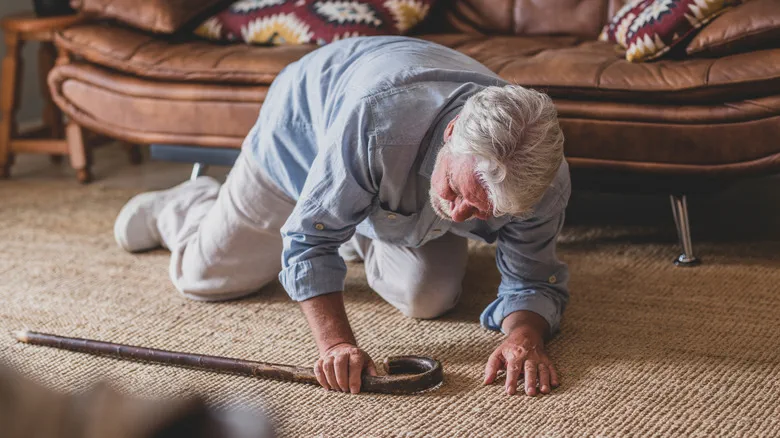 Photo: Engadget - Technology News & Expert Reviews (source)
Many families debate whether to purchase a standard Apple Watch or a monitored medical alert subscription (such as Life Alert or Medical Guardian). Both approaches carry distinct trade-offs:
| Feature / Metric | Apple Watch (Series 10 / SE 2) | Dedicated Medical Alert Pendants |
|---|---|---|
| Equipment Cost | $249 – $399+ | $100 – $200 hardware fee |
| Monthly Subscription | $0 (or ~$10/mo optional cellular) | $30 – $50/month ($360–$600/year) |
| Emergency Routing | Direct 911 automated call & family SMS | Dedicated 24/7 private dispatch operator |
| Battery Longevity | 18 to 36 hours (requires daily charging) | 3 to 7 days (or multi-year non-rechargeable) |
| Wearer Compliance | High (looks like a modern smartwatch) | Moderate-to-Low (stigmatized "panic button") |
| Health Metrics | ECG, Heart Rate, Meds, Sleep Apnea | Minimal (typically fall detection only) |
| Prerequisites | Requires iPhone (or Family Setup) | Standalone cellular base station or necklace |
Practical Setup Advice for Caregivers
To make an Apple Watch seamless for an aging relative, consider these optimization steps:
- Set Haptics to Prominent: Under watch Settings > Sounds & Haptics, select Prominent so alerts deliver a firm physical tap that older nerves can easily feel.
- Enlarge Display Text: In Settings > Display & Brightness, increase text size and activate Bold Text for easy readability without reading glasses.
- Establish a Charging Routine: Because battery life requires regular recharging, pair the watch charger with an established habit, like placing it on the dock beside the bed or next to the bathroom sink during evening routines.
- Use Health Sharing: In the iPhone Health app, family members can use the Sharing tab to monitor activity levels, heart rate alerts, and fall events remotely.
FAQ
Does an Apple Watch call 911 if I fall without a cellular plan? Yes, provided the watch is either connected to Wi-Fi with Wi-Fi Calling enabled or stays within Bluetooth range of your paired iPhone. If you buy an Apple Watch GPS + Cellular model, it can reach emergency services independently without your iPhone nearby.
Does Apple Watch Fall Detection have a monthly fee? No, Apple does not charge any recurring monitoring fee for Fall Detection or emergency calls. Any communication relies on your standard iPhone mobile network plan or your smartwatch cellular line.
Can a senior use an Apple Watch if they don't own an iPhone? Yes, through Apple's Family Setup feature, a family member can configure an Apple Watch with cellular connectivity using their own iPhone. However, certain advanced capabilities like manual ECGs and irregular rhythm notifications require an independently paired iPhone running an adult Apple account.
Can the Apple Watch detect a heart attack? No, the Apple Watch cannot detect heart attacks or myocardial infarctions. It is designed to identify signs of irregular rhythms like AFib and resting rate spikes, but anyone experiencing chest pain or shortness of breath should call 911 immediately.