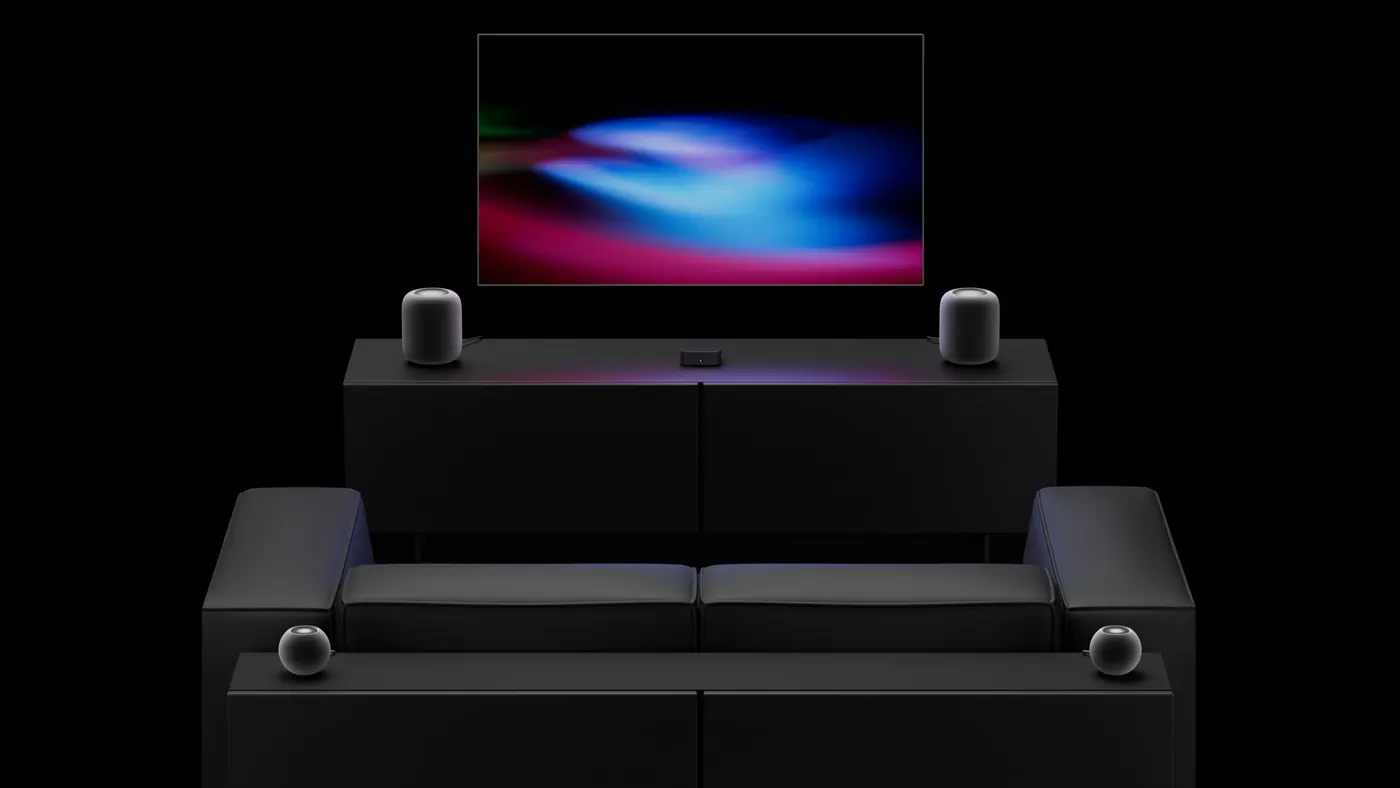
Apple’s fourth-generation Apple TV 4K introduces a long-requested home theater upgrade: the ability to connect four wireless HomePods to form a dedicated surround sound array. Alongside cinematic Dolby Atmos playback, software release candidates have revealed a secondary listening mode called “Whole Room Audio,” designed to transform quad-HomePod living rooms into seamless acoustic spaces for social gatherings and music.
While home theater enthusiasts have focused heavily on Apple’s jump from stereo pairing to genuine front-and-rear directional channels, Whole Room Audio targets everyday listening. Instead of aiming acoustic directional cues at a single sweet spot on the couch, the feature diffuses playback evenly across all four corners of a room. The result is a dual-purpose system that can handle Hollywood blockbusters on Friday night and background music or sports commentary during a Sunday party.
A Dual Identity: Cinematic Surround Meets 'Whole Room Audio'
For years, pairing HomePods with an Apple TV meant locking two speakers into a traditional stereo pair. The new Apple TV 4K fundamentally changes that architecture by expanding wireless synchronization to four independent endpoints.
When configuring the system in tvOS, users can choose between two distinct speaker behaviors:
- Surround Sound Mode: Operates as a true discrete home theater configuration. The front left, front right, rear left, and rear right channels decode spatial audio tracks and Dolby Atmos metadata to deliver directional height, panning, and localized effects anchored to the screen.
- Whole Room Audio Mode: Described colloquially in pre-release firmware as “Party Mode,” this setting re-routes playback to bathe the entire living area in uniform, balanced sound. Rather than isolating dialogue in front and ambient effects in back, it delivers full-frequency, balanced audio from every corner so conversations, game day commentary, and playlists remain clear no matter where listeners stand.
Watch: The new Apple TV 4K: The ultimate cinematic experience.
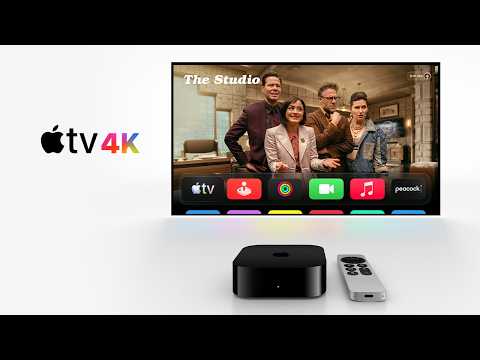
Video: Apple on YouTube
How 'Party Mode' Actually Works: The Diagonal Stereo Engineering
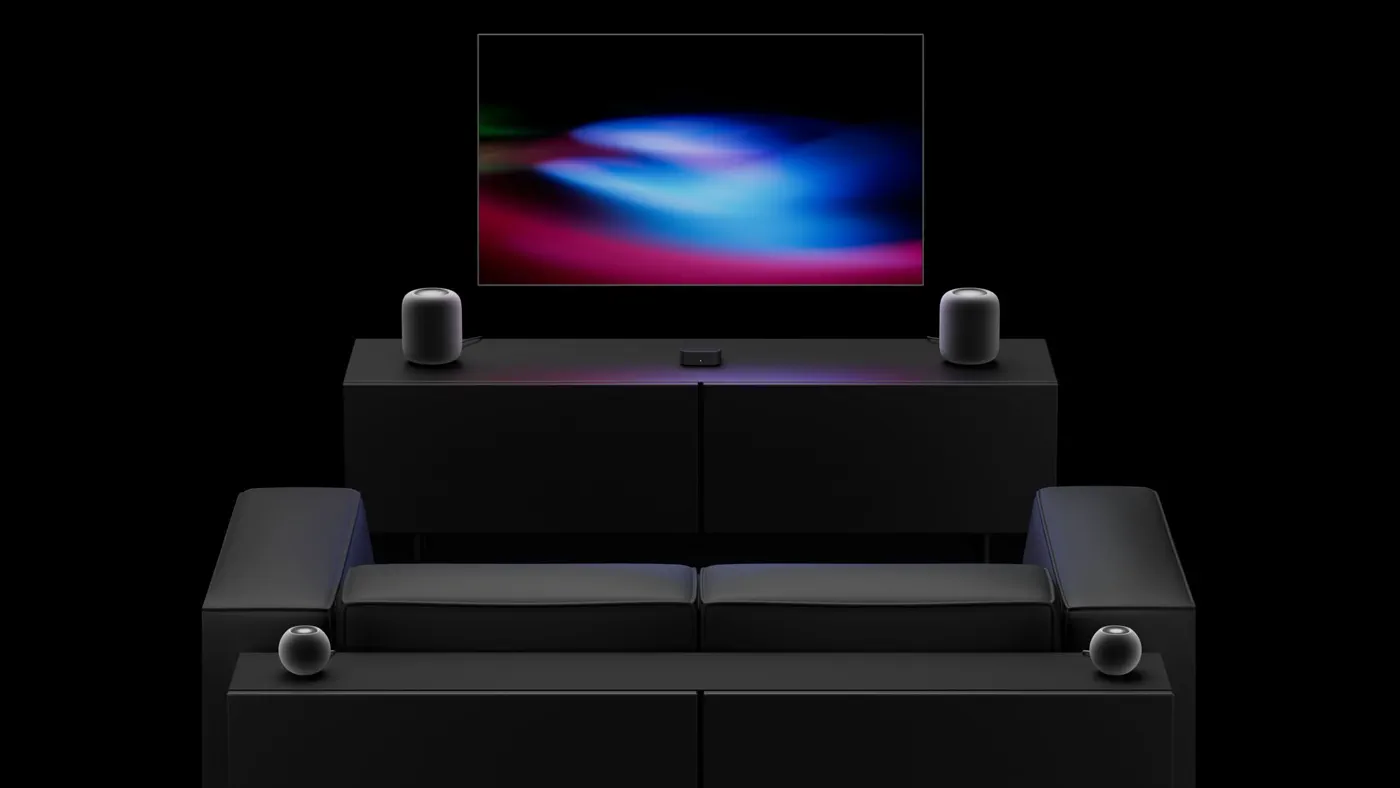 Photo: MacRumors: Mac News and Rumors - Front Page (source)
Turning four speakers into an ambient sound field usually creates a major acoustic flaw: traditional stereo sound fields fall apart as soon as a listener turns away from the television. Apple has addressed this with an unconventional diagonal channel layout embedded in audioOS and tvOS.
Analysis of the Release Candidate software reveals that Whole Room Audio assigns stereo roles diagonally across the room:
- Front Left Speaker: Stereo Left
- Front Right Speaker: Stereo Right
- Rear Left Speaker: Stereo Right
- Rear Right Speaker: Stereo Left
By inverting the stereo channels on the rear pair, Apple ensures that a listener turning around to talk to guests or walk toward the kitchen still perceives Left on their left side and Right on their right side. This eliminates phase cancellation dead zones and maintains soundstage cohesion throughout the room without collapsing the track into flat mono playback.
Compatibility, Configurations, and Pricing
Apple has implemented strict hardware gates for this expanded audio setup. To utilize either four-speaker surround sound or Whole Room Audio, buyers must own the fourth-generation Apple TV 4K; prior generations cannot output to four HomePods simultaneously.
Speaker requirements are similarly specific. The setup exclusively supports second-generation full-size HomePods and the newly introduced HomePod mini 2. The original 2018 HomePod and the first-generation HomePod mini are completely excluded from quad configurations.
| Hardware Component | Compatible Models | Pricing (USD) | Notes |
|---|---|---|---|
| Streaming Box | Apple TV 4K (4th Gen, 2026) | $299 | Requires A19 chip, 128GB storage, Wi-Fi 7 |
| Front Speaker Pair | HomePod (2nd Gen) or HomePod mini 2 | $198 – $598 | Front speakers must match each other |
| Rear Speaker Pair | HomePod (2nd Gen) or HomePod mini 2 | $198 – $598 | Rear speakers must match each other |
| Full 4x Mini Setup | Apple TV 4K + 4x HomePod mini 2 | $695 total | Most affordable entry point |
| Hybrid Setup | Apple TV 4K + 2x HomePod 2 + 2x Mini 2 | $1,095 total | Powerful front stage with compact rears |
| Flagship Setup | Apple TV 4K + 4x HomePod (2nd Gen) | $1,495 total | Maximum bass and Dolby Atmos headroom |
Apple allows hybrid setups with one strict rule: the front speakers must be an identical pair, and the rear speakers must be an identical pair. Users can place two full-sized HomePods at the front for robust acoustic depth and two HomePod mini 2 units in the rear for surround or fill audio, but they cannot mix models on the same axis.
Calibration, Control Center Menus, and eARC Gaming
 Photo: bsky.app (source)
Setting up four speakers traditionally requires audio receivers, calibration microphones, and tangled speaker wire. Apple relies on automated computational audio to bypass that friction.
When four compatible HomePods are assigned to the Apple TV room inside the Apple Home app, the system initiates an automated calibration sequence. Using their internal microphone arrays, the speakers listen to room reflections and the Apple TV box’s acoustic pings to automatically calculate distance, room geometry, audio timing, and relative volume levels.
Once established, users gain access to specialized audio sliders inside the tvOS Control Center and Settings menu:
- Speaker Mode Switch: Quickly toggles between Surround Sound and Whole Room Audio.
- Surround Level Adjustment: In surround mode, users can fine-tune rear speaker output from -8 dB to +8 dB in 0.5 dB increments to match their seating proximity.
- Spatialize Stereo Toggle: Users can decide whether standard two-channel music and older television shows should be upmixed across all four speakers or restricted to the front channels with rear speakers muted.
Additionally, because the fourth-generation Apple TV 4K supports HDMI eARC (Audio Return Channel), all console gaming audio—such as PlayStation 5 or Xbox Series X feeds—can be routed through the four-speaker array with low latency.
From Stereo Pairs to Quad Audio: How Apple Got Here
When Apple launched the original HomePod in 2018, its focus was acoustic fidelity for standalone music streaming. Later updates introduced stereo pairing and default audio output for Apple TV 4K, bringing virtualized Dolby Atmos to compact living rooms. Yet home theater enthusiasts consistently criticized Apple’s refusal to permit discrete rear surrounds.
While rivals like Sonos built entire ecosystems around modular soundbars, subwoofers, and rear satellites, Apple TV users were stuck with simulated spatial audio bouncing off walls. tvOS 27.2 and the fourth-generation Apple TV 4K mark the end of that compromise. By leveraging the higher throughput of the A19 chip and modernized wireless protocols, Apple has finally engineered a low-latency architecture capable of managing four independent high-fidelity audio streams in real time.
Apple vs. Sonos: The Smart Speaker Battle Moves to the Living Room
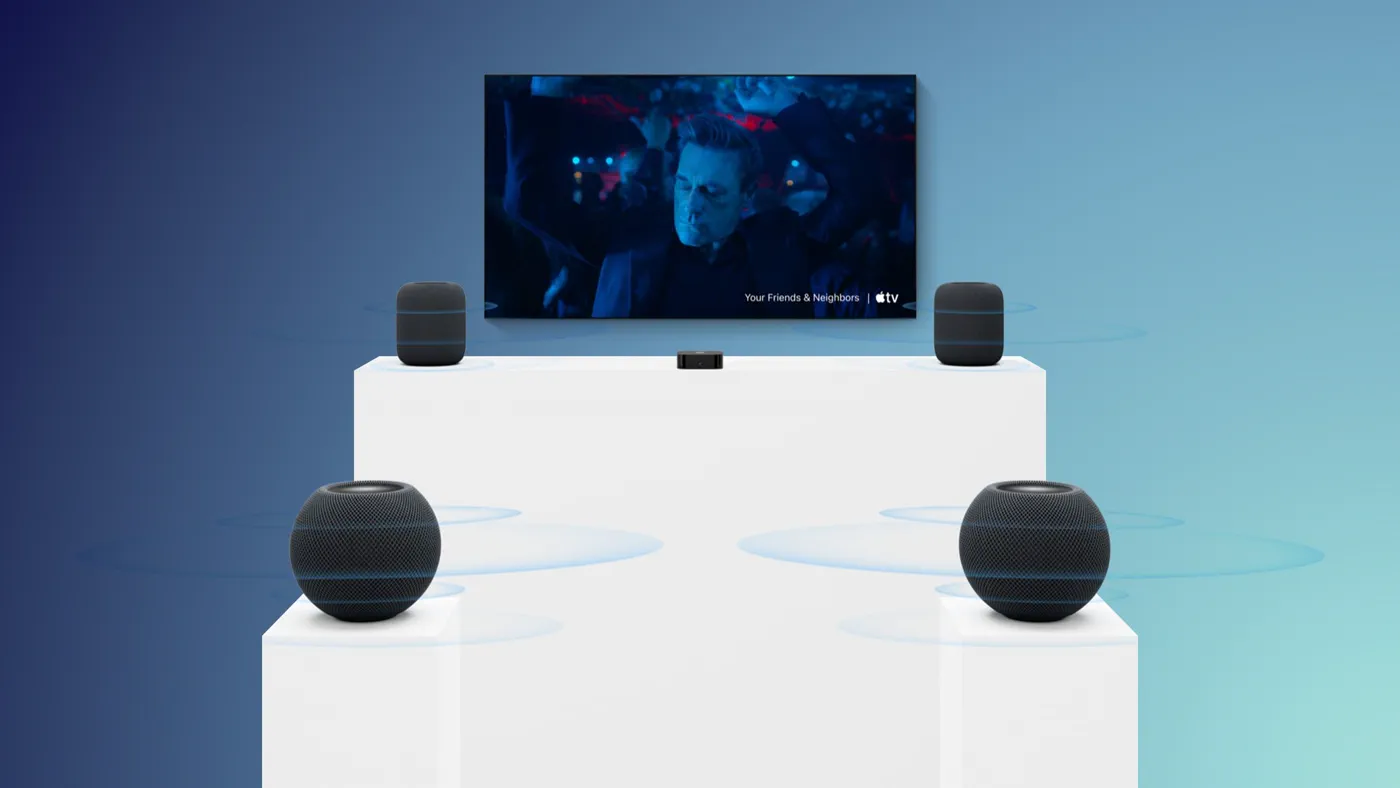 Photo: macrumors.com (source)
Apple’s quad-HomePod system directly challenges established wireless home theater systems, most notably Sonos.
A typical Sonos setup—combining an Arc soundbar, two Era 100 surround speakers, and a Sub—costs well over $1,500. Apple's hybrid configuration of an Apple TV 4K, two full-sized HomePods, and two HomePod mini 2s comes in at $1,095, while also serving as a high-end streaming box, Siri smart hub, and Thread border router.
However, trade-offs remain. Sonos systems feature dedicated physical center channels for dialogue and standalone subwoofers that move air in ways bookshelf speakers cannot replicate. While four full-sized HomePods pack substantial low-end frequency response due to their high-excursion woofers, home cinema purists may still lament the lack of a dedicated Apple-branded subwoofer.
Where Apple pulls ahead is ambient adaptability: features like Whole Room Audio and Sound Glow—which subtly illuminates the HomePod touch surface in sync with album art—make the setup significantly more social and visually integrated than traditional black audio bars.
Practical Advice: Is Building a Four-HomePod Setup Worth It?
For existing owners of older Apple TV boxes or first-generation HomePods, upgrading requires careful budget consideration. Because older equipment is excluded from the quad-speaker ecosystem, building this setup from scratch represents a $695 to $1,495 commitment.
- Best for Open-Concept Living Rooms: If your television sits in an open living and dining area where people socialize, the combination of surround theater and Whole Room Audio provides unmatched flexibility.
- The Sweet-Spot Value: Pairing two existing second-generation HomePods with two new $99 HomePod mini 2 units at the rear provides the best balance of cinematic weight and cost efficiency.
- When to Skip: If you already own a dedicated 5.1-channel AV receiver setup or a premium Dolby Atmos soundbar with dedicated satellites, the Apple TV 4K hardware upgrade alone won't revolutionize your TV viewing without repurchasing speakers.
What’s Next: The Unanswered Questions
The fourth-generation Apple TV 4K is available for pre-order and officially arrives in stores on Friday, November 13, 2026, alongside tvOS 27.2 and audioOS 27.2.
Despite the excitement, several questions remain. Apple has not confirmed whether it will ever introduce a dedicated wireless subwoofer to turn this quad arrangement into a 4.1 system. Furthermore, many enthusiasts are waiting to see independent latency benchmarks when competitive gaming consoles are passed through eARC to all four speakers. For now, Apple's latest hardware represents its most ambitious push yet to make the living room an all-in-one entertainment hub.
FAQ
Can I use my existing 1st-generation HomePod or HomePod mini in the 4-speaker setup? No. Apple restricts the four-speaker home theater and Whole Room Audio features to the second-generation full-size HomePod and the HomePod mini 2.
Does Whole Room Audio work on older Apple TV 4K models? No. The quad-speaker configuration and Whole Room Audio mode require the fourth-generation Apple TV 4K with the A19 chip. Older Apple TV models remain capped at two speakers in stereo.
Can I mix a full-size HomePod and a HomePod mini as my front speakers? No. Left and right pairs must be identical models. However, you can mix pairs across axes—for example, using two full-sized HomePods in front and two HomePod mini 2 units in the rear.
How does Whole Room Audio differ from standard AirPlay multi-room playback? Standard AirPlay plays stereo tracks across individual rooms independently. Whole Room Audio synchronizes all four speakers inside a single room using an inverted diagonal stereo layout to create seamless, room-filling sound without dead zones.
Does this setup work when playing games on a PS5 or Xbox? Yes, provided your Apple TV 4K is connected to your television’s HDMI eARC port. The television will send gaming audio directly to the Apple TV, which wirelessly broadcasts the surround mix to your four HomePods.