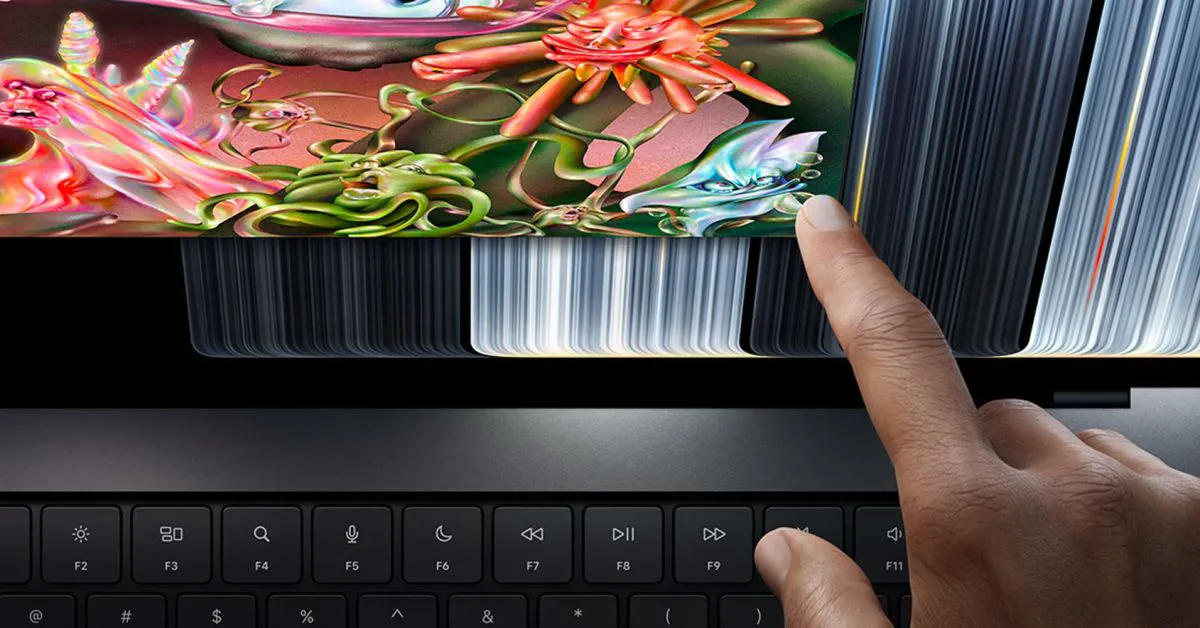
Apple reversed more than a decade of corporate dogma this week by unveiling its first-ever touchscreen MacBook Pro, but the company's best decision had nothing to do with finger input. Instead of forcing every professional customer onto the new hardware and saddling them with a steep price hike, Apple chose to keep its existing non-touch M5 Pro and M5 Max laptops on sale.
That subtle catalog choice avoids the missteps of Apple’s past redesigns. For years, major hardware transitions in Cupertino arrived with mandatory feature taxes, forcing creative professionals to buy controversial hardware gimmicks just to access top-tier silicon. By keeping the traditional mini-LED chassis on shelves alongside the new flagship touchscreen tier, Apple has preserved genuine consumer choice.
The Overhauled MacBook Pro Lineup
Apple’s updated portable lineup splits into three clear tiers. At the entry level sits an updated 14-inch MacBook Pro running Apple's next-generation M6 processor, starting at $1,999 with 16GB of unified memory and 1TB of solid-state storage. That base machine retains the outgoing industrial design and mini-LED display.
At the very top sits the all-new flagship: the MacBook Pro with PROLED XDR Display. Available in 14-inch and 16-inch sizes, it integrates a tandem OLED panel with multi-touch support, narrower bezels, a Dynamic Island cutout, a redesigned hinge mechanism, and the return of an illuminated, glowing Apple logo on the lid. Inside, however, it does not feature an unreleased chip generation; it is powered by the M5 Pro and M5 Max silicon.
The 14-inch touchscreen model starts at $2,899, while the 16-inch model begins at $3,399. Both configurations opened for pre-orders immediately, with store availability and customer shipments scheduled for November 6.
| Model Tier | Display Type | Touch Support | Base Chip | Base Memory / Storage | Starting Price |
|---|---|---|---|---|---|
| 14-inch MacBook Pro (Entry) | Mini-LED Liquid Retina XDR | No | M6 | 16GB / 1TB | $1,999 |
| 14-inch MacBook Pro (Mid) | Mini-LED Liquid Retina XDR | No | M5 Pro | 24GB / 512GB | $2,499 |
| 16-inch MacBook Pro (Mid) | Mini-LED Liquid Retina XDR | No | M5 Pro | 24GB / 512GB | $2,999 |
| 14-inch PROLED XDR (Flagship) | Tandem OLED PROLED XDR | Yes | M5 Pro | 24GB / 1TB | $2,899 |
| 16-inch PROLED XDR (Flagship) | Tandem OLED PROLED XDR | Yes | M5 Pro | 24GB / 1TB | $3,399 |
Watch: New MacBook Pro with PROLED XDR Display: The first-ever Mac with Touch

Video: Apple on YouTube
The Decision Not to Eliminate the Classics
 Photo: 9to5mac.com (source)
The most significant consumer-friendly move was Apple’s decision to retain the standard 14-inch and 16-inch M5 Pro and M5 Max models at $2,499 and $2,999. Rather than discontinuing the mini-LED chassis, Apple shifted them into the middle of the product hierarchy.
Because the new PROLED XDR laptops run on the same M5 Pro and M5 Max processors as the previous chassis, real-world computing power between the tiers is virtually identical. While the new chassis incorporates a redesigned cooling system through the hinge to reduce body heat when hands touch the display, raw benchmarks between equivalent chip bins will remain roughly equal.
By keeping the non-touch configurations in retail channels, Apple allows power users who need high sustained compute, extensive port selections, and massive RAM ceilings to upgrade their rigs without paying a mandatory $400 premium for touch capabilities they might never use.
Learning From the 2016 Touch Bar Blunder
To understand why this product catalog structure matters, one only has to look back to late 2016. When Apple introduced the controversial Touch Bar, it practically eliminated non-touch alternatives for professional users.
In 2016, buyers who wanted a non-Touch Bar machine were restricted to an entry-level 13-inch MacBook Pro with slower dual-core chips, fewer ports, and weaker cooling. Anyone needing a 15-inch screen or quad-core computing power was forced to pay an extra $300 to $400 for the OLED strip, even if they strongly disliked the tactile removal of physical function keys. The Touch Bar lingered for years before Apple finally stripped it away during the acclaimed 2021 chassis reboot.
This week's launch completely avoids that historical trap. Apple recognized that vertical laptop touchscreens remain polarizing. By positioning the OLED touchscreen as a standalone luxury tier, traditionalists who rely strictly on the keyboard and trackpad are not penalized.
A Decade of Rejecting Vertical Screens
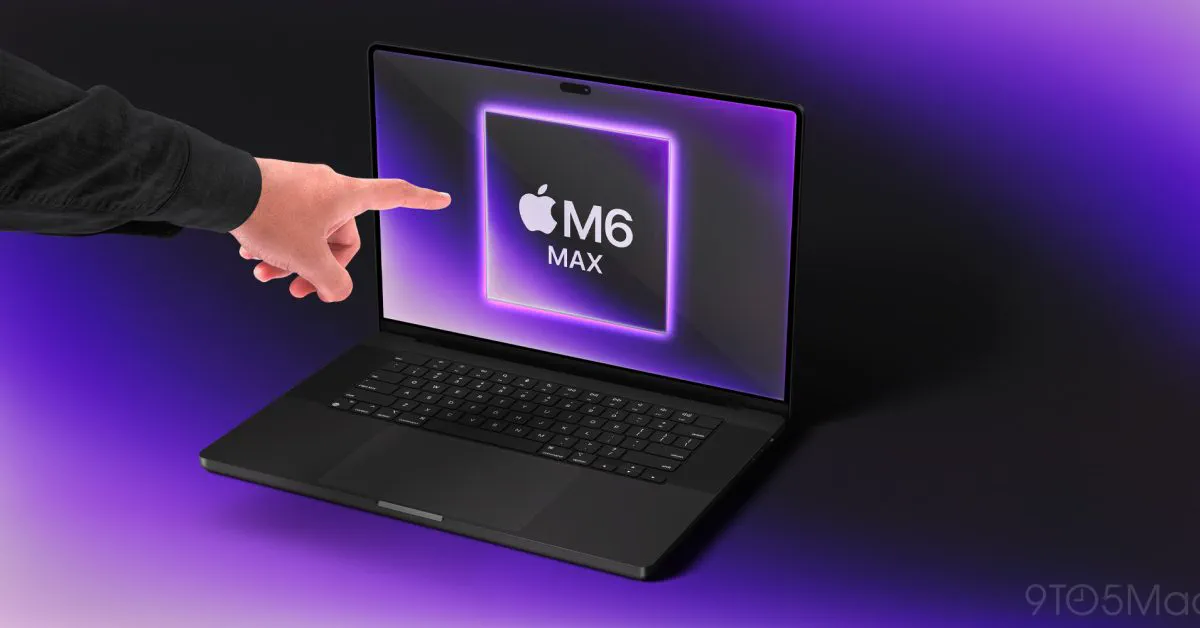 Photo: 9to5mac.com (source)
Apple's release of a touch-capable Mac marks one of the sharpest philosophy reversals in modern personal computing. For more than fifteen years, top leadership vocally mocked the idea:
- Steve Jobs (2010): Declared touch surfaces on a clamshell "ergonomically terrible," insisting that vertical touch interfaces cause user fatigue where "your arm wants to fall off".
- Tim Cook (2012): Compared 2-in-1 touch PC hybrids to converging a "toaster and a refrigerator," stating such devices fail to satisfy the user.
- Phil Schiller (2016): Confirmed internal testing repeatedly proved touchscreens were the wrong choice for the Mac experience.
- Craig Federighi (2020): Downplayed rumors that macOS Big Sur’s spaced-out design language was built for touch interactions.
Despite those historic declarations, Windows PC manufacturers normalized touch-enabled laptops across creative and corporate markets. Over time, younger users raised on iPads and smartphones instinctively reached out to tap Mac screens, making Apple's stubborn resistance feel increasingly out of step with consumer muscle memory.
Engineering Behind the About-Face
In interviews following the reveal, Apple executives explained what changed. Hardware leaders indicated that historical rejections were tied to physical compromises. Early touch implementations added substantial thickness, increased weight, created unsightly glare, drained battery life, and suffered from annoying hinge wobble.
To resolve those pain points, Apple engineered a custom display stack using tandem OLED technology, keeping the panel exceptionally thin while matching XDR brightness. Industrial designers reinforced the display clutch mechanism with a newly damped hinge that resists movement when a finger presses the glass. Furthermore, thermal engineers rerouted internal airflow through hinge vents so the lower edge of the screen does not warm up under heavy render loads.
Executives stressed that indirect input via the trackpad and mechanical keyboard remains the primary interaction method, describing touch as an auxiliary convenience rather than a full tablet replacement. Notably, power users can even disable the touch sensor entirely via macOS Accessibility preferences if they want zero accidental interactions.
Which Model Should Buyers Choose?
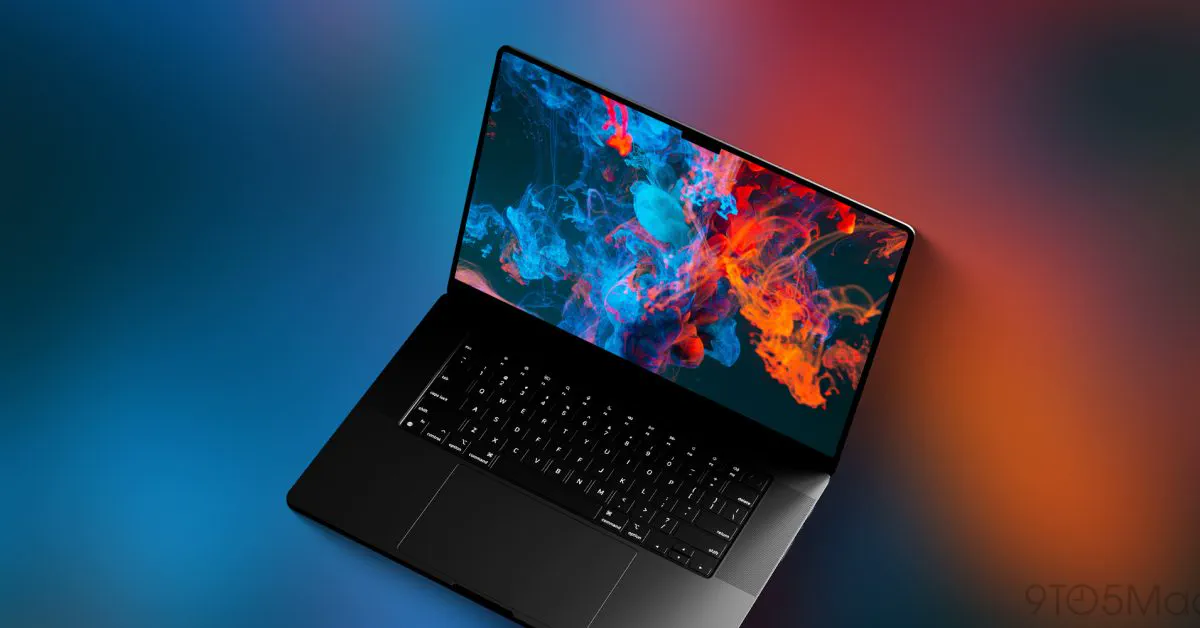 Photo: 9to5mac.com (source)
With three distinct categories now available, navigating the MacBook Pro lineup depends entirely on workflow priorities and budget:
- Get the M6 14-inch ($1,999): Ideal for software developers, students, and general power users who need high single-core speed, long battery life, and 1TB of base storage without paying for multi-fan cooling systems.
- Get the Non-Touch M5 Pro/Max ($2,499 / $2,999): The sweet spot for video editors, 3D animators, and data engineers. You receive identical computing horsepower, extensive Thunderbolt connectivity, and mini-LED panels while keeping $400 in your pocket.
- Get the PROLED XDR Touchscreen ($2,899 / $3,399): Built for creative pros who desire the absolute deepest OLED black levels, lighter chassis weight, thinner bezels, and the convenience of quick on-screen scrolling, scrubbing, and direct digital markups.
What Comes Next
While hardware shipments begin on November 6, significant questions remain regarding software execution. macOS has historically lacked large tap targets, and Apple has reiterated that it is in the early stages of optimizing its desktop operating system for finger input. Third-party creative suites such as Adobe Creative Cloud, DaVinci Resolve, and Logic Pro will need updates to take full advantage of fine-grained multi-touch gestures.
Industry supply chain reports indicate Apple's mini-LED production lines will remain operational through at least 2028. That timeline suggests the company intends to keep this split catalog strategy active for several years, ensuring pro buyers retain an alternative to touchscreens for the foreseeable future.
FAQ
Did Apple remove the trackpad or keyboard on the new touchscreen MacBook Pro? No. The mechanical Magic Keyboard and Force Touch trackpad remain identical, as Apple considers touch to be an auxiliary input rather than a replacement for traditional pointing devices.
Can you turn off touch input on the PROLED XDR model? Yes. macOS includes a dedicated toggle within Accessibility settings allowing users to completely disable the display's touch digitizer.
Are the touchscreen models faster than the non-touch M5 Pro models? No. Both tiers utilize the exact same M5 Pro and M5 Max chip options, meaning processing and graphics performance are fundamentally identical.
When can customers buy the new MacBook Pro models? Pre-orders opened immediately following the announcement, with direct retail availability and customer deliveries starting on November 6.