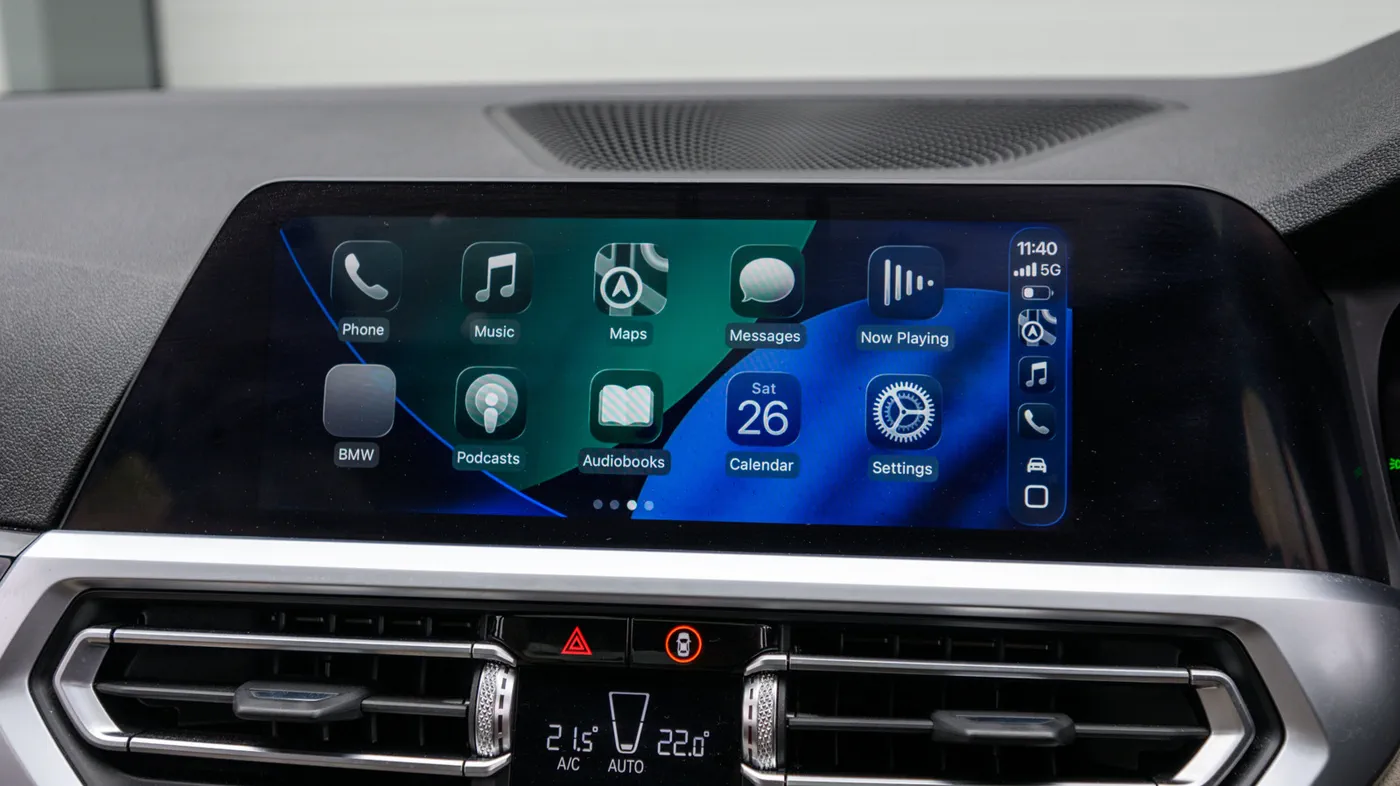
Millions of drivers frustrated by dangling cables and worn charging ports are turning to wireless CarPlay adapters to upgrade their daily commutes without purchasing a brand-new vehicle or shelling out hundreds for an aftermarket head unit. These pocket-sized dongles plug directly into your car's existing wired USB port, acting as a wireless translation bridge that launches Apple CarPlay the moment you turn the ignition.
While the prospect of jumping into your driver's seat and leaving your iPhone in your pocket is universally appealing, the market is flooded with dozens of nearly identical-looking dongles spanning widely varying price brackets. Choosing the wrong device can lead to maddening connection dropouts, sluggish touch response, broken steering wheel controls, and broken functionality whenever Apple issues an iOS update. Navigating the hardware specifications, connection protocols, and inherent limitations of wireless dongles is essential before parting with your cash.
How Wireless CarPlay Adapters Actually Work
To understand why some adapters succeed while others fail, it helps to understand the mechanics behind the connection. Wireless CarPlay does not simply transmit video over standard Bluetooth; Bluetooth bandwidth is far too narrow to handle real-time screen mirroring, dynamic navigation rendering, and lossless audio simultaneously.
Instead, a wireless adapter operates in two distinct phases:
- The Initial Handshake: When you start your car, your iPhone pairs with the adapter over Bluetooth (ideally Bluetooth 5.0 or newer). This handshake authenticates the phone, verifies encryption keys, and passes Wi-Fi credentials.
- The High-Speed Data Tunnel: Once authenticated, the adapter instructs your phone to establish an ad-hoc local Wi-Fi connection. From that point forward, Bluetooth steps back to handle background telephony, while a private 5GHz Wi-Fi channel handles the heavy lifting—streaming map data, visual interfaces, and media playback directly to the car's screen.
Because the adapter tricks the vehicle's infotainment system into believing an authentic, physical iPhone is plugged into the USB port, the car requires zero software modifications.
Watch: ✅ 7 Best Wireless Apple CarPlay & Android Auto Adapters 2026 🚗 Which Dongle to Buy for No Lag?

Video: Rank On Top on YouTube
The Non-Negotiable Prerequisite: Factory Wired CarPlay
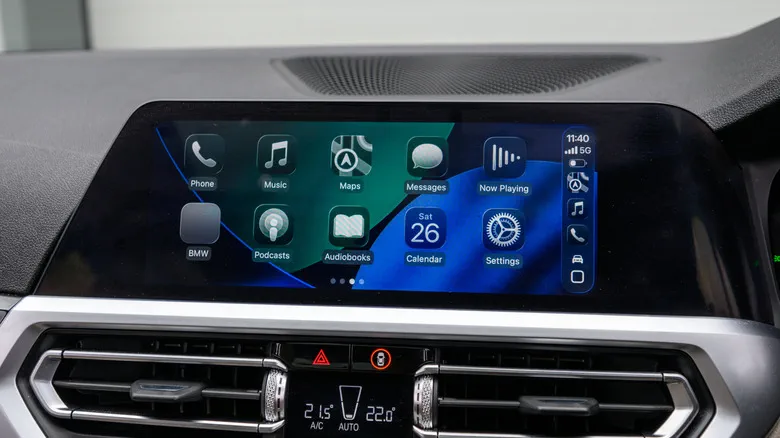 Photo: Engadget - Technology News & Expert Reviews (source)
The single most common consumer misunderstanding surrounding these adapters is what they can and cannot do. A wireless CarPlay adapter is a converter, not an independent operating system. It cannot add Apple CarPlay to an older vehicle or base-model infotainment setup that lacks factory-installed wired CarPlay.
If your vehicle requires you to plug your iPhone into a specific USB data port to bring up CarPlay on your dashboard screen, an adapter will work. If your vehicle only supports standard Bluetooth audio and hands-free calling, plugging in a wireless adapter will accomplish nothing. In the latter scenario, your only options are replacing your in-dash stereo with a CarPlay-compatible aftermarket head unit or purchasing a standalone, dash-mounted portable CarPlay display screen.
Furthermore, physical port design matters. Vehicles built prior to 2020 typically utilize USB-A data ports, while newer vehicles frequently feature USB-C. Quality adapters bundle detachable USB-A to USB-C and USB-C to USB-C cables, avoiding the need for awkward third-party adapters that can degrade data transfer integrity.
Key Hardware Specs That Separate Good Adapters From E-Waste
Not all wireless dongles are engineered equally. When evaluating product listings, marketing buzzwords should take a back seat to four fundamental technical specifications:
- 5GHz Wi-Fi vs. 2.4GHz Wi-Fi: Never purchase an adapter limited to 2.4GHz. The 2.4GHz spectrum is heavily congested in metropolitan environments and lacks the throughput needed for low-latency video streaming, resulting in stuttering navigation and sluggish touch response. Look explicitly for dual-band or dedicated 5.0GHz to 5.8GHz Wi-Fi transmission.
- Bluetooth 5.0+ with Fast Auto-Reconnect: Cheap models often require manual re-pairing through your phone’s settings menu every time you run an errand. An adapter must support automated background reconnects within 10 to 25 seconds of starting the engine.
- Hardware Passthrough Support: Ensure the unit explicitly preserves vehicle hardware integration. This includes steering-wheel volume rockers, track skipping buttons, center-console rotary control dials, factory backup camera overrides, and the car's built-in microphone for hands-free Siri commands.
- Form Factor and Thermal Dissipation: Converting real-time video and maintaining a persistent Wi-Fi hotspot generates heat. Ultra-compact thumb drives may look clean, but dongles with vented casings or short pigtail cables resist thermal throttling far better during summer highway driving.
Leading Contenders: Comparing Top Wireless CarPlay Adapters
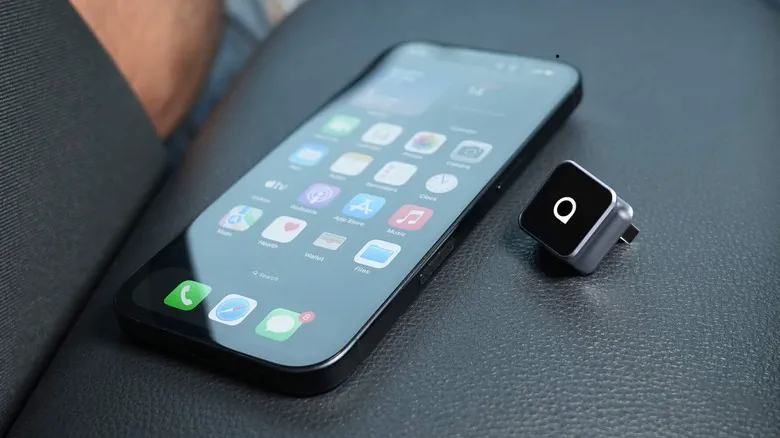 Photo: Engadget - Technology News & Expert Reviews (source)
Several hardware manufacturers have established reliable reputations in the wireless bridge space. Depending on your specific vehicle and ecosystem requirements, features and price points differ considerably.
| Model | Approximate Price | Wi-Fi / Bluetooth | Platform Support | Standout Features |
|---|---|---|---|---|
| Ottocast U2-AIR Pro | $60 – $80 | 5GHz / BT 5.2 | Apple CarPlay Only | Low-latency boot times, compact casing, rock-solid single-user stability |
| CarlinKit 5.0 (2air) | $55 – $75 | 5.8GHz / BT 5.0 | CarPlay & Android Auto | Dual-platform conversion, web-based firmware portal, budget-friendly |
| AAWireless TWO+ | $80 – $100 | 5GHz / BT 5.0 | CarPlay & Android Auto | Physical multifunction button for switching paired phones, companion management app |
| Amzfeel Mini | $35 – $45 | 5GHz / BT 5.0 | Apple CarPlay Only | Ultra-low entry cost, ultra-compact profile for tight center consoles |
| The Magic Box 3.0 | $250 – $350 | 5GHz / BT 5.0 | Standalone Android / Media | Full independent OS with streaming apps (Netflix/YouTube) during parked idle |
Real-World Trade-Offs: Latency, Heat, and Battery Drain
Even the highest-rated wireless CarPlay adapter introduces distinct operational compromises compared to a direct Lightning or USB-C cable connection. Prospective buyers should prepare for three core realities:
- The Audio Lag Penalty: Because the adapter must buffer wireless audio packets to prevent stuttering, there is an unavoidable 1-to-2-second latency delay between pressing skip on your steering wheel and hearing the next track change. While GPS voice navigation and phone calls are automatically synchronized, video sync will exhibit noticeable lag if you attempt to play a YouTube clip on your phone while parked.
- Increased Battery Drain: Wireless CarPlay relies heavily on your phone’s internal antennas and GPS chipset. On commutes longer than 45 minutes, battery drain accelerates significantly. Pairing a wireless adapter with a dedicated MagSafe magnetic dash mount or Qi wireless charging pad is recommended for longer road trips.
- Boot-Up Wait Times: A hardwired cable provides near-instantaneous screen projection within two seconds. An adapter must first boot its internal processor, broadcast a beacon, negotiate Bluetooth, and establish Wi-Fi, which typically takes anywhere from 12 to 25 seconds after turning the key.
Multi-Driver Households and the Firmware Problem
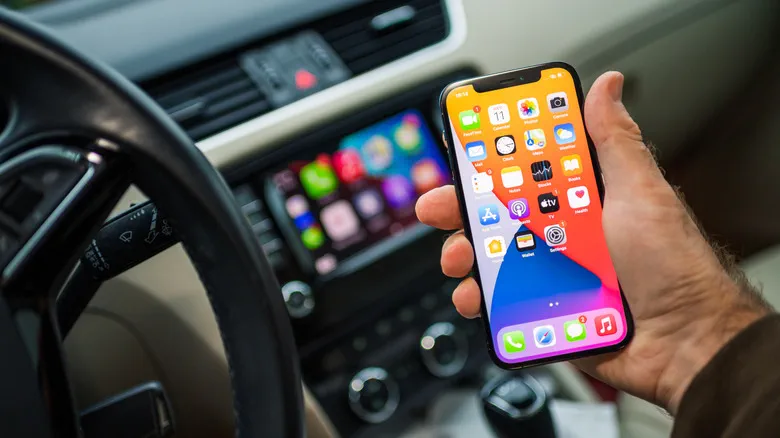 Photo: Engadget - Technology News & Expert Reviews (source)
Two areas where cheap adapters frequently fail are multi-device pairing and software lifecycle maintenance.
If two drivers regularly share the same car with their respective iPhones, many basic adapters automatically lock onto whichever device emits a Bluetooth signal first. This often results in the passenger’s phone unexpectedly taking over the dashboard display while backing out of the driveway. If this matches your household dynamic, prioritize adapters like the AAWireless TWO+, which incorporates an external physical button or companion mobile app that lets drivers actively select or switch between paired devices without unpairing.
Firmware maintenance is equally critical. When Apple releases major annual iOS updates, changes to underlying network security or CarPlay API handshakes can temporarily brick generic adapters. Established brands like CarlinKit and Ottocast circumvent this by embedding a local web server into the dongle. Users can connect their iPhone directly to the adapter’s local IP address (typically 192.168.50.2 in Safari) to download over-the-air (OTA) firmware patches, calibrate audio delay settings, and report diagnostic logs.
Practical Buying Advice: Choosing the Right Dongle
For daily commuters who take frequent short trips—running errands, picking up groceries, or heading to the office—a wireless CarPlay adapter represents one of the most rewarding quality-of-life upgrades available for under $80. Eliminating the need to pull your phone from a pocket or purse to access navigation and Spotify removes constant friction and saves wear and tear on your device's charging port.
However, long-haul highway drivers and ride-share contractors who keep their phones continuously tethered to high-output fast chargers may find standard wired CarPlay more practical. A hardwired connection guarantees zero audio latency, eliminates all wireless interference near high-voltage power lines or toll plazas, and charges your device at maximum speed.
If you decide to cut the cord, purchase from retailers with generous return windows. While modern dongles claim compatibility across roughly 800 vehicle models, edge-case infotainment quirks still occur in select European and domestic models. Thoroughly test steering wheel buttons, reverse camera handover, and phone call clarity during the initial return period.
FAQ
Can a wireless CarPlay adapter add CarPlay to any vehicle? No. Wireless CarPlay adapters only work in vehicles that already feature factory-installed or aftermarket wired Apple CarPlay. If your infotainment system does not support CarPlay over a USB cable, a wireless adapter will not function.
Do wireless CarPlay adapters cause audio delay? Yes, virtually all wireless adapters exhibit a roughly 1-to-2-second latency delay when skipping audio tracks or ending calls. This lag is caused by the Wi-Fi media cache buffer required to prevent audio dropouts while driving.
Can I watch Netflix or YouTube using a basic wireless CarPlay adapter? No. Standard adapters only mirror authorized Apple CarPlay navigation, communication, and audio applications for safety reasons. Playing video streaming services requires a significantly more expensive "AI Box" that runs its own independent Android operating system.
Will a wireless CarPlay adapter drain my iPhone battery? Yes, running simultaneous Wi-Fi data mirroring and background GPS navigation consumes noticeable battery power. For drives longer than 30 to 45 minutes, using a MagSafe or Qi wireless car charger alongside the adapter is strongly recommended.