Early buyers of Apple's flagship iPhone 18 Pro and iPhone 18 Pro Max are reporting an unexpected audio flaw: a recurring crackling, clicking, or popping sound emanating directly from the device's earpiece speaker. The complaints, which began surfacing across the MacRumors forums, Reddit, and Apple Support Communities less than two weeks after the lineup's September 18 retail debut, suggest that the problem manifests across both models during routine interactions.
While Apple has already begun deploying bug fixes for early iOS 27 stability problems, the audio glitch remains unresolved. For early adopters who spent four figures on Apple's premium titanium handsets, the persistent noises have introduced frustration into what was otherwise widely reviewed as a smooth generation launch.
What Users Are Experiencing: Crackles, Ticks, and Clicks
Affected users describe the audio anomaly in various ways, ranging from a faint metallic click or pop to an ongoing electric crackle. The noise is most commonly pinpointed to the top earpiece speaker—the hybrid speaker unit embedded at the top edge of the display that functions both as a call receiver and as the secondary channel in Apple's stereo speaker array.
For some owners, the crackle is heard consistently whenever any sound begins or ends playback. For others, the sound occurs randomly throughout everyday system navigation, even when media is paused. Common user-reported occurrences include:
- During cellular calls: A low-volume static click or pop interfering with incoming speech.
- Typing on the virtual keyboard: A subtle pop preceding or accompanying the iOS keyboard click sound.
- Receiving incoming alerts: Distorted ticking audible right before a notification chime plays.
- App switching and browsing: Intermittent clicking while scrolling through media-rich websites or opening social feeds.
Because the earpiece sits directly adjacent to the ear during voice calls, the intermittent ticking has proved particularly distracting for users relying on the handset for business or long phone conversations.
Triggers and Reproduction: From Airplane Mode to Display Brightness
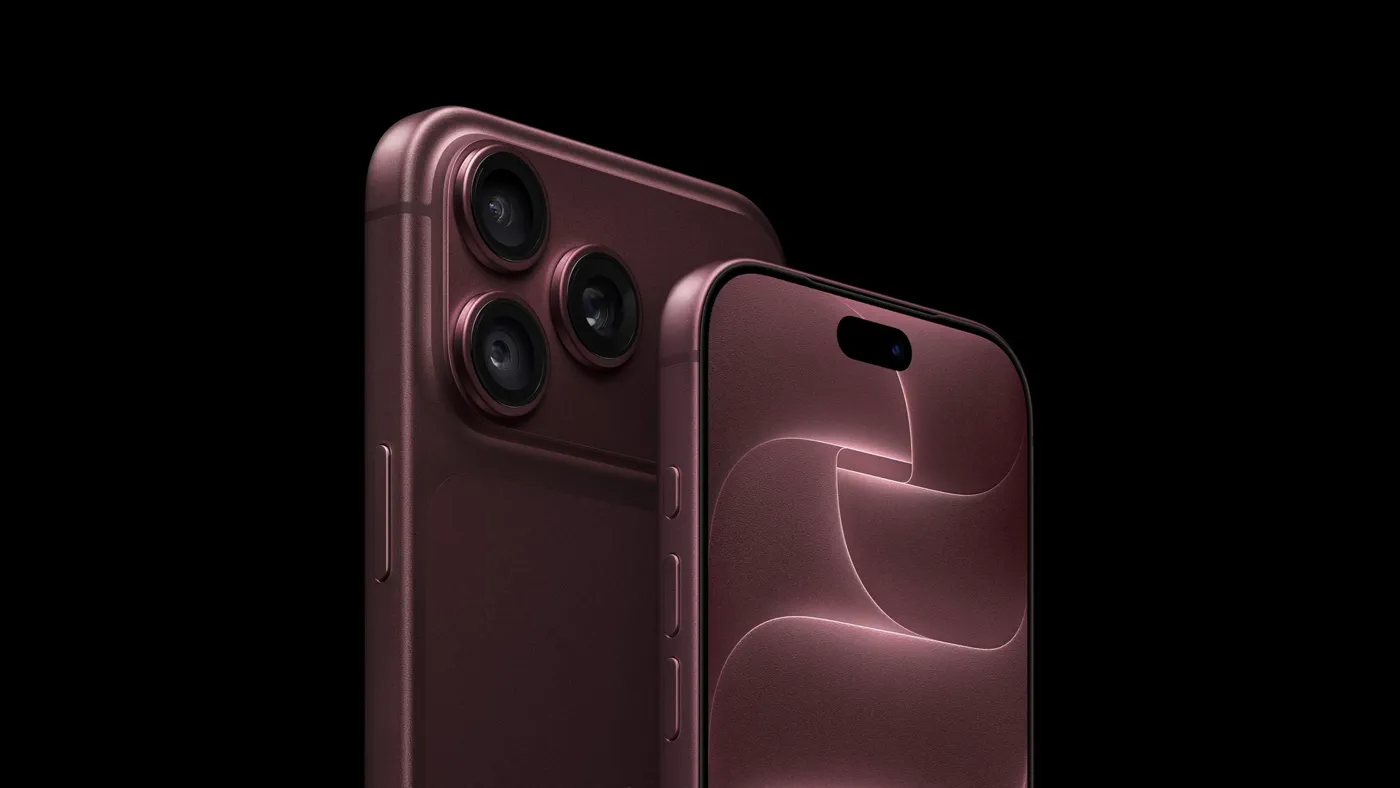 Photo: MacRumors: Mac News and Rumors - Front Page (source)
As forum members worked to diagnose the problem, several users discovered repeatable triggers that appear to activate the glitch on affected handsets.
One of the most widely verified triggers involves network state changes. Toggling Airplane Mode on and off in Control Center frequently causes an immediate pop or crackle from the earpiece speaker on affected units. Similarly, rapidly sliding the display brightness slider up and down inside Control Center causes a string of faint clicking sounds on several tested models.
These repeatable operational triggers strongly indicate that the speaker is reacting to internal voltage shifts, power state transitions, or radio frequency interference inside the chassis, rather than suffering from a physically torn speaker cone. When internal components cycle power quickly—such as the display backplane ramping luminance or baseband modems re-establishing cellular handshakes—an unshielded or uncalibrated audio driver circuit can pick up transient electrical noise and reproduce it through the speaker coil.
The iOS 27.0.1 Update Did Not Resolve the Issue
On Monday, September 28, Apple officially rolled out iOS 27.0.1, its first post-launch maintenance update designed to address zero-day bugs on the new lineup. Early adopters had hoped that the swift patch would squash the audio anomalies, but early feedback confirmed the noise remains unchanged.
Apple's official release notes for iOS 27.0.1 focused entirely on three distinct issues:
- Resolving an issue where iPhone 18 Pro and iPhone 18 Pro Max models unexpectedly restart when Face ID authentication fails inside biometric-protected apps.
- Fixing a color artifact that appeared on photos captured at 2x zoom under specific lighting conditions at f/1.48.
- Addressing a bug where opening Notification Center and Control Center simultaneously caused the touchscreen to freeze.
Because audio subsystems and speaker calibration were absent from the update documentation, it is evident that Apple’s engineering teams either were not yet finished diagnosing the speaker complaints or prioritized the severe Face ID kernel crash for immediate resolution.
iPhone 18 Pro Lineup: Hardware and Specs Overview
 Photo: wikipedia.org (source)
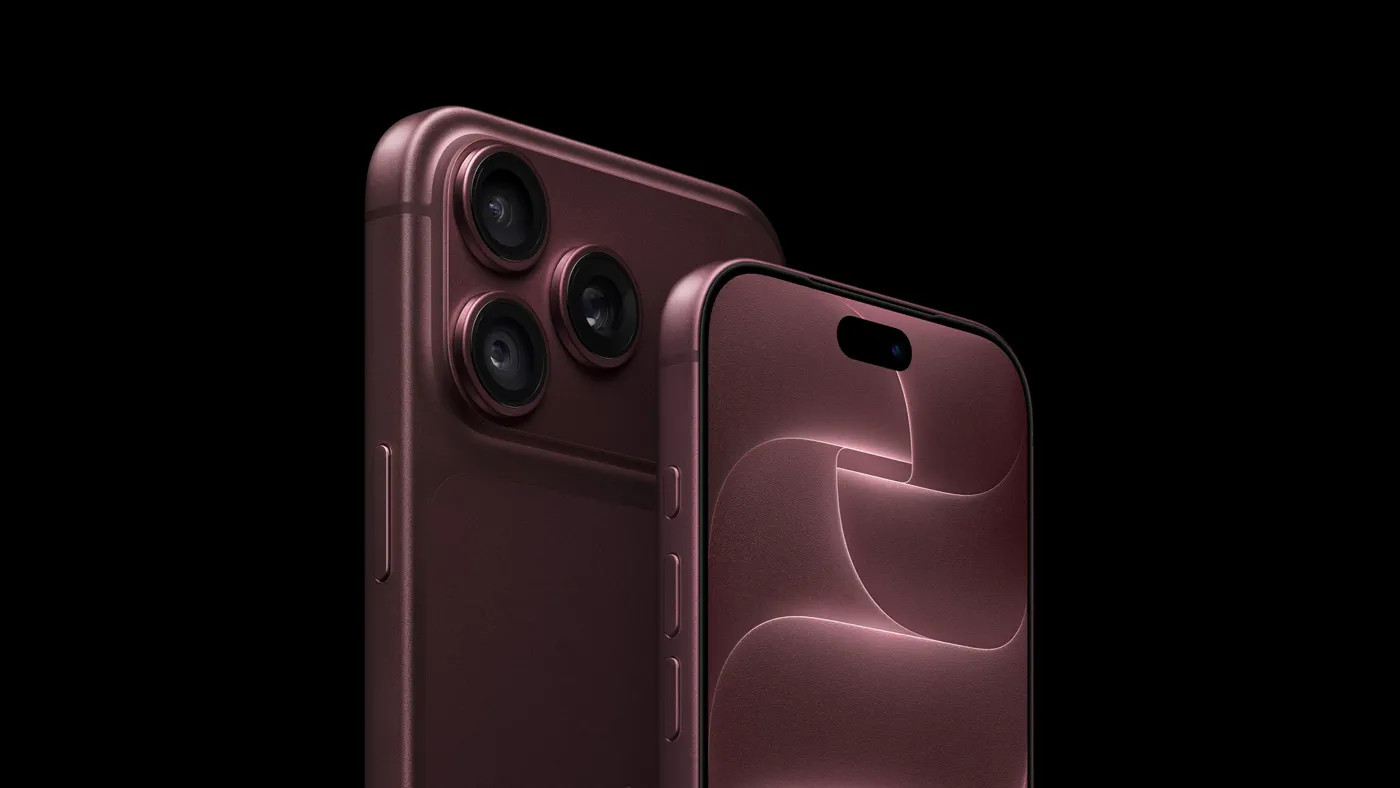
The audio issue lands against the backdrop of an otherwise major generational hardware revamp. Announced on September 9 at Apple's Cupertino event and released globally on September 18, the iPhone 18 Pro family features Apple's 2-nanometer A20 Pro silicon, a refined thermal layout with an internal vapor chamber, and a redesigned display incorporating a smaller Dynamic Island.
| Specification / Feature | iPhone 18 Pro | iPhone 18 Pro Max |
|---|---|---|
| Display Size | 6.3 inches (Super Retina XDR OLED) | 6.9 inches (Super Retina XDR OLED) |
| Processor | Apple A20 Pro (2nm) | Apple A20 Pro (2nm) |
| Base Storage | 256 GB | 256 GB |
| Starting Price (US) | $1,099 | $1,199 |
| Thermal System | Vapor Chamber Integration | Vapor Chamber Integration |
| Face ID Hardware | Sub-display IR receiver array | Sub-display IR receiver array |
| Main Camera | 48MP Fusion (Variable Aperture) | 48MP Fusion (Variable Aperture) |
| Available Colors | Black, Silver, Glacier, Burgundy | Black, Silver, Glacier, Burgundy |
| Audio Hardware | Stereo speakers (earpiece + bottom) | Stereo speakers (earpiece + bottom) |
| Initial OS Build | iOS 27 (Current: iOS 27.0.1) | iOS 27 (Current: iOS 27.0.1) |
Because both models share identical acoustic front-end architecture and the same earpiece transducer module, the crackling noise appears proportionally across both form factors rather than being isolated to the larger chassis.
A Familiar Pattern: Apple's History with Early Audio Glitches
Launch-window audio hiccups are not unprecedented for new iPhone generations. When the iPhone 15 Pro family launched, users reported rattling and buzzing sounds at peak volume levels. Similarly, iPhone 16 Pro and iPhone 17 Pro Max models experienced low-volume clicking, popping when adjusting audio tracks, and static hissing when connected to high-wattage USB-C chargers.
In most of those historical instances, the cause turned out to be software-related driver gain management or amplifier power gating, rather than blown hardware transducers. Apple successfully adjusted amplifier curve tables, clamped peak digital gain, and suppressed standby static via subsequent minor point releases (such as iOS 18.1). If the iPhone 18 Pro issue stems from similar digital signal processing (DSP) initialization bugs, an operating system patch could solve it cleanly.
Hardware Defect or Firmware Bug? Why Swapping Phones May Not Help
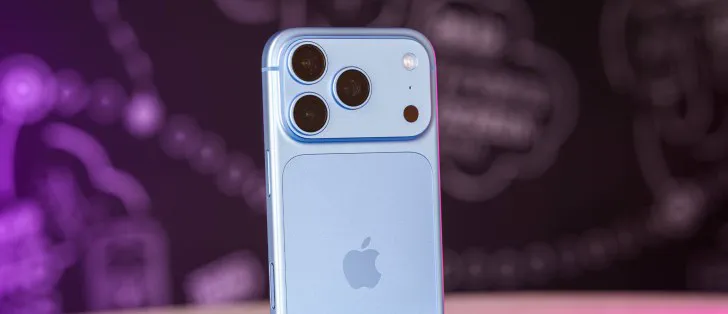 Photo: gsmarena.com (source)
Several early buyers who immediately took their crackling iPhone 18 Pro handsets to Apple Store Genius Bars have encountered a frustrating discovery: retail replacement units often suffer from the identical crackle out of the box.
When multiple successive units exhibit the exact same anomaly under identical software triggers (such as brightness toggling or Airplane Mode switching), the issue is rarely an isolated manufacturing assembly defect. Swapping an affected phone at retail currently risks wasting time, as replacement stock from initial production batches runs identical firmware profiles.
Unless a phone exhibits physical sound degradation—such as complete silence, heavy mechanical distortion during basic music playback, or an inability to pass hardware diagnostics—technicians and community moderators suggest holding off on immediate device exchanges while software investigations continue.
Practical Advice for Affected iPhone 18 Pro Owners
If you have noticed popping or ticking noises from your iPhone 18 Pro or Pro Max earpiece, taking the following structured steps will protect your purchase options while minimizing daily annoyance:
- Test and document the triggers: Check if your device pops when toggling Airplane Mode or adjusting screen brightness in a quiet room. If the sound occurs only during specific actions, note them down.
- Keep your return window in mind: Apple provides a 14-day standard return window for purchases made directly through Apple Stores or Apple.com. If the crackling is severe enough that you cannot tolerate waiting for a patch, returning the handset within 14 days for a full refund is safer than entering a loop of warranty swaps.
- Avoid unnecessary device replacements: Because replacement devices are running the same initial software and hardware batch, an immediate swap may not resolve the clicking.
- File official diagnostic feedback: Submit a bug report via Apple Support or Apple's Feedback Assistant tool. The more users who submit logs pinpointing the earpiece sound, the faster engineering teams can isolate the responsible driver.
- Keep software updated: Ensure iOS 27.0.1 is installed to clear critical Face ID restart bugs, and watch closely for an upcoming iOS 27.0.2 or iOS 27.1 release.
What Happens Next: Unanswered Questions and Future Fixes
Apple has not yet issued an official public statement addressing the speaker complaints, leaving buyers uncertain whether the solution will arrive via a rapid software patch or if certain manufacturing runs will require warranty servicing.
Historically, Apple monitors early launch feedback threads closely. With iOS 27.1 already in active development, Apple engineers are likely examining audio HAL (Hardware Abstraction Layer) logs to determine whether firmware adjustments to the earpiece amplifier can eliminate the clicking. Until Apple acknowledges the issue or delivers a targeted firmware fix, affected users will have to decide whether to wait out the software cycle or return their devices before their retail trial periods expire.
FAQ
Which iPhone models are experiencing the speaker crackle?
The issue is primarily reported on the iPhone 18 Pro and iPhone 18 Pro Max. Standard base models and older generation iPhones running iOS 27 have not shown widespread reports of this specific clicking behavior.
Did the iOS 27.0.1 update fix the speaker popping?
No, iOS 27.0.1 focused on patching a Face ID restart bug, a 2x camera artifact, and a Control Center touch unresponsiveness issue. It did not include audio firmware patches, and affected users confirm the crackling persists after updating.
Will exchanging my iPhone 18 Pro at the Apple Store fix the noise?
Not necessarily. Several customers who returned their affected devices for replacement units received new handsets that exhibited the exact same clicking and crackling sounds.
How can I easily test if my iPhone 18 Pro has the issue?
In a quiet room, open Control Center and toggle Airplane Mode on and off, or quickly move the display brightness slider up and down. If your unit is affected, you will likely hear a faint pop, tick, or click from the top earpiece speaker during those transitions.
Is the crackling sound damaging my speaker hardware?
There is no evidence that the low-level crackling or popping causes physical damage to the speaker driver. In most cases, these sounds represent minor signal interference or audio amplifier wake/sleep transitions handled at the software layer.