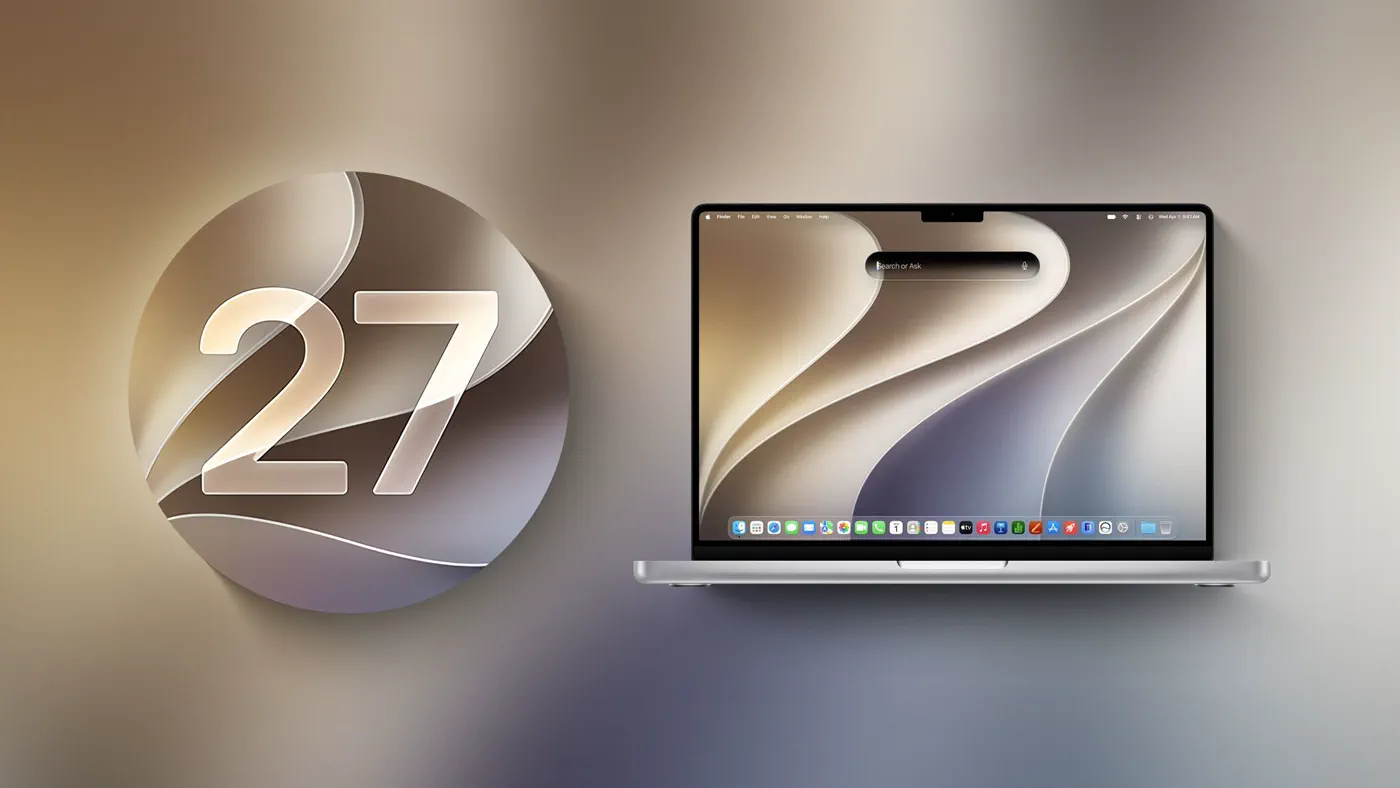
Apple officially released macOS Golden Gate on September 14, 2026, marking the operating system's historic transition into an Apple silicon-exclusive platform. By dropping compatibility for every remaining Intel-powered Mac, Apple has stripped away decades of backward-facing architecture to streamline its software foundation.
With macOS Golden Gate (version 27), Apple has begun aggressively retiring legacy protocols, old system utilities, and outdated storage conventions. The software housecleaning does not stop here: internal roadmaps and developer warnings confirm that macOS 28, slated for release in fall 2027, will execute an even steeper purge of lingering Intel translation components and vintage file formatting. For anyone relying on legacy workflows, older external drives, or x86 apps, the rules of the Mac ecosystem have permanently changed.
The Clean Break: What Apple Cut in macOS Golden Gate
The headline departure in macOS Golden Gate is the total removal of support for Intel Mac hardware. Computers such as the 2020 Intel iMac and the 2019 Mac Pro can no longer update to the latest major software release, capping their operating life at macOS Tahoe. While Apple plans to deliver security updates for macOS Tahoe through fall 2028, feature development for Intel hardware is finished.
Removing Intel support enabled Apple to scrap several long-standing utilities and network services from macOS Golden Gate:
- Boot Camp Assistant: Because Apple silicon utilizes unified memory and an ARM64 instruction set, bare-metal Windows dual-booting via Boot Camp is impossible. With Intel Macs dropped, Apple removed the Boot Camp Assistant entirely.
- Apple Filing Protocol (AFP): First introduced during the System 6 era, AFP has been fully stripped of its client code after being formally deprecated in macOS Sequoia 15.5. Golden Gate cannot connect to legacy AFP file shares.
- AirPort Utility: Apple no longer pre-installs the AirPort Utility. While machines updated with the app intact may still launch it, fresh installations exclude it, and Apple offers no functionality guarantees for managing vintage AirPort Extreme or Express base stations.
- Time Capsule Backups: Because Apple Time Capsules rely on AFP or the insecure SMBv1 protocol to establish network volumes, macOS Golden Gate breaks Time Machine backups to these legacy hardware units. Time Machine now exclusively supports SMBv2 and SMBv3 protocols.
Watch: macOS 27 Released! What's New?

Video: MacVince on YouTube
Feature Removals and Hardware Drops: The Breakdown
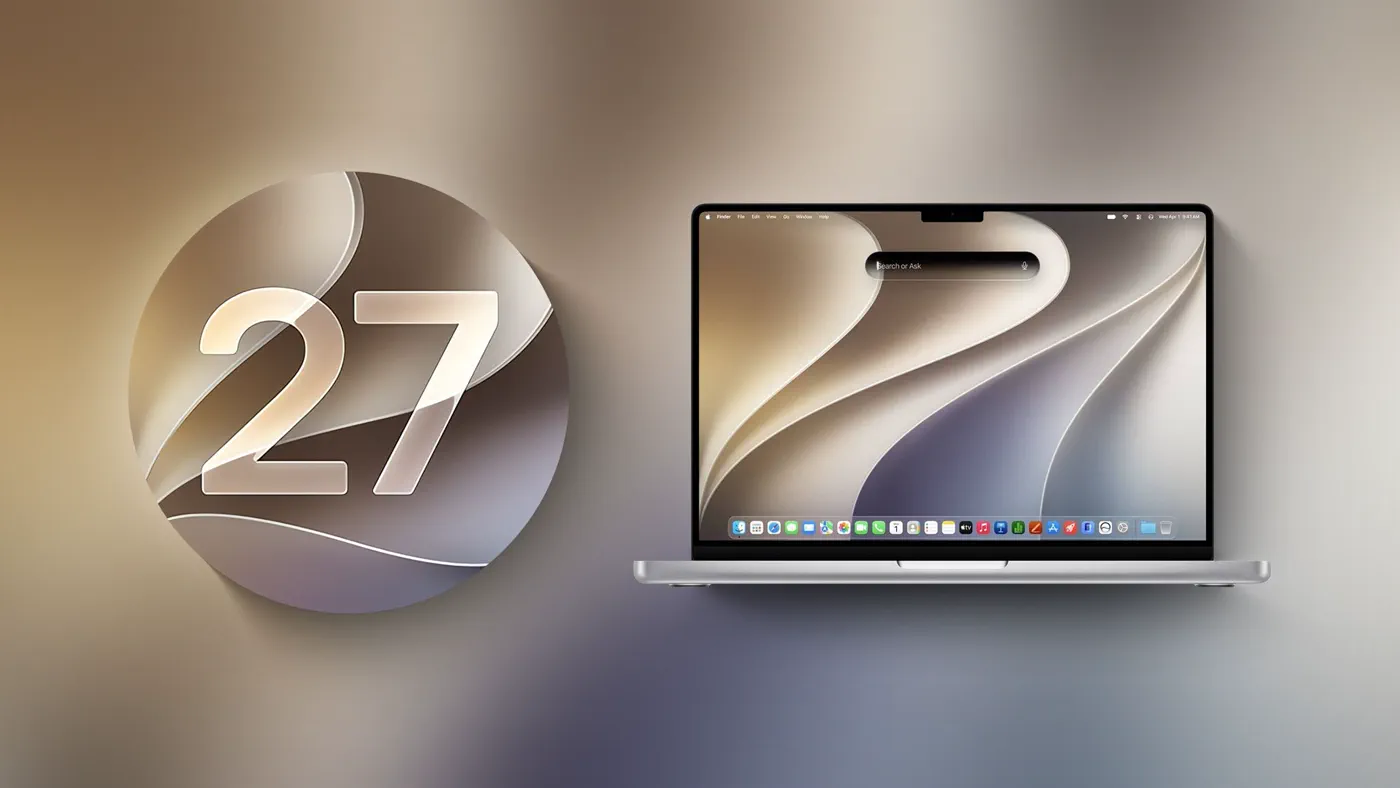 Photo: MacRumors: Mac News and Rumors - Front Page (source)
To understand the speed of Apple's architecture transition, here is how operating system capabilities shift from macOS Tahoe through macOS Golden Gate and into next year's macOS 28:
| Capability / Feature | macOS Tahoe (macOS 26) | macOS Golden Gate (macOS 27) | macOS 28 (Expected Fall 2027) |
|---|---|---|---|
| Intel Hardware Support | Supported (2019 Mac Pro, 2020 iMac) | Dropped (Apple silicon only) | Dropped (Apple silicon only) |
| Boot Camp Assistant | Available on Intel hardware | Removed completely | Removed completely |
| Rosetta 2 Translation | Fully integrated by default | Last release with full support; installed on demand | Sunset for most apps; exceptions for select games |
| AFP Network Client | Deprecated | Removed completely | Removed completely |
| Time Capsule Support | Functional over legacy AFP/SMBv1 | Broken (Requires SMBv2/SMBv3) | Broken |
| Encrypted HFS+ Volumes | Supported | Supported (warnings displayed) | Dropped (Volumes will not mount) |
| Installer File Size | Approximately 19GB | Reduced to approximately 17GB | Projected sub-16GB |
The Road to macOS 27: Ending the Intel Era
When Apple unveiled Apple silicon at WWDC in June 2020, the company projected a two-year hardware transition. While the hardware transition concluded with the M2 Mac Pro in 2023, software maintenance for Intel machines persisted far longer. Maintaining two disparate system architectures forced Apple engineers to compile, optimize, and test universal binaries, kernel extensions, and security layers across both x86_64 and ARM64 platforms.
By severing ties with Intel processors in macOS Golden Gate, Apple trimmed roughly 2GB from the primary operating system installer, shrinking the package from 19GB in Tahoe to 17GB in Golden Gate. A clean install demands roughly 30GB to 35GB of free storage before personal files and applications are added, but system overhead is noticeably leaner. Stripping legacy x86 code paths has also yielded foundational improvements in Spotlight index times, background scheduling, and AirDrop transfer speeds.
Rosetta 2 and Legacy Protocols: Comparing the Shift
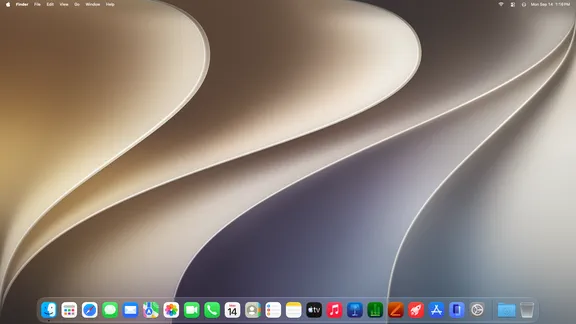 Photo: wikipedia.org (source)
Rosetta 2 served as the crucial bridge during Apple's transition, allowing Apple silicon Macs to execute instructions compiled for Intel x86_64 processors smoothly. In macOS Golden Gate, Rosetta 2 is entering its twilight. Upgrading to Golden Gate temporarily uninstalls the translation layer. If a user launches an Intel-compiled program, the operating system prompts them to reinstall Rosetta 2 over the internet, and a persistent notification warns that the app relies on deprecated technology.
Apple has also added an audit interface inside System Settings > General > About > Intel-based Apps. Users can inspect every non-native binary on their internal drives, with direct shortcuts to reveal them in Finder or delete them. This shift mirrors Apple's historic phaseout of the original PowerPC-to-Intel Rosetta, which shipped in OS X 10.4 Tiger in 2006, became an optional installation in 10.6 Snow Leopard, and was completely removed in 10.7 Lion.
The removal of the Apple Filing Protocol marks a similar technological finality. Apple stopped developing AFP more than a decade ago, steering macOS users toward SMB (Server Message Block). By dropping AFP support entirely, legacy network-attached storage (NAS) devices and AirPort Time Capsules that rely on older handshakes are cut off from modern Mac workflows.
Community and Developer Reactions
The software cuts in macOS Golden Gate have generated mixed reactions across enterprise IT and creative fields. IT administrators hosting Mac mini build servers noted the transition simplifies fleet management, with server deployment services highlighting that removing Intel complexity unifies base images across client infrastructure. However, university tech departments and enterprise IT teams have cautioned users against rushing into the update due to compatibility issues with specialized software.
Among consumers, the loss of Time Capsule functionality sparked frustration on community forums from owners of functional, vintage Apple networking gear. For developers running niche CAD software, specialized plugin packages, and older digital audio workstations that never made the native ARM jump, the pending death of Rosetta 2 represents a hard deadline. Specialized software providers like AccountEdge and CodeWeavers have confirmed that major commercial products are racing to deliver fully native Apple silicon engines before Rosetta support closes.
What macOS Golden Gate and macOS 28 Mean for Users
 Photo: shattered.io (source)
If you own an Apple silicon Mac (M1 through M5) running macOS Golden Gate, the user experience is generally faster and more responsive, but regular maintenance is necessary:
- Audit Your Apps Now: Open System Settings > General > About and review your Intel-based Apps list. Contact developers for universal binary updates or seek native alternatives before updating to macOS 28 next year.
- Retire Time Capsules: If you back up to an AirPort Time Capsule, switch to a local external SSD or a network NAS device configured for SMBv2 or SMBv3 encryption.
- Check External Drive Encryption: Apple published guidance confirming that macOS 28 will drop support for encrypted Mac OS Extended (HFS+) drives. If you use an external drive formatted as Mac OS Extended (Journaled, Encrypted), back up its data, decrypt it via Disk Utility, and reformat it as APFS Encrypted.
- Windows Emulation: If you rely on Windows, Boot Camp is gone for good. You will need a virtualization platform such as Parallels Desktop or VMware Fusion to run ARM-compatible versions of Windows 11.
Looking Ahead: macOS 28 and the Final Purge
macOS Golden Gate represents the intermediate phase of Apple's architectural cleanup, but macOS 28 in fall 2027 will complete the separation. In macOS 28, Apple will sunset Rosetta 2 for standard productivity applications. While Apple is preparing isolated compatibility exceptions for certain unmaintained legacy video games, general x86 commercial software will no longer open.
Furthermore, macOS 28 will reject any external hard drive formatted using legacy Core Storage encrypted HFS+ volumes, simply refusing to mount them until they are decrypted. Through these moves, Apple intends to purge hundreds of megabytes of legacy code, unify its security models around APFS, and complete a seven-year migration to pure Apple silicon.
FAQ
Can an Intel Mac be upgraded to macOS Golden Gate? No, macOS Golden Gate requires an Apple silicon Mac and completely drops support for all Intel processors. Intel Macs remain on macOS Tahoe, which will continue receiving security patches through fall 2028.
Can I still run Windows on my Mac in macOS Golden Gate? Yes, but only via virtualization software like Parallels Desktop or VMware Fusion running the ARM version of Windows. Boot Camp Assistant has been entirely removed from the operating system.
Why does my Apple Time Capsule no longer connect for backups? macOS Golden Gate drops support for the legacy Apple Filing Protocol (AFP) and SMBv1. Because Time Capsule hardware relies on these outdated networking standards and Time Machine now requires SMBv2 or SMBv3, network backups to Time Capsules will fail.
Will Rosetta 2 apps work in macOS 28? Most legacy Intel apps will not run when macOS 28 launches in fall 2027. Apple is sunsetting general Rosetta 2 translation, though company support documents indicate limited compatibility exceptions will remain for select unmaintained games.
What should I do if I use an encrypted Mac OS Extended (HFS+) external drive? Decrypt the drive in Disk Utility or transfer your files to a modern drive formatted with APFS Encrypted. While macOS Golden Gate still reads encrypted HFS+ drives, macOS 28 will refuse to mount them entirely.