For more than a decade, smartphone manufacturers have engineered devices so users can eject and insert physical SIM cards without performing a full system shutdown. Yet while you technically do not have to turn off your phone to switch cards, taking a few extra seconds to power down—or at least toggling airplane mode—remains the smartest practice to avoid unexpected software headaches and hardware damage.
Swapping a physical SIM card is no longer an everyday routine for most mobile users. However, the task still arises when switching to a mobile virtual network operator (MVNO) to cut monthly bills, grabbing an inexpensive local card while traveling overseas, or sliding in a replacement sent by a carrier. Understanding how your phone handles that connection ensures your new line activates without frustrating interruptions.
The Reality of SIM Hot-Swapping on Modern Smartphones
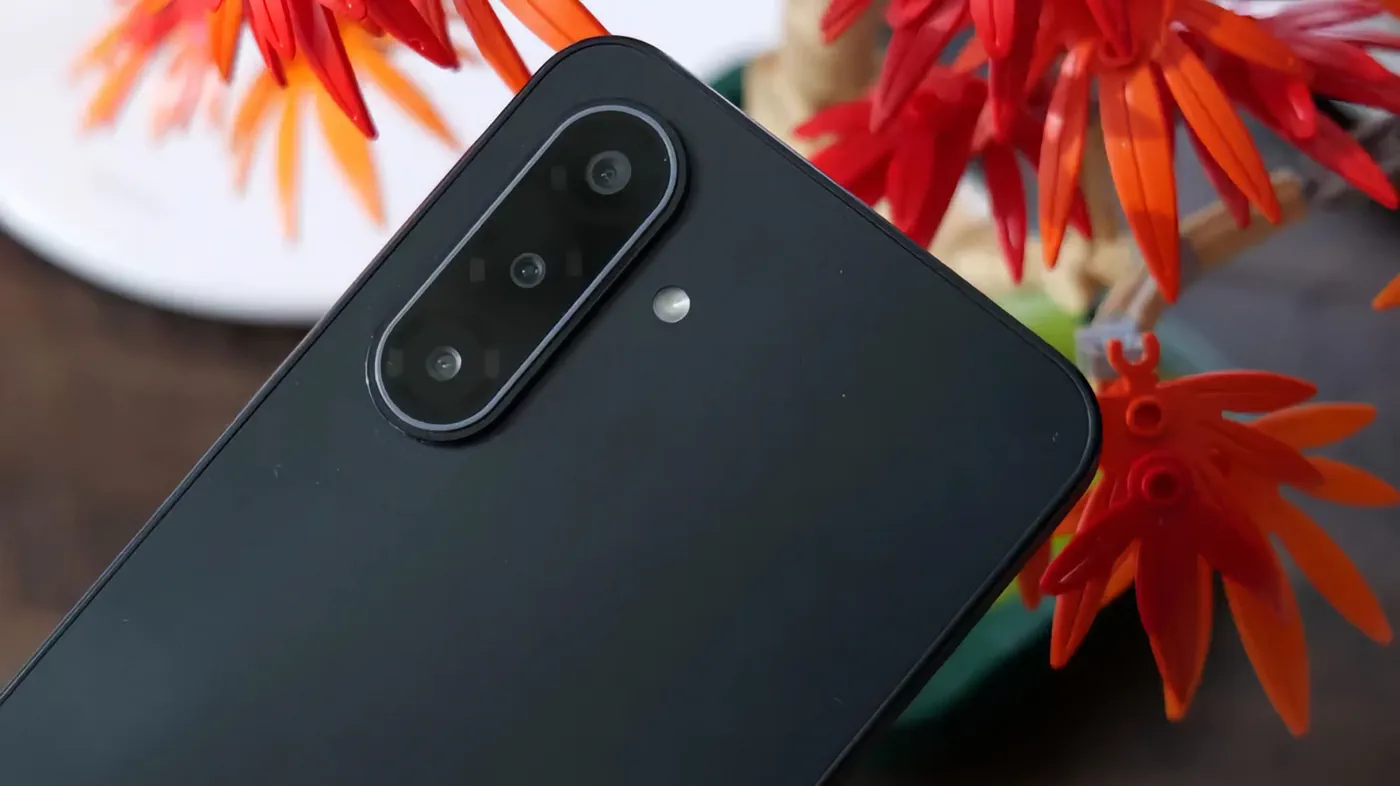
On modern devices, physical SIM swapping relies on a capability known as hot-swapping. When you push an ejection tool into the pinhole on the side of your handset, the internal tray pops out, disengaging the physical gold contact pads on the nano-SIM from the interior spring-loaded pins inside the slot.
Modern smartphone operating systems, including Android and iOS, detect this hardware disconnection instantly. The operating system alerts the baseband processor that the subscriber identity module has been removed, immediately severing all cellular voice, SMS, and data connectivity. When you slide a new SIM card into place, the phone reads the integrated circuit chip, authenticates the international mobile subscriber identity (IMSI), and starts negotiating a handshake with compatible local cellular towers.
Because this process happens dynamically in the background, you do not need to power down your phone simply to keep the device operational. You can technically perform the entire swap while watching a video or browsing a website over Wi-Fi. Nevertheless, the fact that you can do something does not always mean you should.
What Actually Happens When You Swap Without Powering Down
While hardware-level hot-swapping works seamlessly under ideal conditions, carrier software handshakes are noticeably more finicky. When a phone switches cellular providers on the fly, it must clear out its existing cellular radio state and reload an entirely new set of carrier configuration profiles.
These configurations govern critical device parameters:
- Access Point Name (APN) settings: The specific gateway configurations required for your mobile device to connect to the cellular data network.
- Carrier bundles: Network-specific provisioning files that enable Voice over LTE (VoLTE), Wi-Fi Calling, 5G standalone access, and visual voicemail.
- MMS routing rules: Instructions your device needs to send and receive multimedia messages over cellular data channels.
When a SIM card is swapped while the device remains fully powered on, background network processes can occasionally stall. The baseband modem may continue trying to connect using cached credentials from your previous network, resulting in persistent "No Service," "Invalid SIM," or "SIM Failure" status alerts. In other cases, phone calls will connect, but mobile data will fail to route because the newly required APN profiles were not cleanly loaded into system memory.
A full system shutdown wipes the cellular modem's temporary cache and forces the operating system to read the SIM afresh during the initial boot cycle. That clean initialization prevents the vast majority of software-level activation bugs.
Physical and Hardware Risks: Trays, Pins, and Shared microSD Slots
The software layer is only half the equation; the physical mechanics of switching cards carry genuine hardware risks. The interior pins inside a smartphone's SIM slot are delicate metallic prongs bent at precise angles to maintain contact with the SIM card's golden surface pads. Inserting a card upside down, forcing a warped tray, or applying lateral force while the internal reader is energized can bend those pins or cause microscopic electrical shorts across closely spaced contact surfaces.
Environmental contamination is another hazard. Ejecting the tray exposes an opening directly into the device's internal chassis. If lint, dust, or small droplets of moisture enter the slot while the phone is powered on, they can interfere with contact resistance or bridge internal circuits.
For Android owners, there is an even bigger danger: hybrid expansion trays. While iPhones do not offer expandable storage, many Android devices combine a nano-SIM slot and a microSD card slot on the very same plastic or aluminum tray.
If you eject a hybrid tray while the phone is running without first properly unmounting the memory card, you are yanking out external storage while the operating system might be actively reading or writing files. Doing so can lead to corrupted file tables, broken media libraries, or permanent data loss. On Samsung devices, users must go into the My Files app or Settings > Storage, locate the SD Card entry, tap the menu, and choose Unmount prior to ejection. Powering off the phone beforehand completely eliminates this risk by ensuring all open read/write operations safely terminate.
How We Got Here: From Removable Batteries to Dynamic Detection
In the early eras of GSM mobile phones, the question of whether to shut down before switching SIM cards never existed. Phones featured removable rear covers and chunky lithium-ion batteries. The SIM card holder was physically wedged underneath the battery cell, meaning users had to physically remove the power source before touching the SIM. A shutdown was an unavoidable physical requirement.
That dynamic changed dramatically when manufacturers shifted toward sealed unibody metal and glass enclosures. Apple popularized the exterior pin-eject tray with the original iPhone, and the rest of the industry quickly followed. By the release of Android 6.0 Marshmallow, mobile platforms and modem suppliers like Qualcomm had introduced automated radio-power gating and hot-swap detection. While modern hardware is capable of on-the-fly swaps, carrier networks and firmware protocols still frequently rely on legacy handshakes that expect a clean, powered-down start.
Physical SIM vs. eSIM: Everyday Differences and Trade-Offs
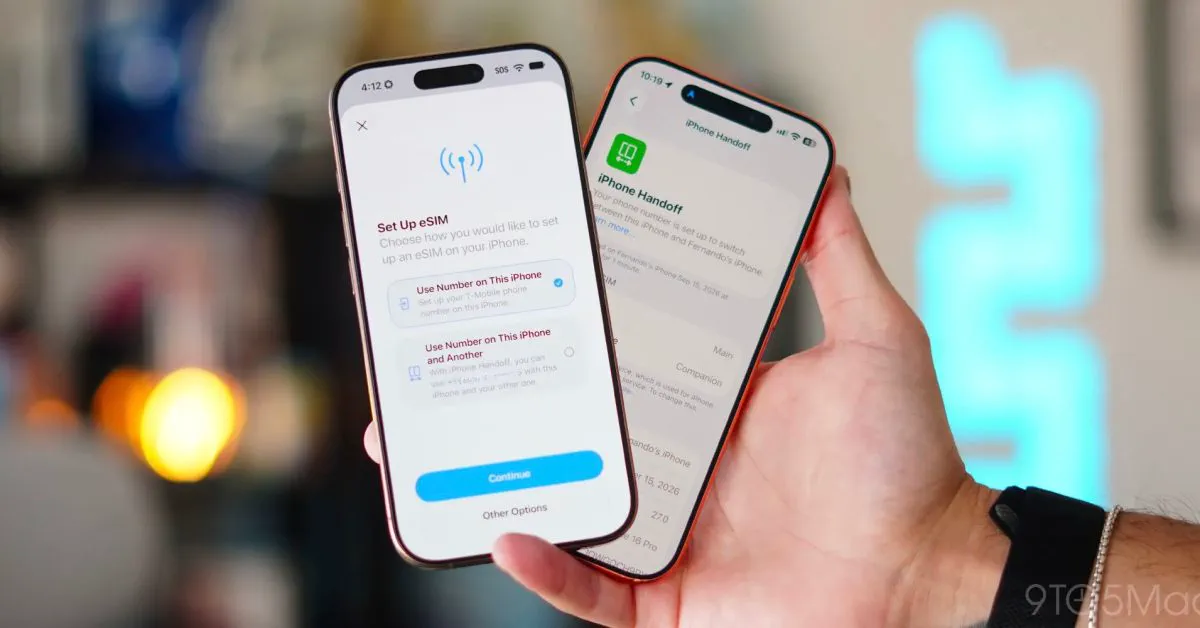
The ongoing debate over SIM handling is increasingly shaped by the transition to eSIM (embedded SIM) technology. Beginning with the iPhone 14 family in the United States, Apple removed physical SIM trays entirely, requiring users to activate plans digitally. However, global models of the iPhone and the overwhelming majority of Android devices worldwide still include physical trays.
| Feature | Physical SIM Card | Digital eSIM |
|---|---|---|
| Mechanism | Removable plastic card with metallic chip | Reprogrammable chip soldered to motherboard |
| Swapping Method | Physical tray ejection with pin tool | QR code, carrier app, or digital transfer |
| Hardware Wear Risk | Bent pins, tray damage, dust ingress | None (no moving mechanical components) |
| Card Multi-Storage | One or two cards per tray slot | Often 8 or more stored profiles on device |
| International Use | Easy over-the-counter local prepaid purchase | Requires carrier app, account setup, or Wi-Fi |
| Storage Tray Impact | Can share tray with microSD expansion | Free of external tray mechanics |
| Power Down Needed? | Recommended to avoid radio/tray issues | No power cycle needed for profile changes |
Despite the rise of eSIM, physical cards remain deeply popular. International travelers frequently rely on physical SIMs because buying an over-the-counter prepaid card at an airport kiosk or convenience store requires zero online account creation or Wi-Fi provisioning. Privacy-conscious users also favor physical cards for burner numbers and prepaid plans that do not link directly to a digital account profile.
What Carriers and Device Makers Actually Recommend
While phone reviewers and casual users frequently swap cards without turning their devices off, official carrier support documentation tells a very different story. Major mobile providers like AT&T Wireless and MVNOs like Lyca Mobile consistently list a system power-down as Step 1 in their official SIM installation guides.
Apple’s consumer support pages do not strictly mandate powering down iPhones before using a SIM ejector tool, but Apple support staff and carrier technicians routinely recommend a force restart if a newly inserted card fails to establish an immediate connection. Google’s Pixel hardware documentation similarly encourages turning devices off during SIM handling to protect against electrostatic discharge and ensure immediate carrier identification.
When a consumer calls customer support to report that a newly inserted card shows "No Service," the technician's very first troubleshooting prompt is almost universally: "Have you tried restarting your phone?" Powering down before the swap prevents that support call from being necessary in the first place.
Step-by-Step: The Safest Ways to Change Your SIM Card
If you need to change your physical SIM card, there are two primary methods that ensure a seamless transition without modem hang-ups.
Method 1: The Full Power-Down (Safest)
- If your Android device utilizes a shared tray holding a microSD card, navigate to storage settings and unmount the SD card.
- Power down your smartphone completely and wait until the screen turns fully dark.
- Insert your SIM ejector tool or a sturdy, unbent paperclip straight into the tray hole, pressing firmly until the tray dislodges.
- Remove the old card and place the new nano-SIM into the tray, aligning the angled notch to ensure it sits flat.
- Gently slide the tray back into the phone until it sits flush against the chassis.
- Turn the smartphone back on and enter your device PIN or SIM PIN if prompted.
Method 2: The 30-Second Airplane Mode Workaround
If you are in a rush and do not want to wait through a complete operating system reboot, you can use the airplane mode shortcut:
- Turn on Airplane Mode from your quick settings or Control Center.
- Wait 30 seconds to allow baseband radios, modem power rails, and cellular processes to cleanly go dormant.
- Eject the tray, switch your SIM card, and reseat the tray.
- Turn Airplane Mode off.
This simple sequence forces the modem to perform a fresh tower search and re-read the SIM profile without requiring a time-consuming device reboot.
The Future of SIM Trays: Will the Slot Disappear Entirely?
The debate over hot-swapping physical SIM cards will eventually become obsolete as the industry transitions toward fully digital connectivity. Apple has already led the charge in the United States, and manufacturers are exploring internal space savings by replacing physical trays with larger batteries, better thermal vapor chambers, and slimmer chassis designs.
Beyond eSIM, semiconductor manufacturers are actively rolling out integrated SIM (iSIM) technology, which embeds the cellular subscriber identity directly into the main mobile processor die. However, because hundreds of cellular networks across Africa, Asia, and Latin America still rely heavily on over-the-counter physical distribution, physical SIM trays are projected to remain a staple of mid-range and global flagships for years to come. Whenever you do need to open that tiny tray, taking a few moments to turn off your phone remains the easiest way to keep your hardware safe and your service connected.
FAQ
Can removing a SIM card while my phone is turned on physically break the card? In most cases, no, as modern mobile modems have protective circuits that prevent sudden electrical spikes. However, pulling the card out at an angle while energized carries a tiny risk of shorting contact pins or bending internal prongs.
Why does my phone say "No SIM" or "No Service" after swapping cards while powered on? This usually occurs when the cellular baseband does not automatically refresh its network configuration profiles or APN settings. Performing a restart or cycling airplane mode forces the modem to clear its cached data and read the newly inserted card.
Do I need to unmount my microSD card before swapping a SIM? Yes, if your Android phone uses a shared hybrid tray holding both a nano-SIM and a microSD card. Ejecting the tray without unmounting the storage card can interrupt active read/write operations and corrupt your stored photos and documents.
Does removing my SIM card erase my contacts, photos, or text messages? No. Modern smartphones store apps, photos, messages, and contacts in internal flash storage or cloud backups, not on the SIM card chip. Removing the card only disables access to cellular phone calls, SMS texts, and carrier mobile data.
What should I do if my phone does not connect to the network after turning it back on? Check that the card is properly seated flat in the tray with the angled corner matching the tray outline. If the alignment is correct, verify that your phone is carrier-unlocked and check Settings > General > About (iOS) or Settings > About Phone (Android) to ensure carrier settings have updated.